Learn OmniSchema Operations
Short videos that show you, step by step, how to set up OmniSchema, build your system, run your company, and use it on a phone. Watch them before you sign up, or come back whenever you need a hand.
66 lessons · about 131 minutes in all · subtitles on every video
Getting started
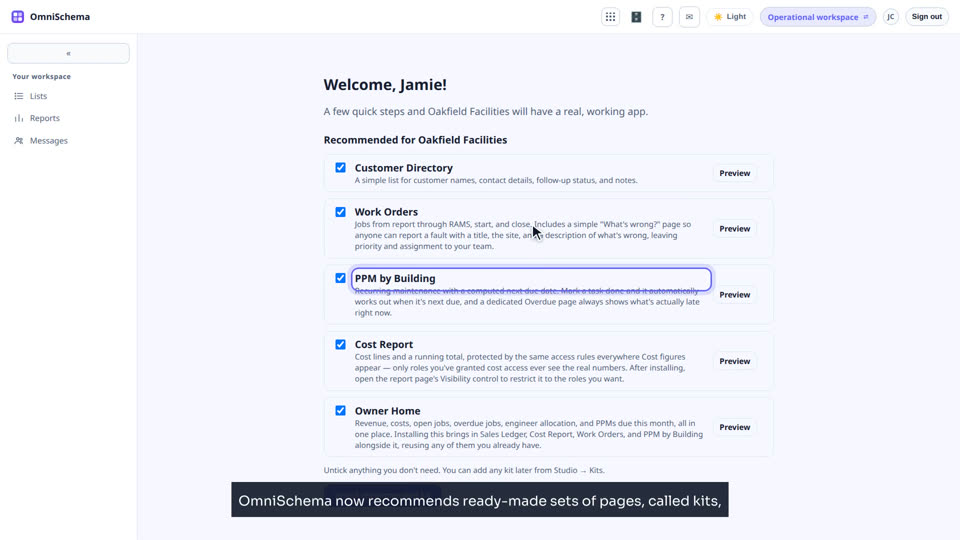
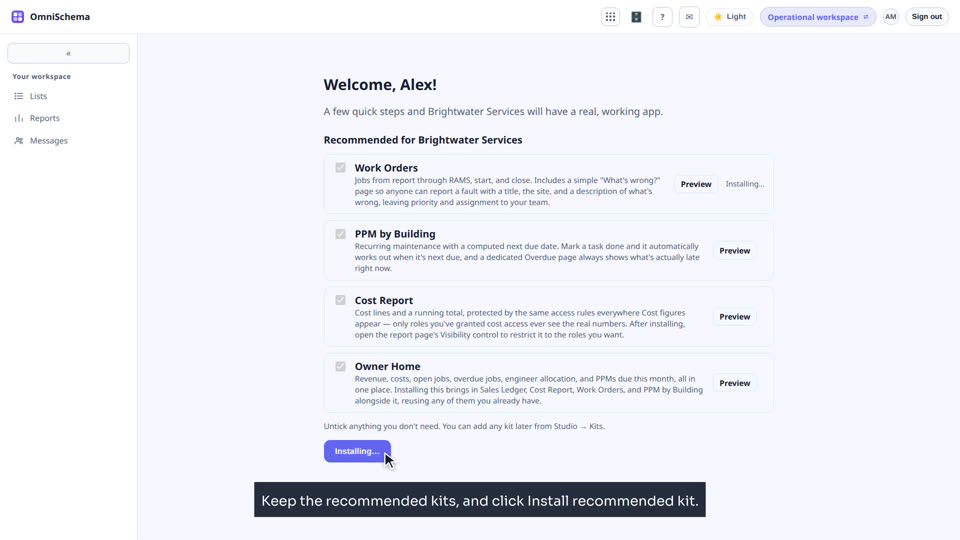
Sign up, set up, and find your way around.
Building your system
Lists, pages, kits and connections in Studio.
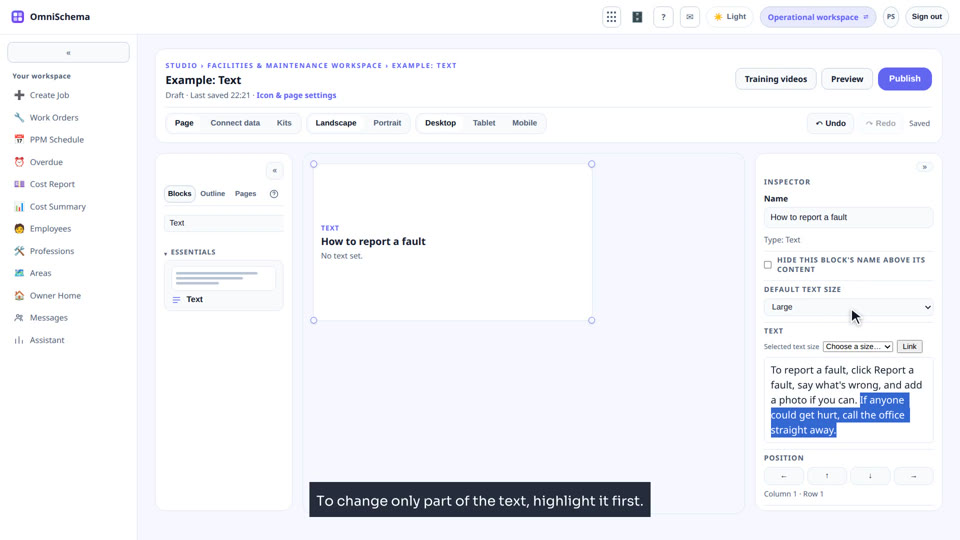
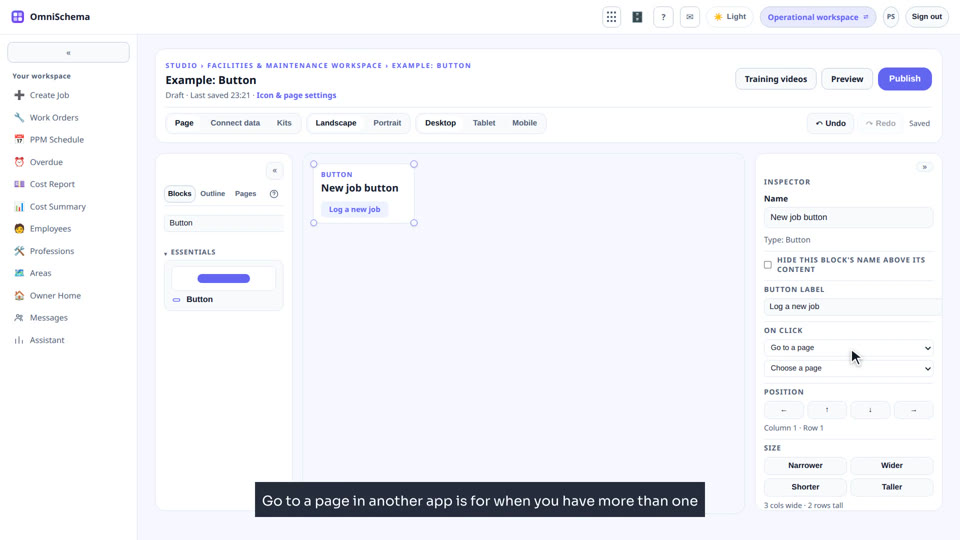
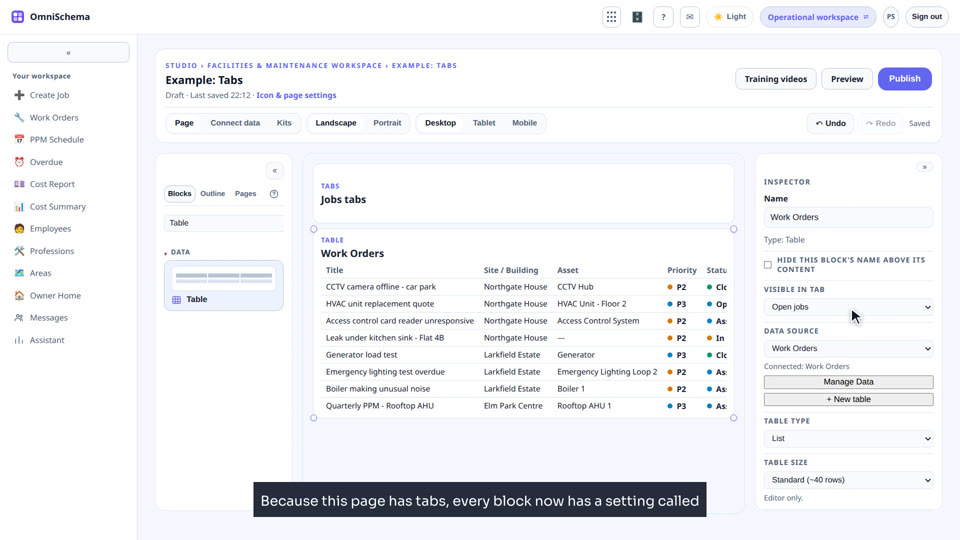
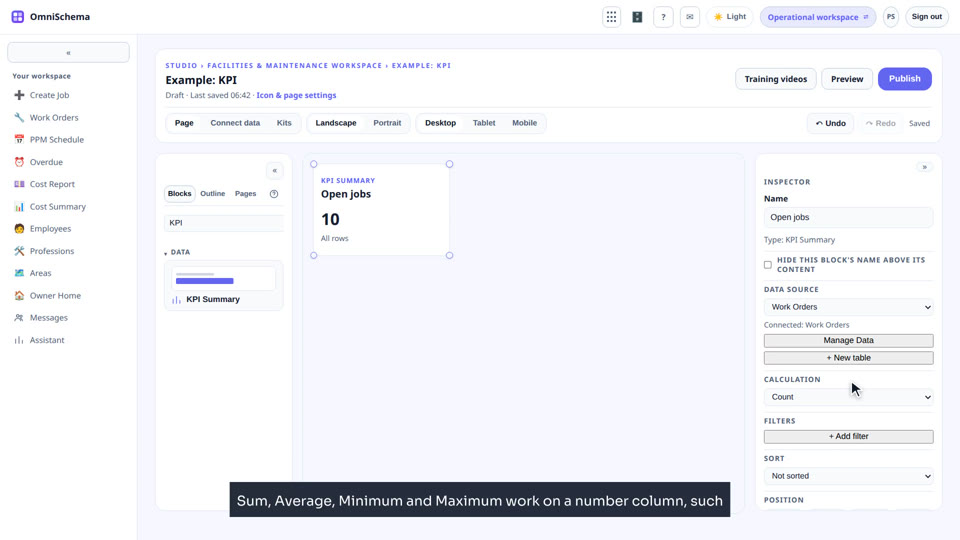
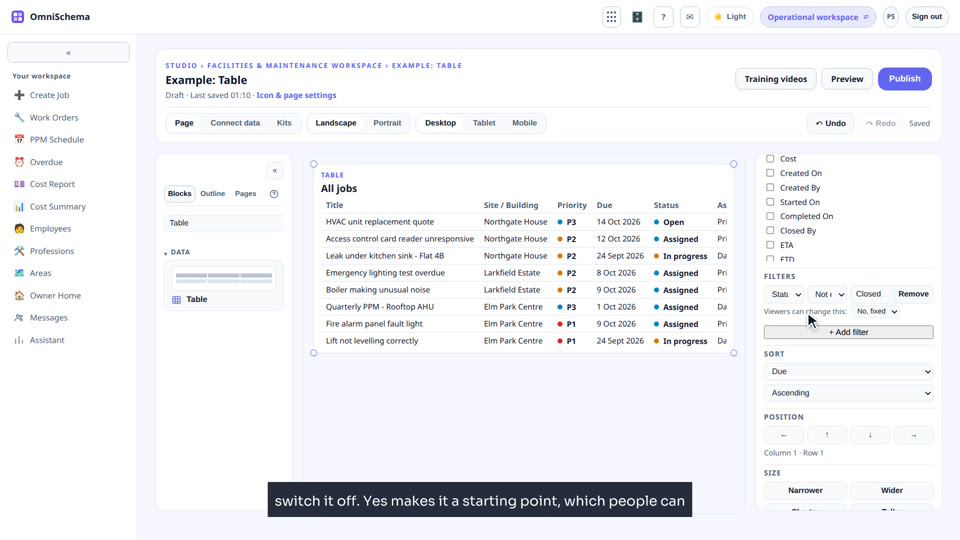
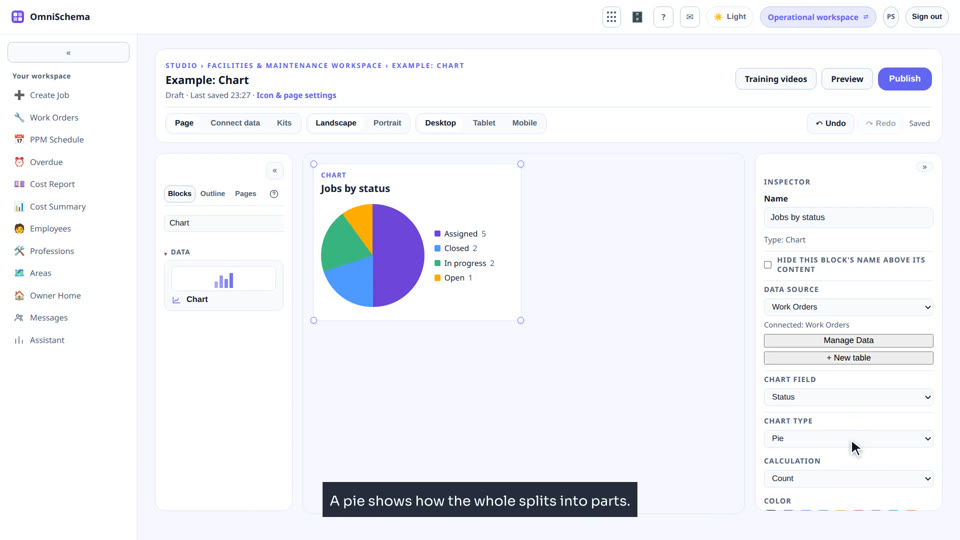
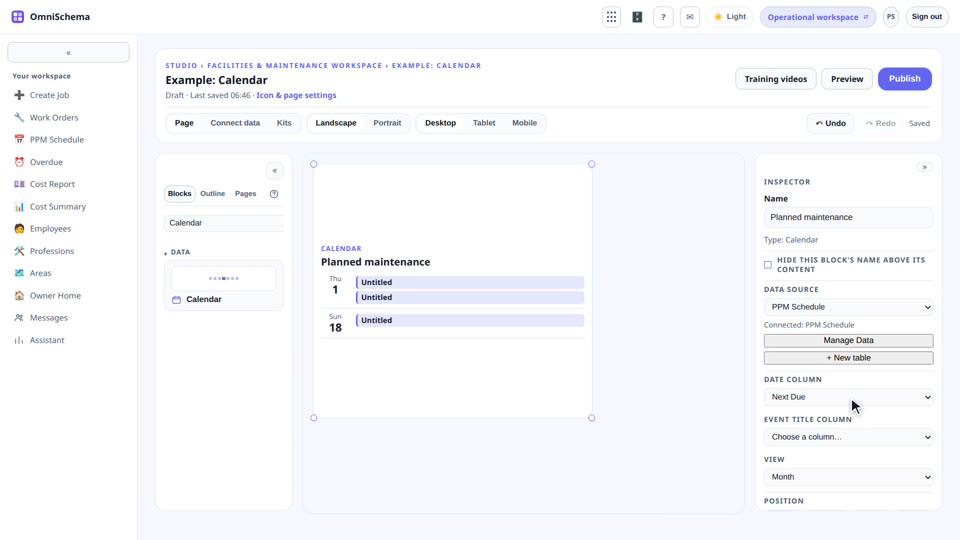
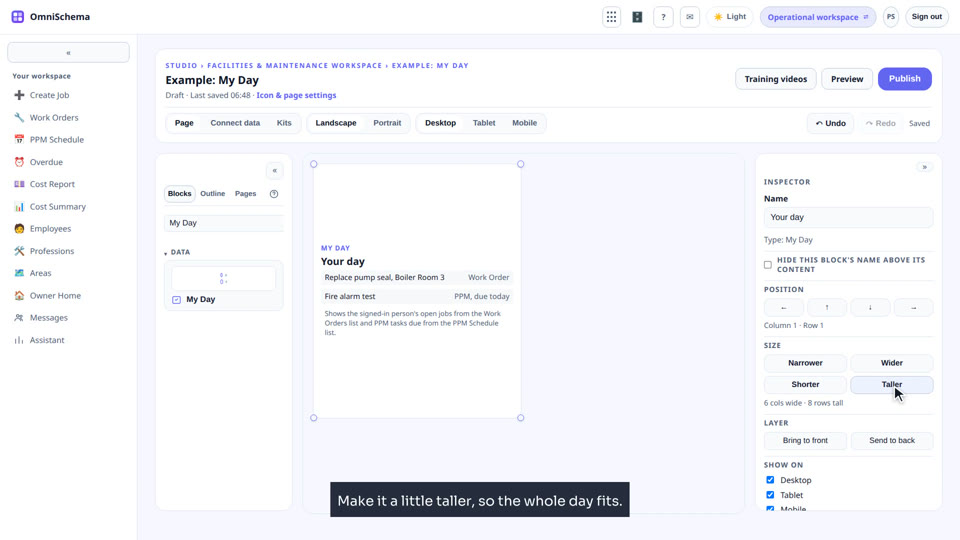
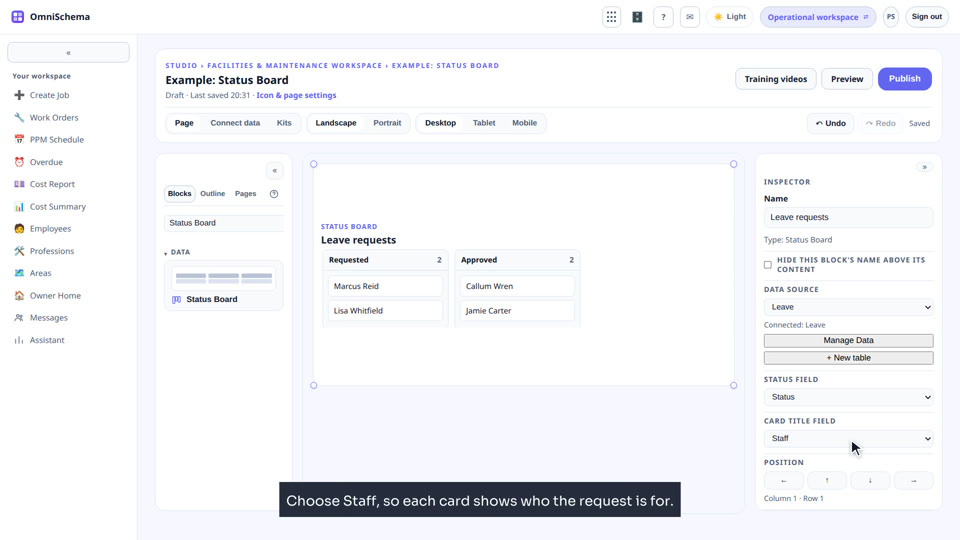
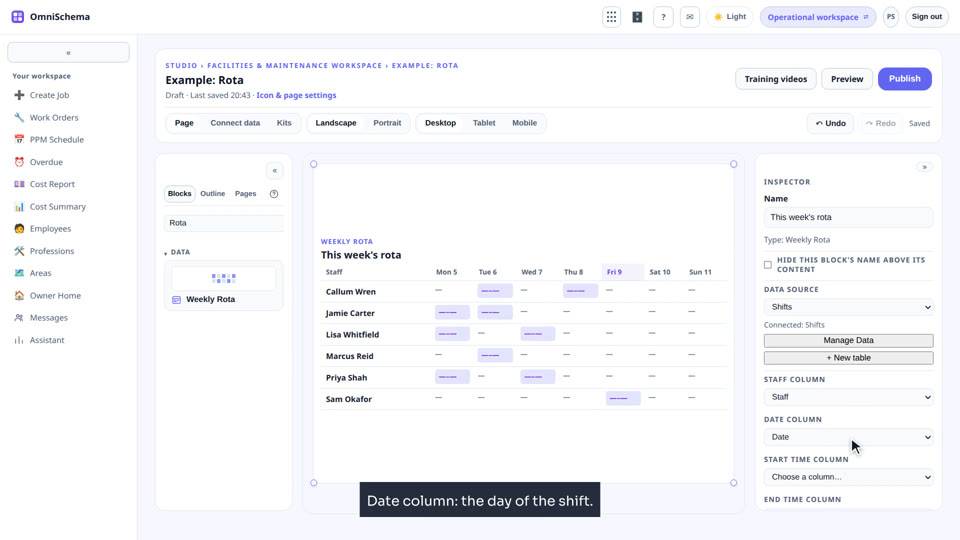
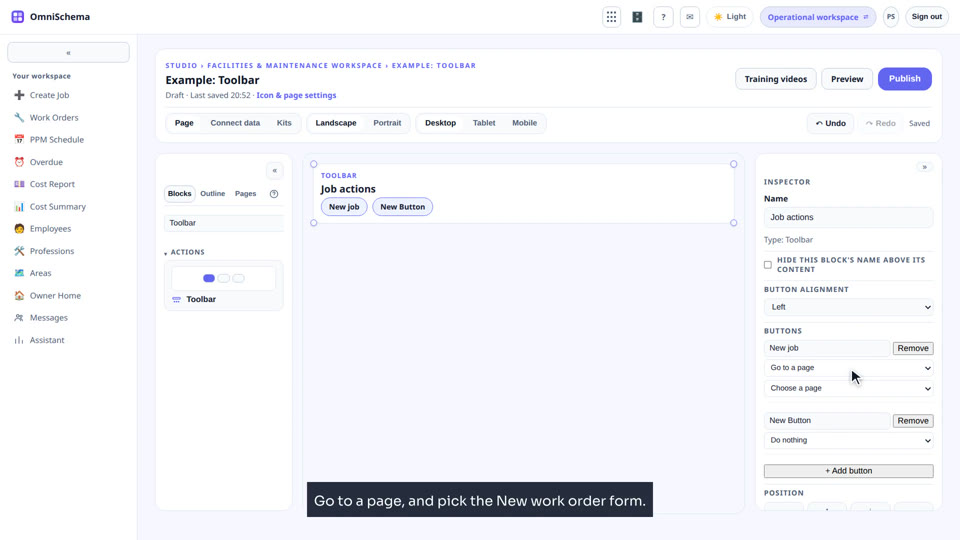
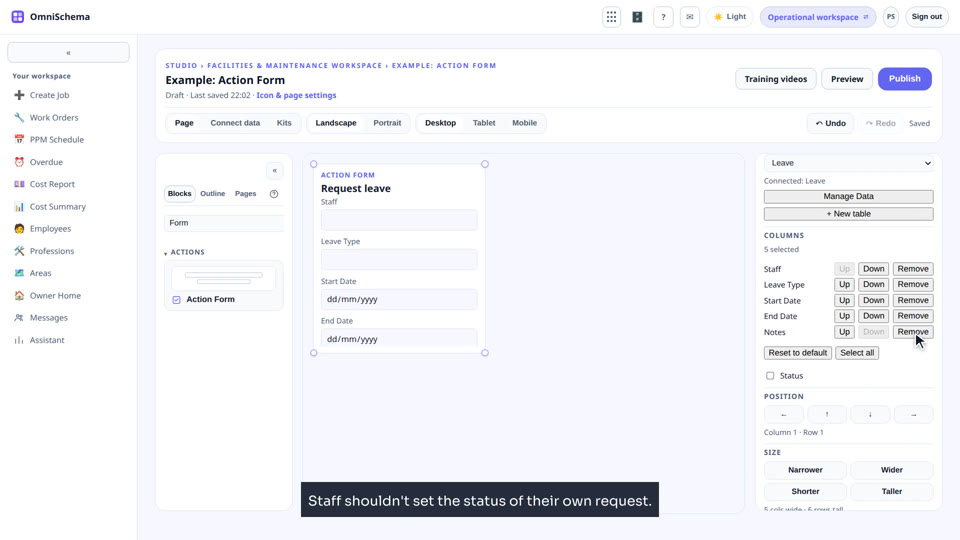
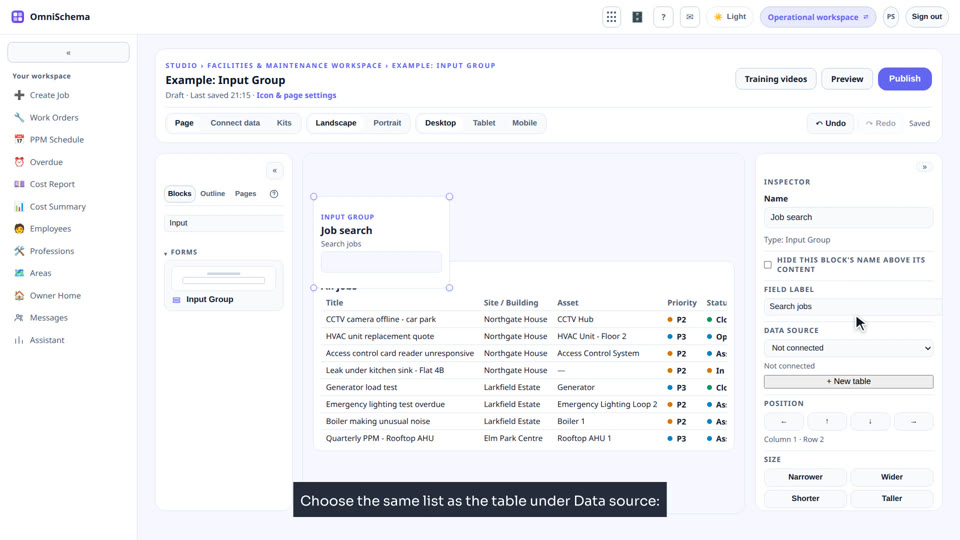
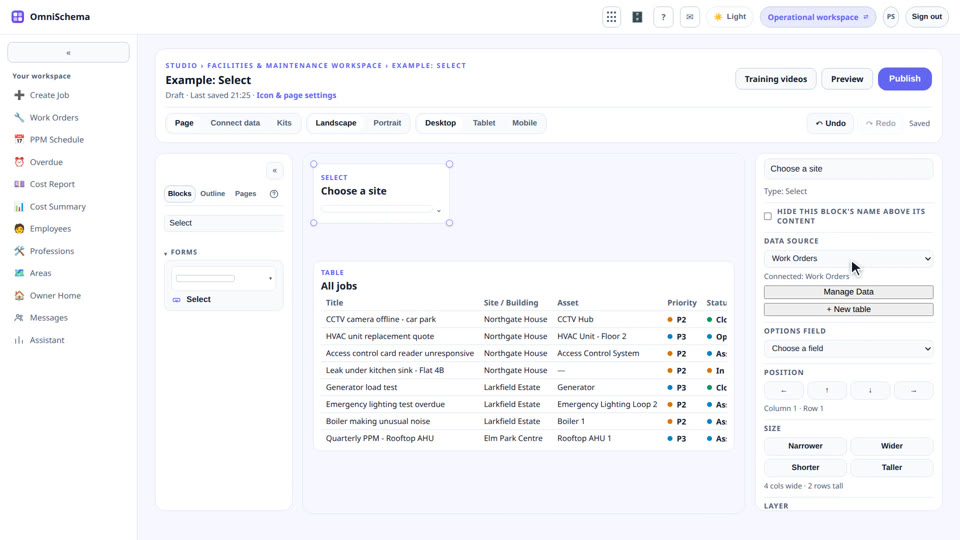
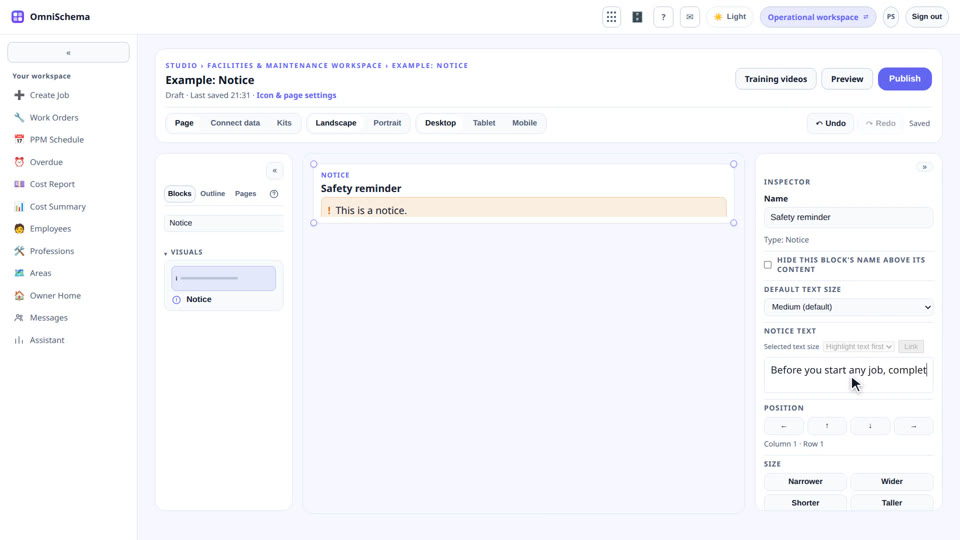
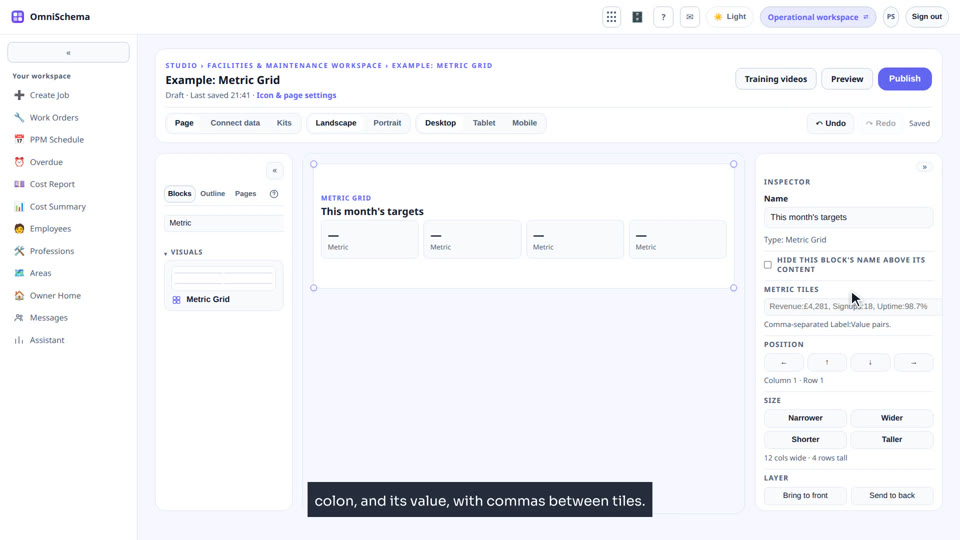
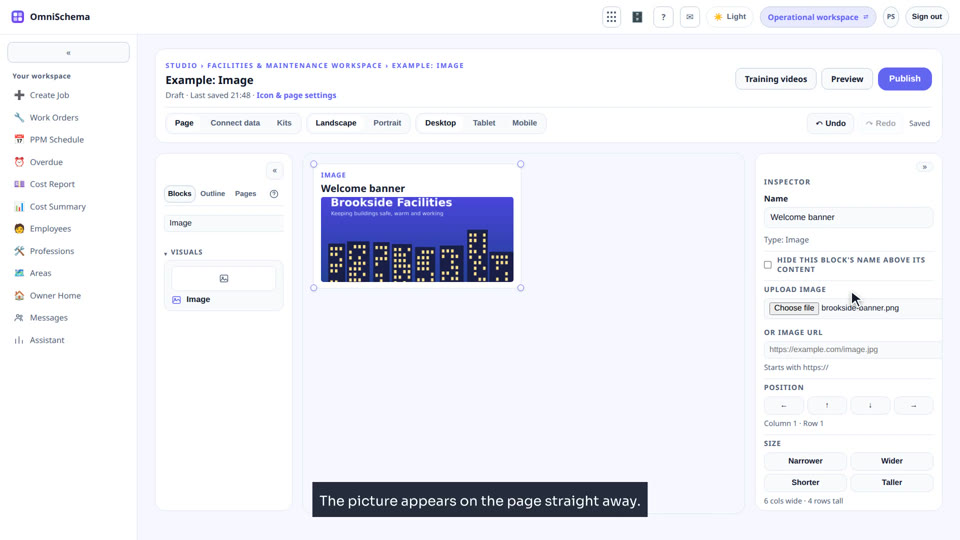
Studio blocks, one by one
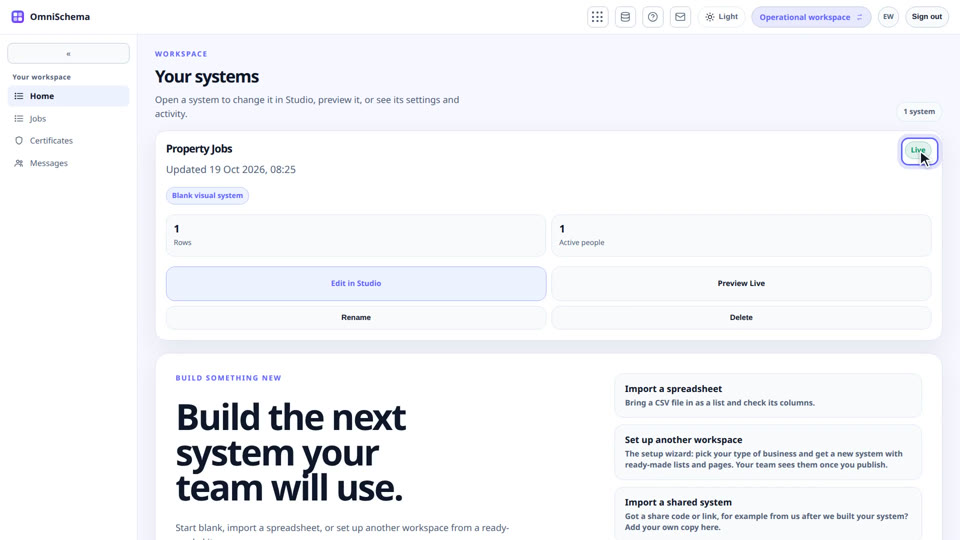
Every block in detail, plus the Outline and page settings.
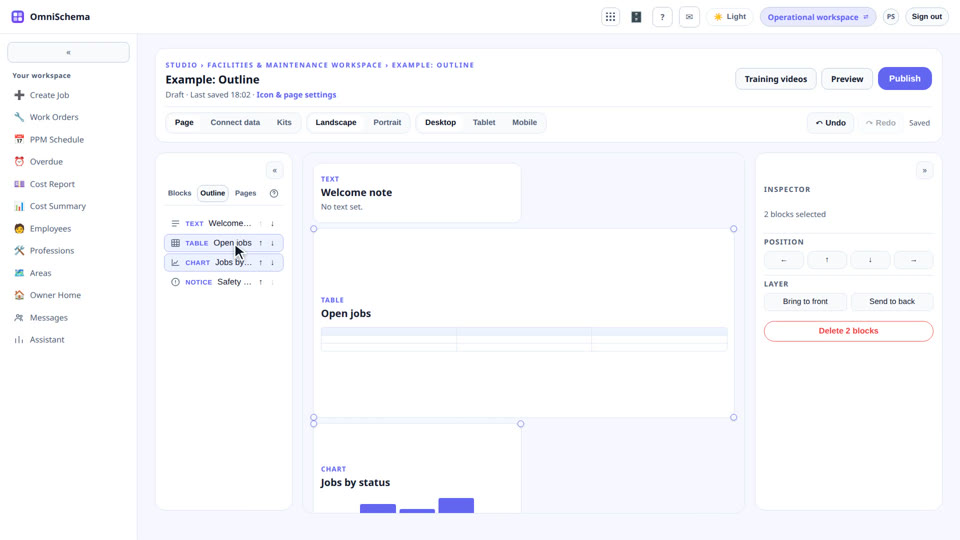
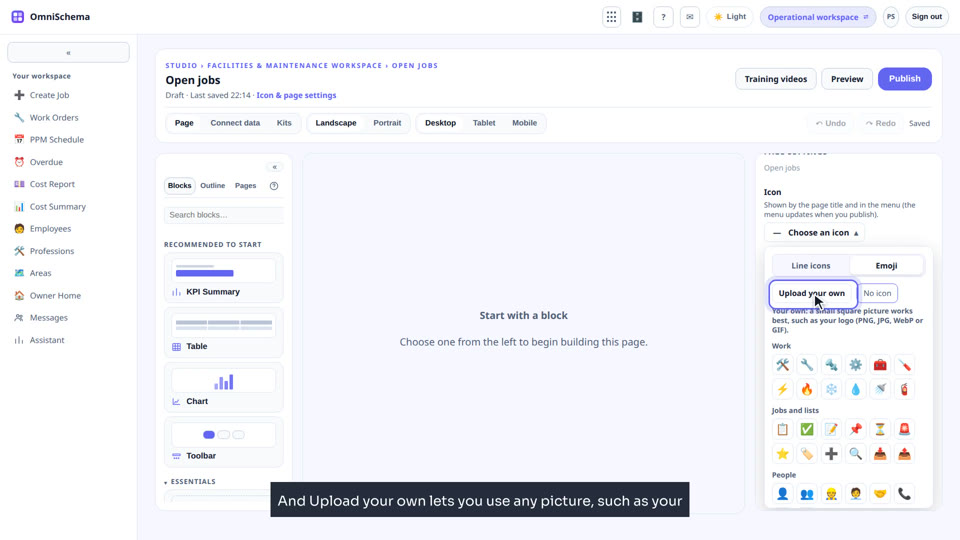
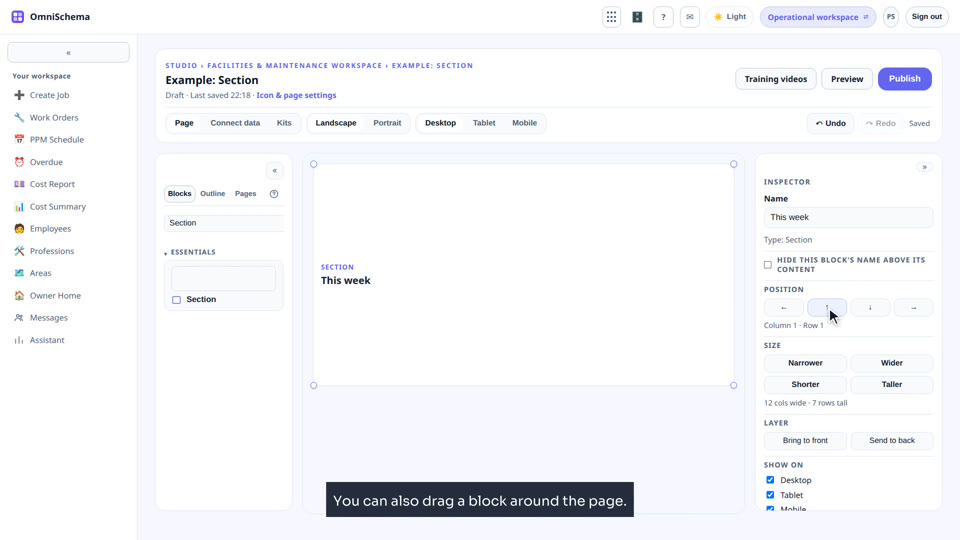
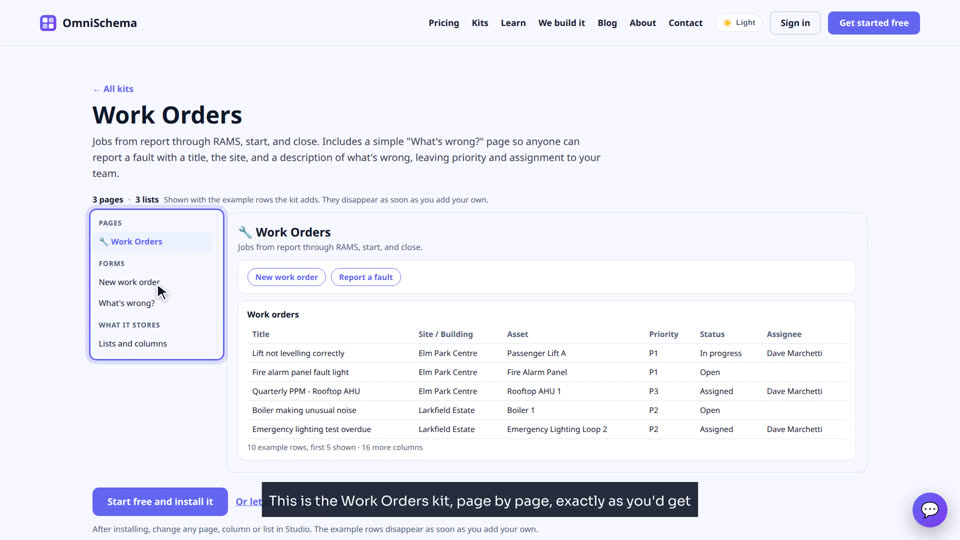
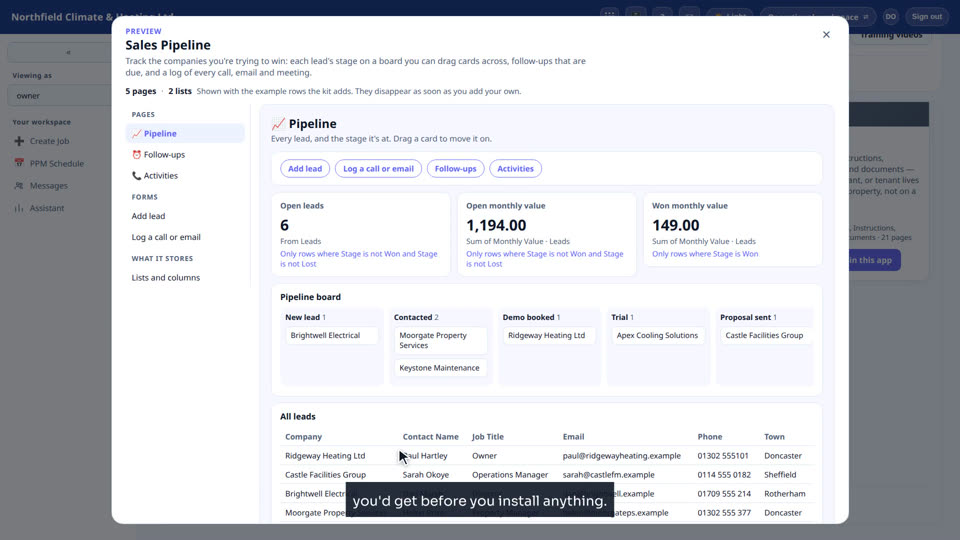
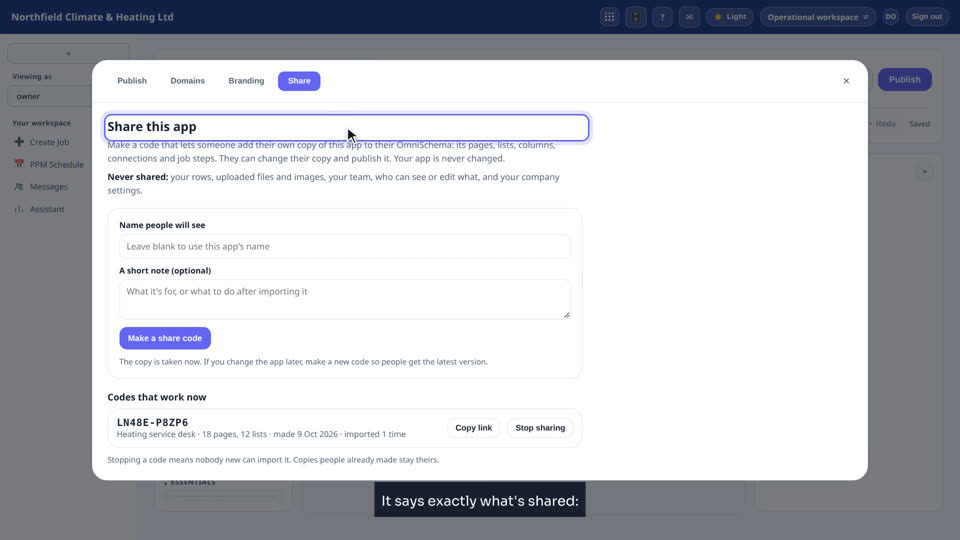
Kits, sharing, and done for you
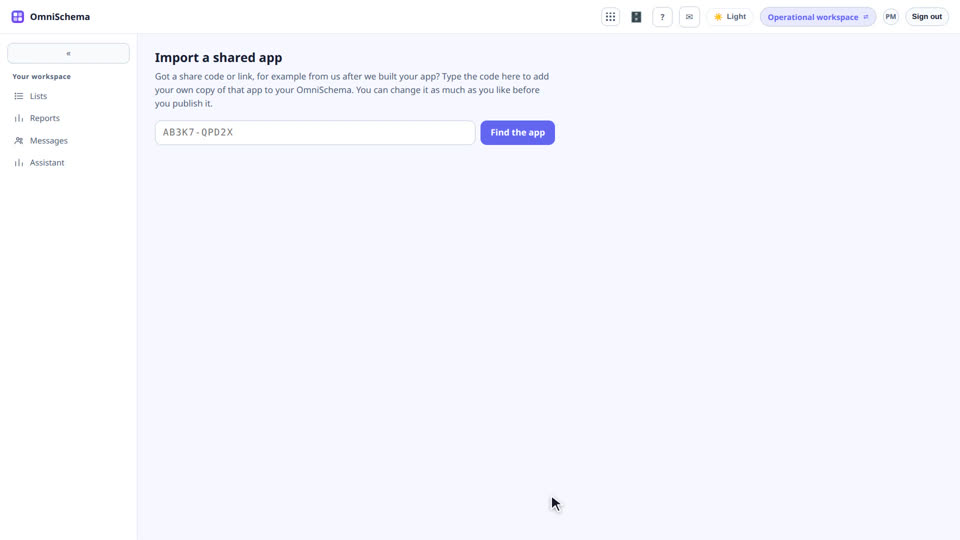
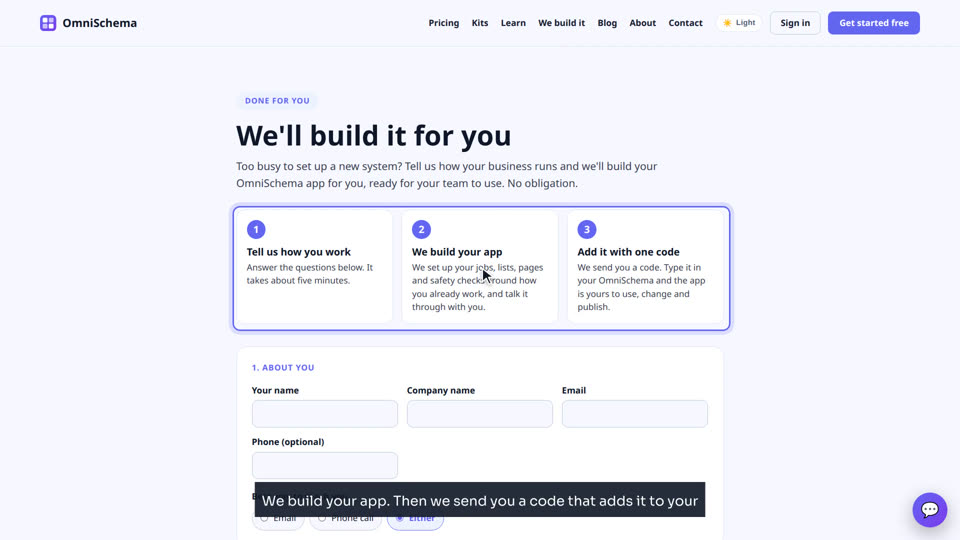
See kits before you install them, share apps, and let us build yours.
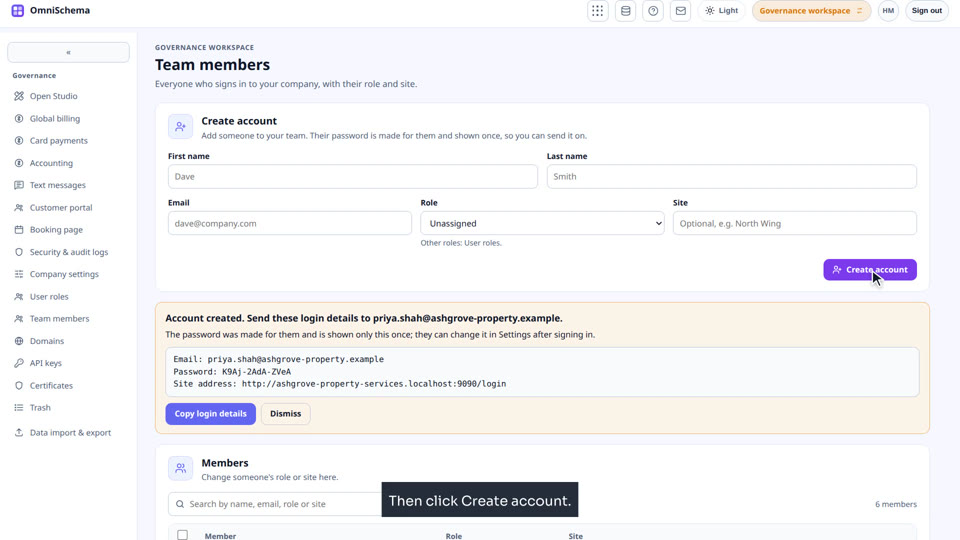
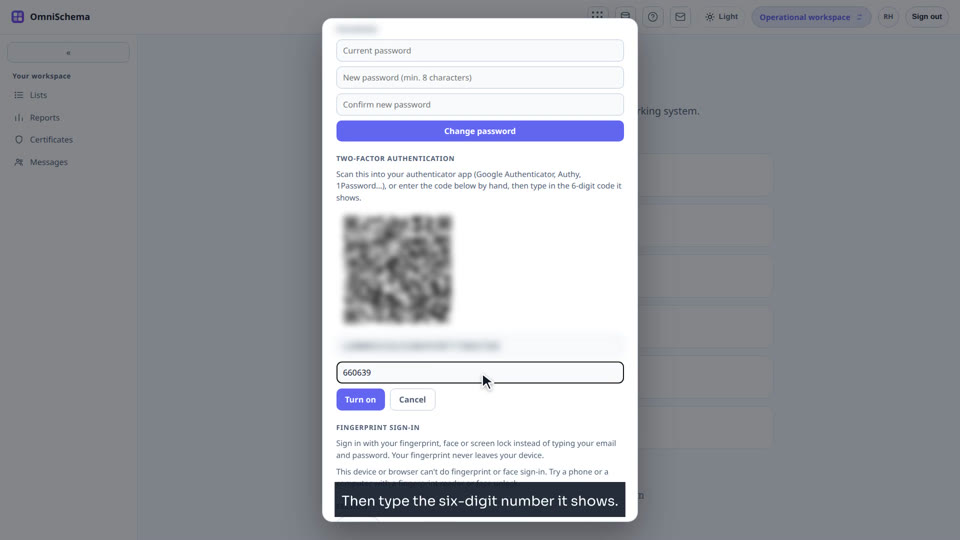
People and access
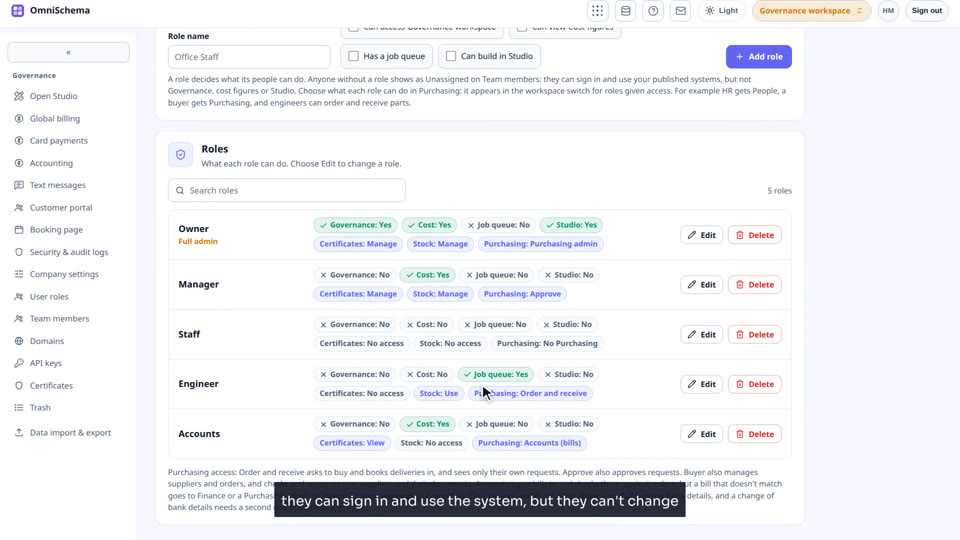
Who can do what, and who sees which rows.
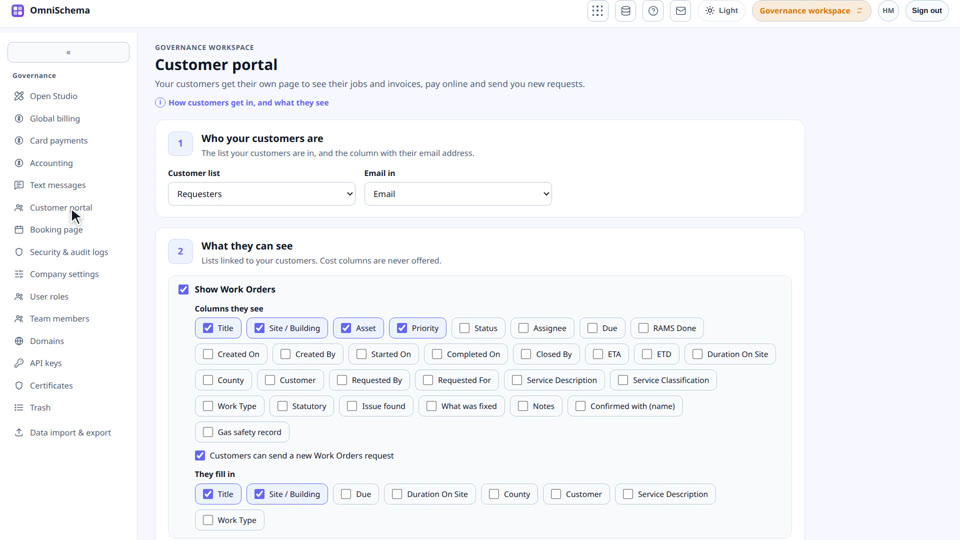
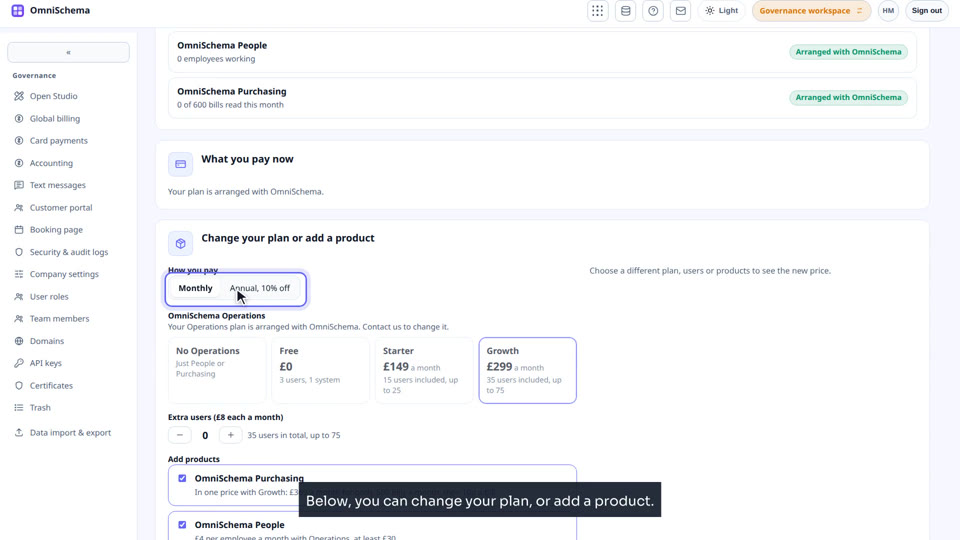
Running your company
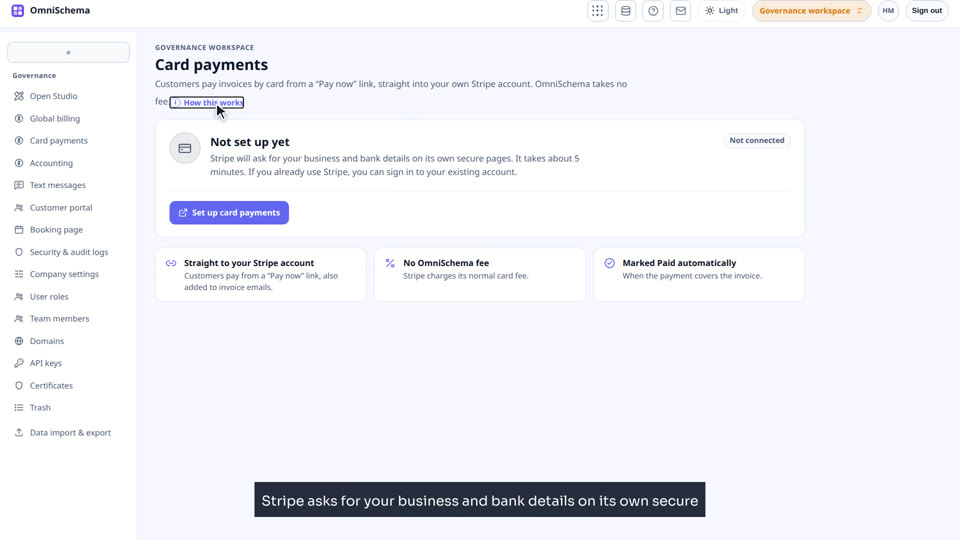
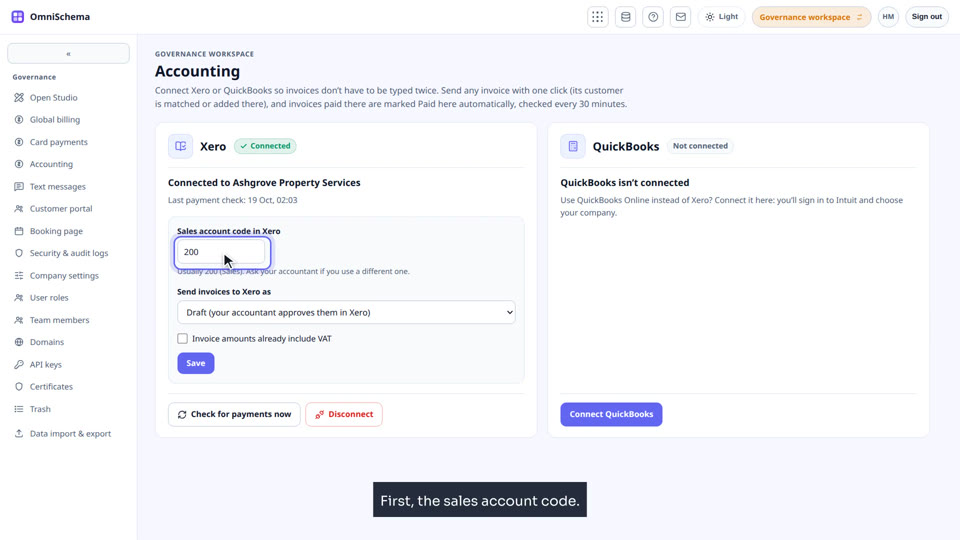
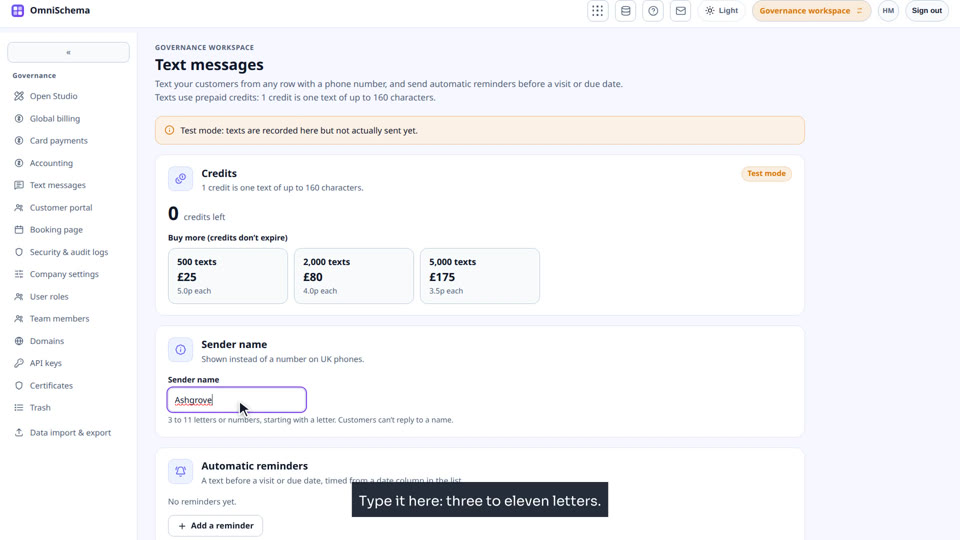
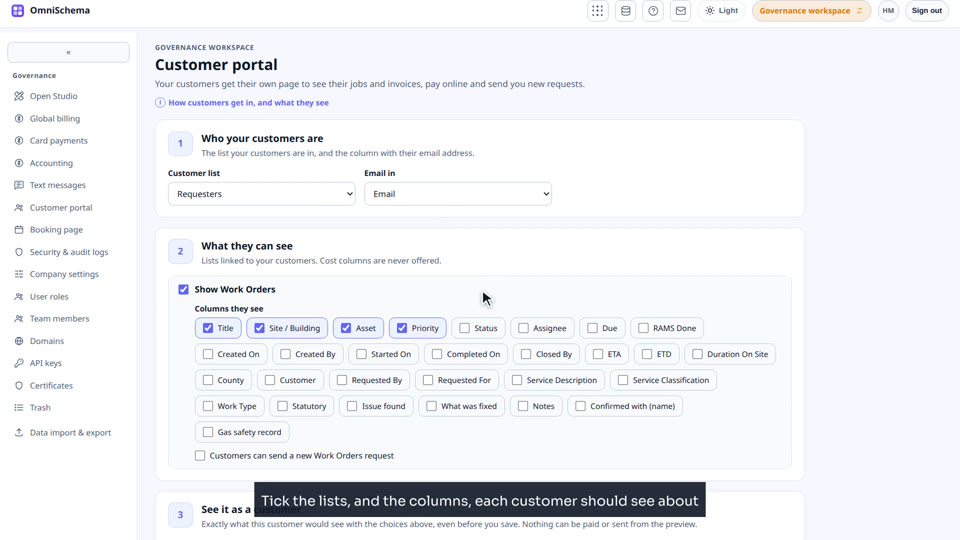
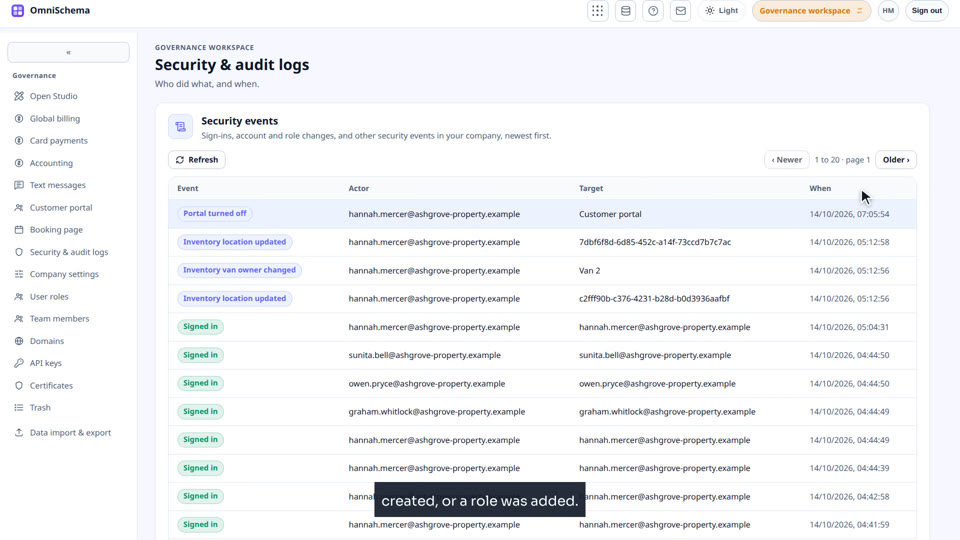
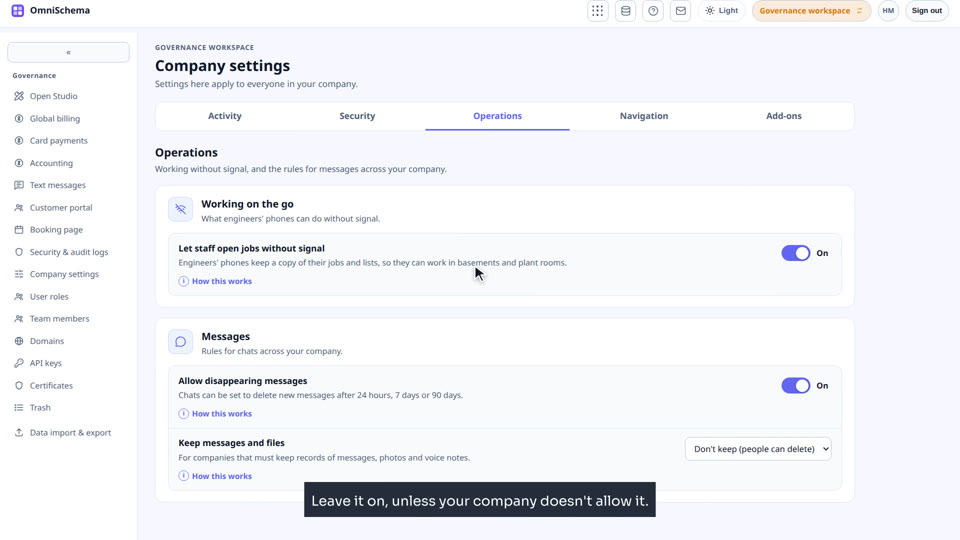
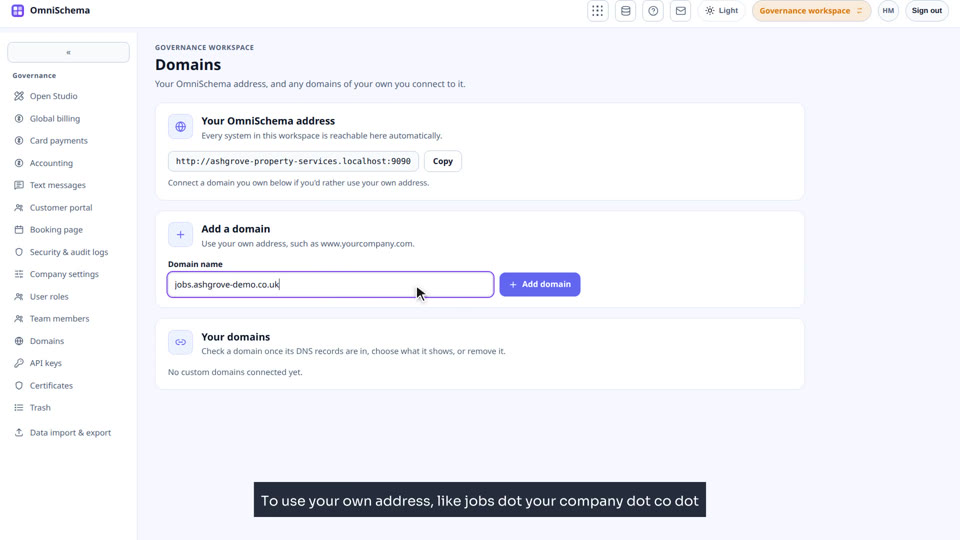
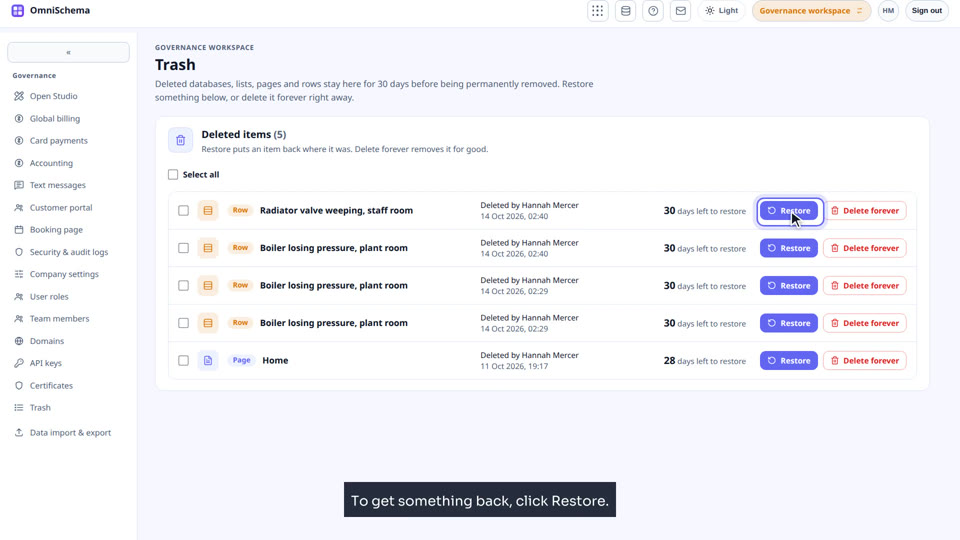
The Governance workspace, screen by screen.
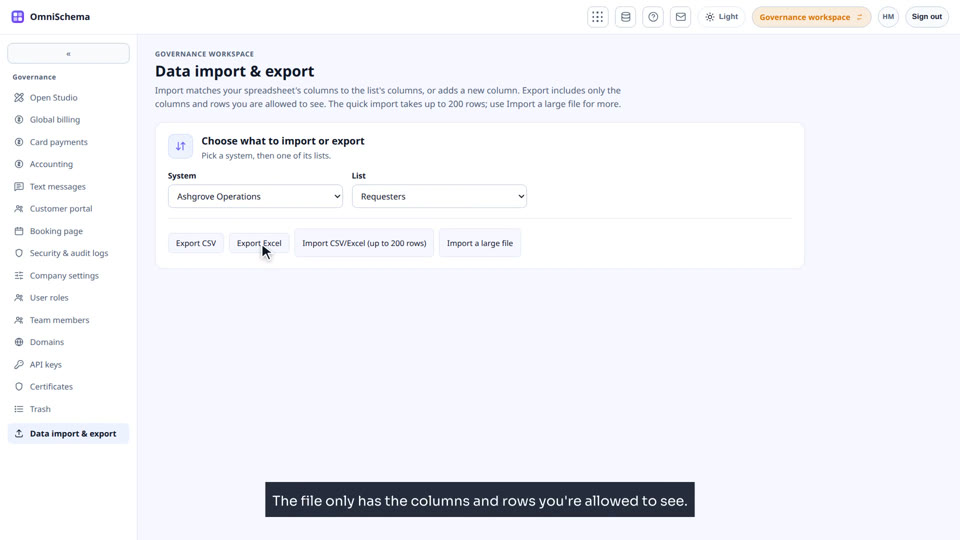
Certificates
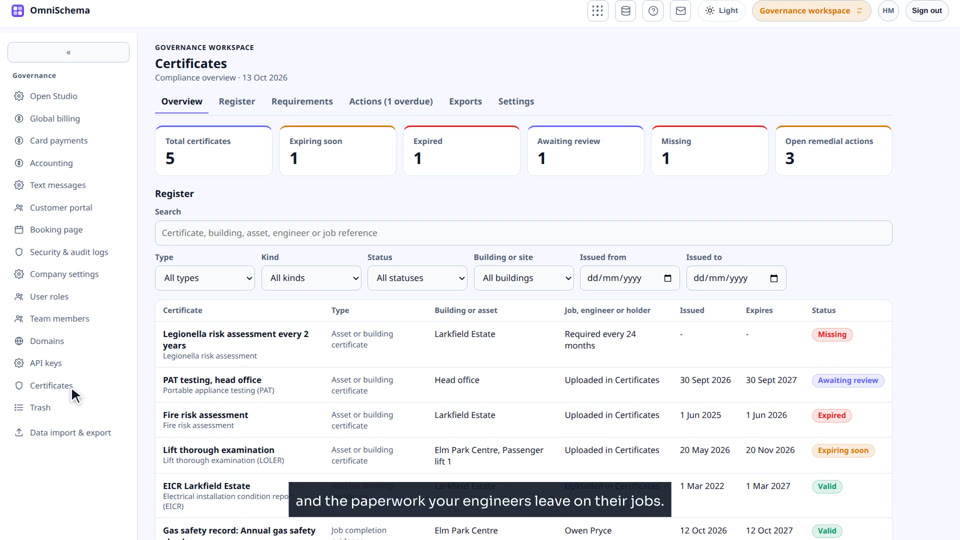
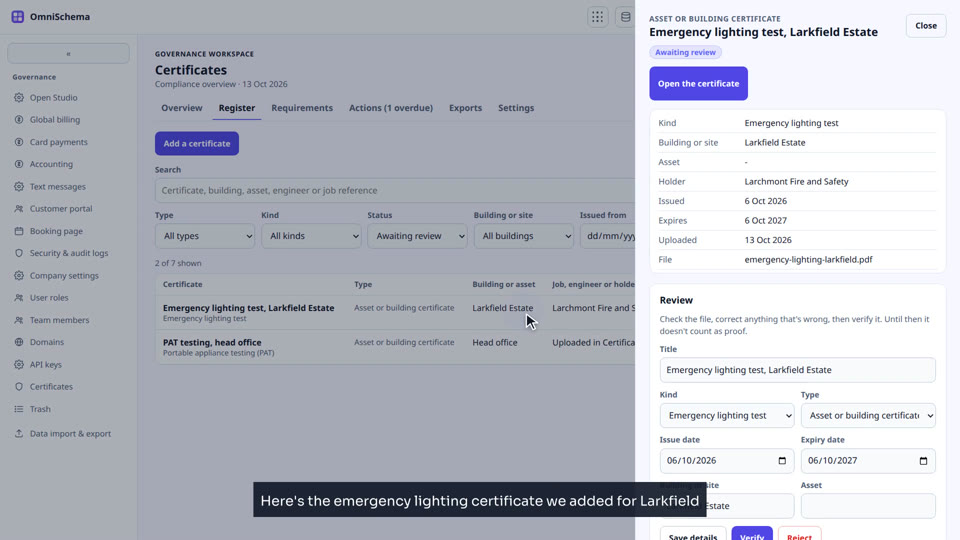
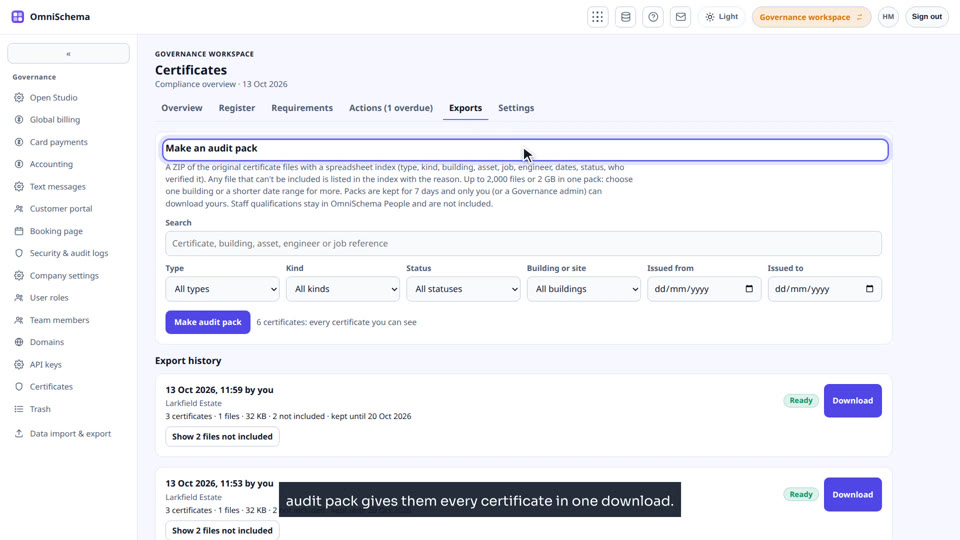
Every certificate in one register: reviews, what each building must hold, follow-on actions and audit packs.
Stock
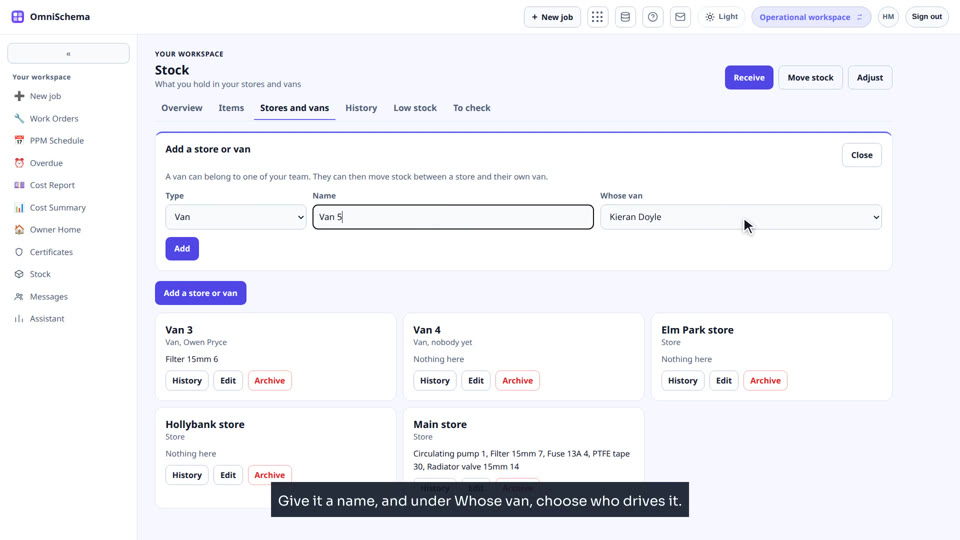
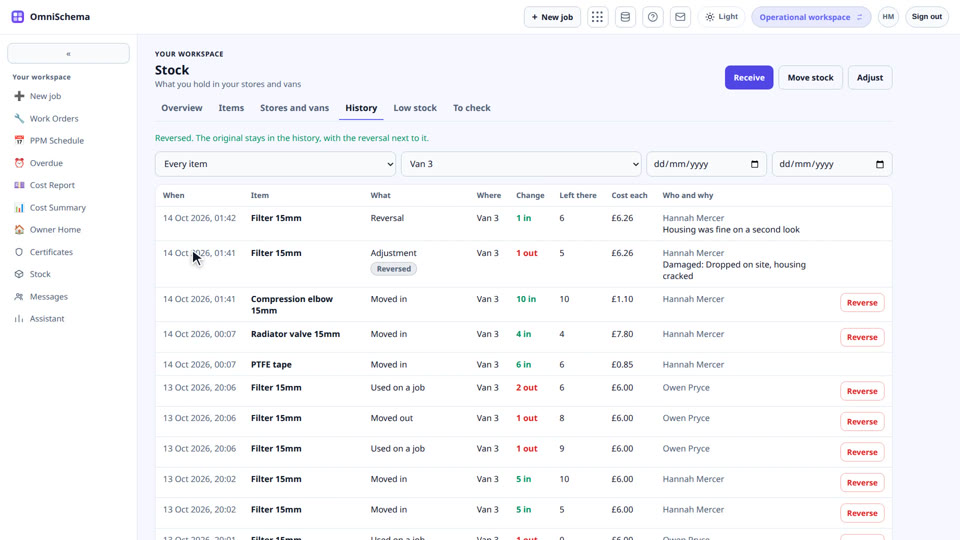
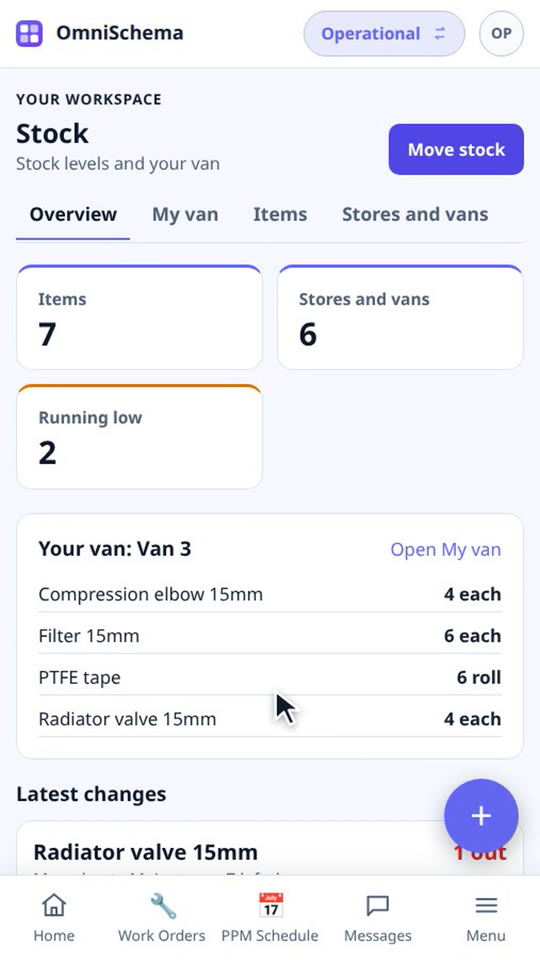
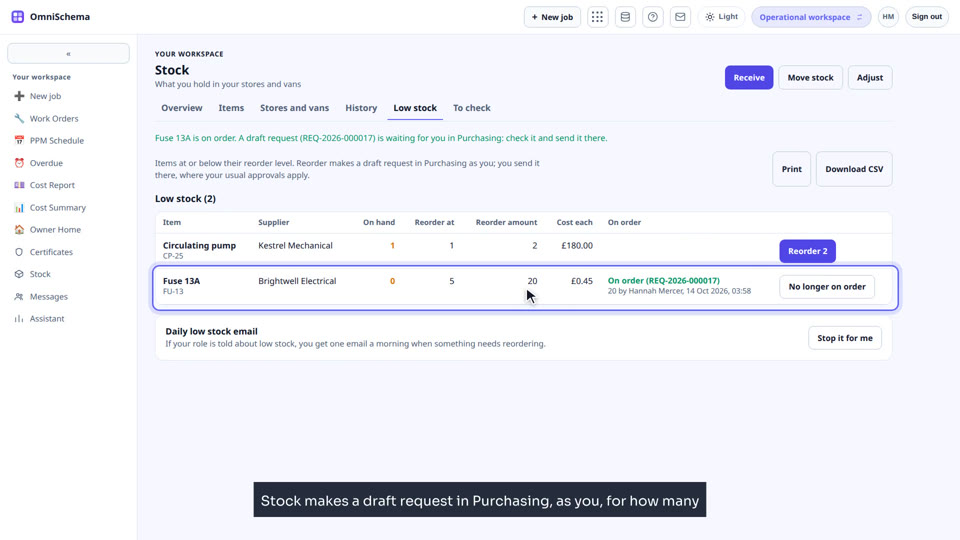
Parts and materials in your stores and vans: receiving, moving, parts used on jobs, and reordering.
Connecting other systems
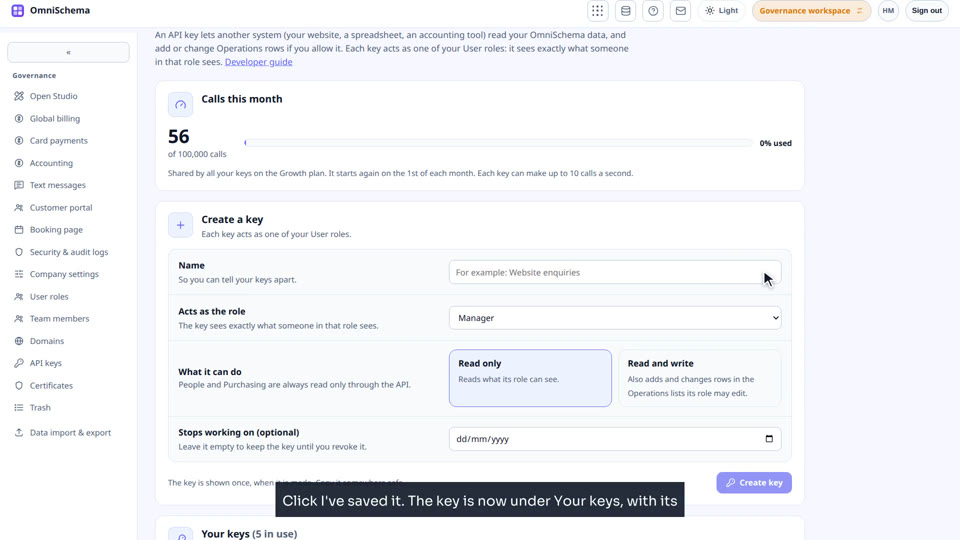
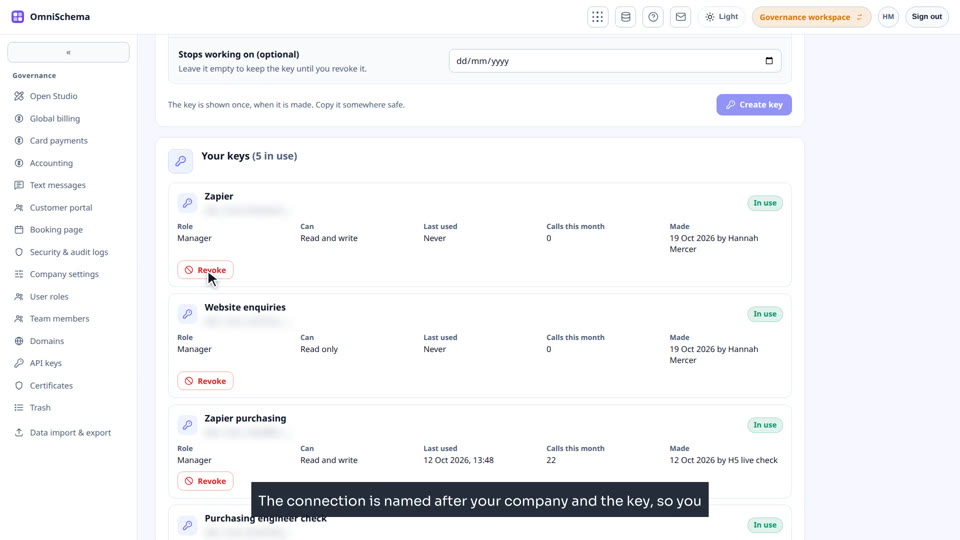
API keys, webhooks, and linking Zapier or Make.
Booking page
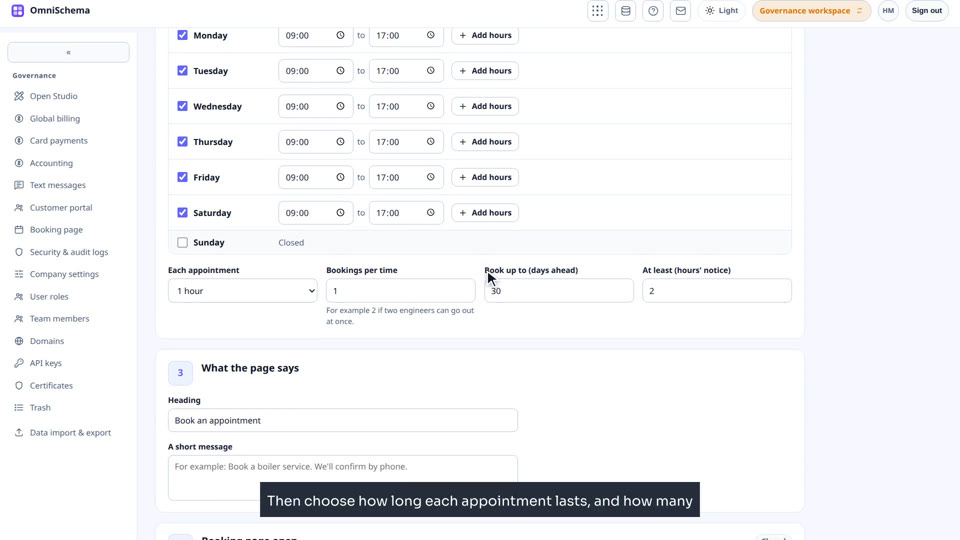
Let anyone book an appointment with you online.
On the phone
What your engineers see in the app.
Scenarios
Real working situations, start to finish, across the screens a job of work really uses.
Security operations
A guarding company, from a new account through to the control room.
