OmniSchema Operations
Run every job from the first call to the paid invoice.
Your own system for jobs, planned maintenance, customers and invoices, ready on day one from a Kit for the work you do, and shaped in Studio to fit how your business runs.
For: Owners, office teams and engineers in maintenance, facilities, property and field service firms.
See it
Your day at a glanceJobs due, overdue maintenance and who is on site, the moment you sign in.
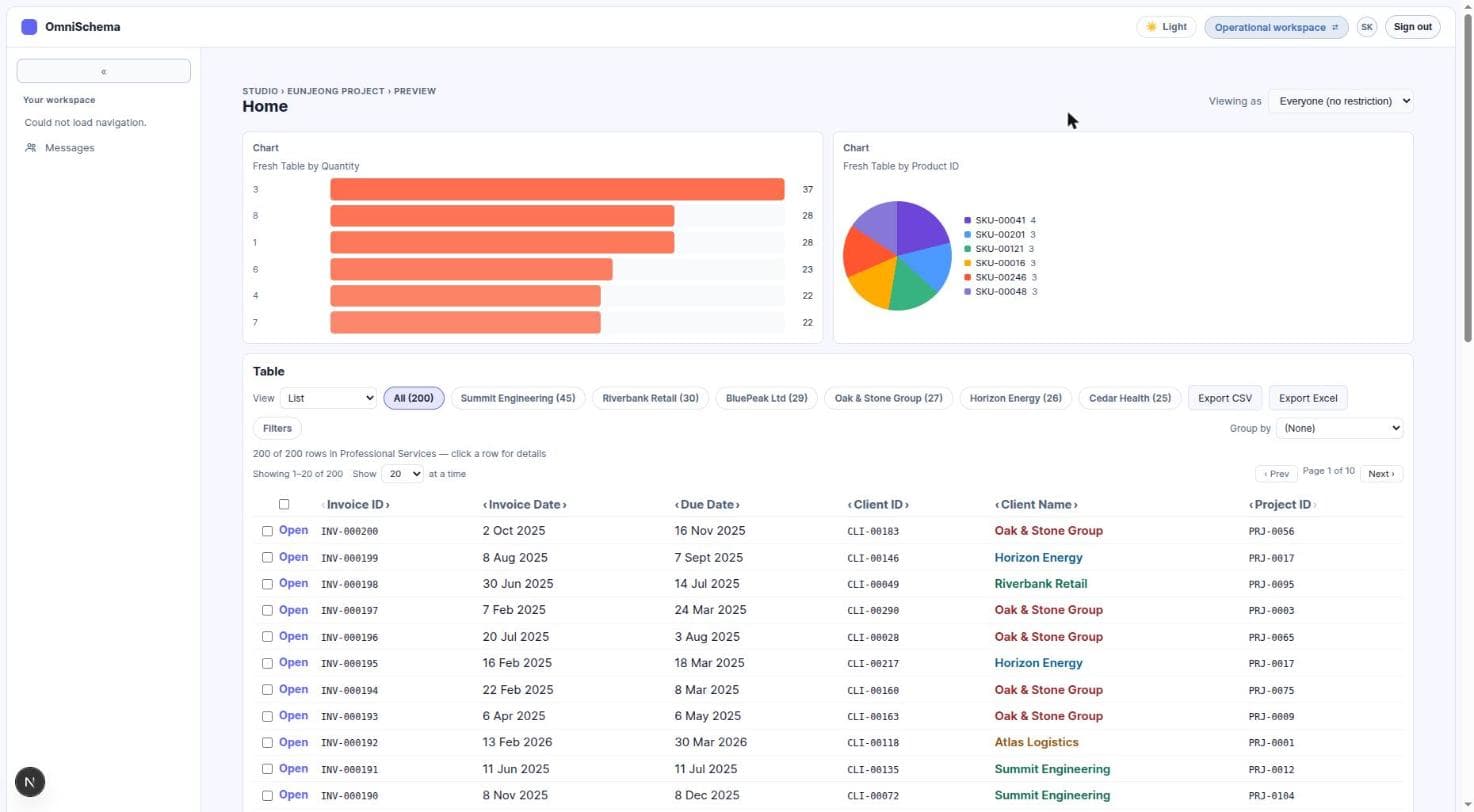
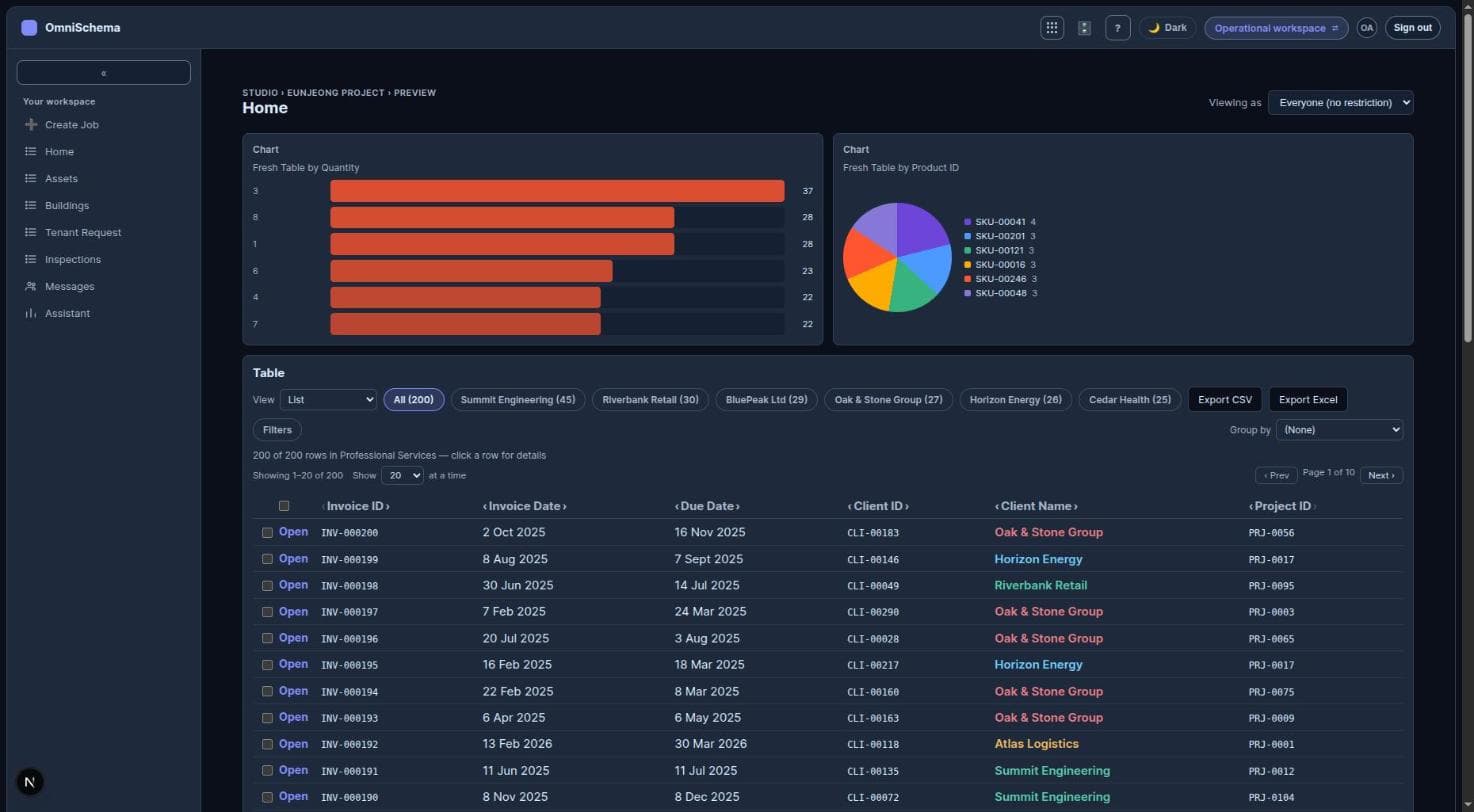
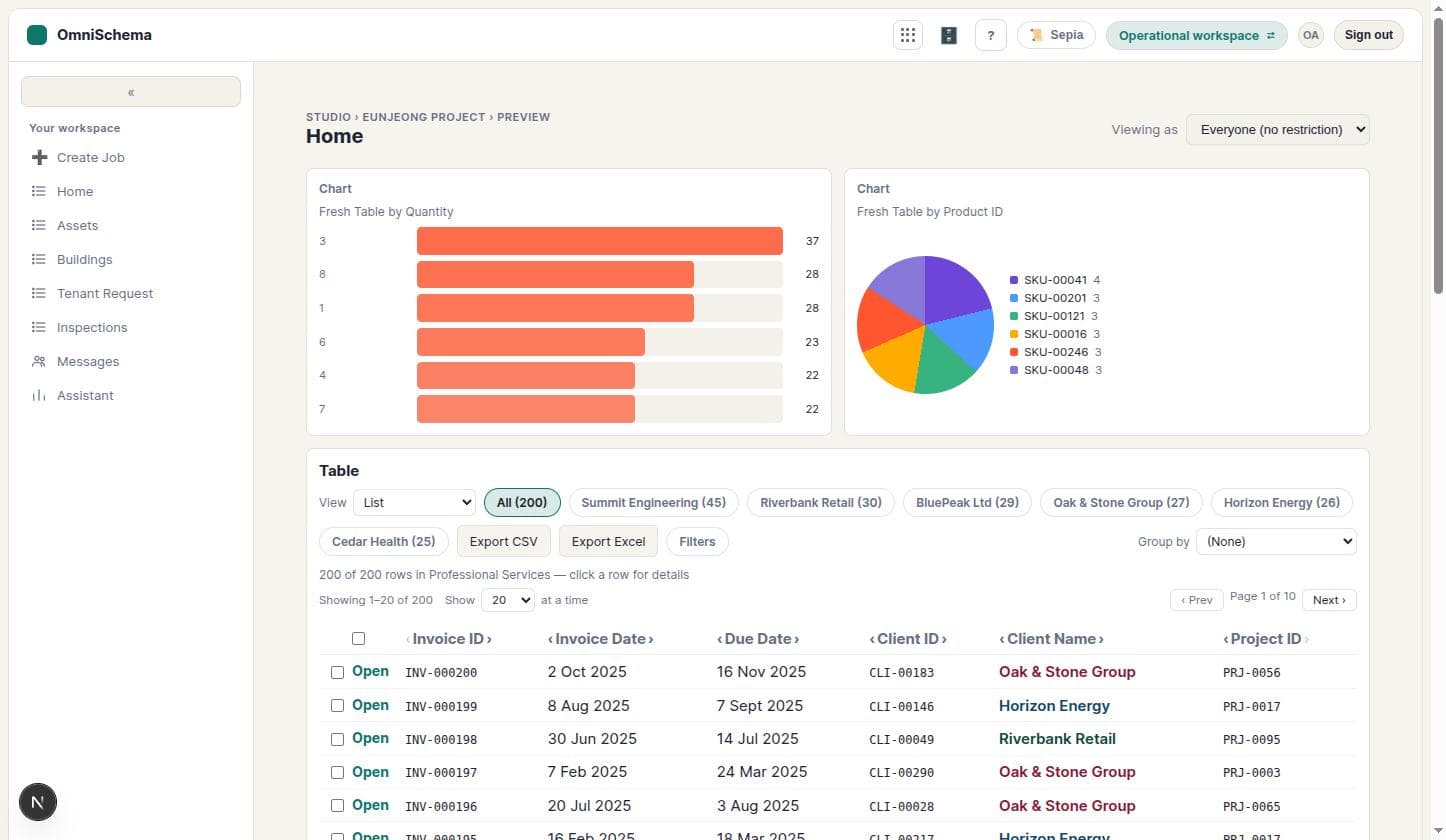
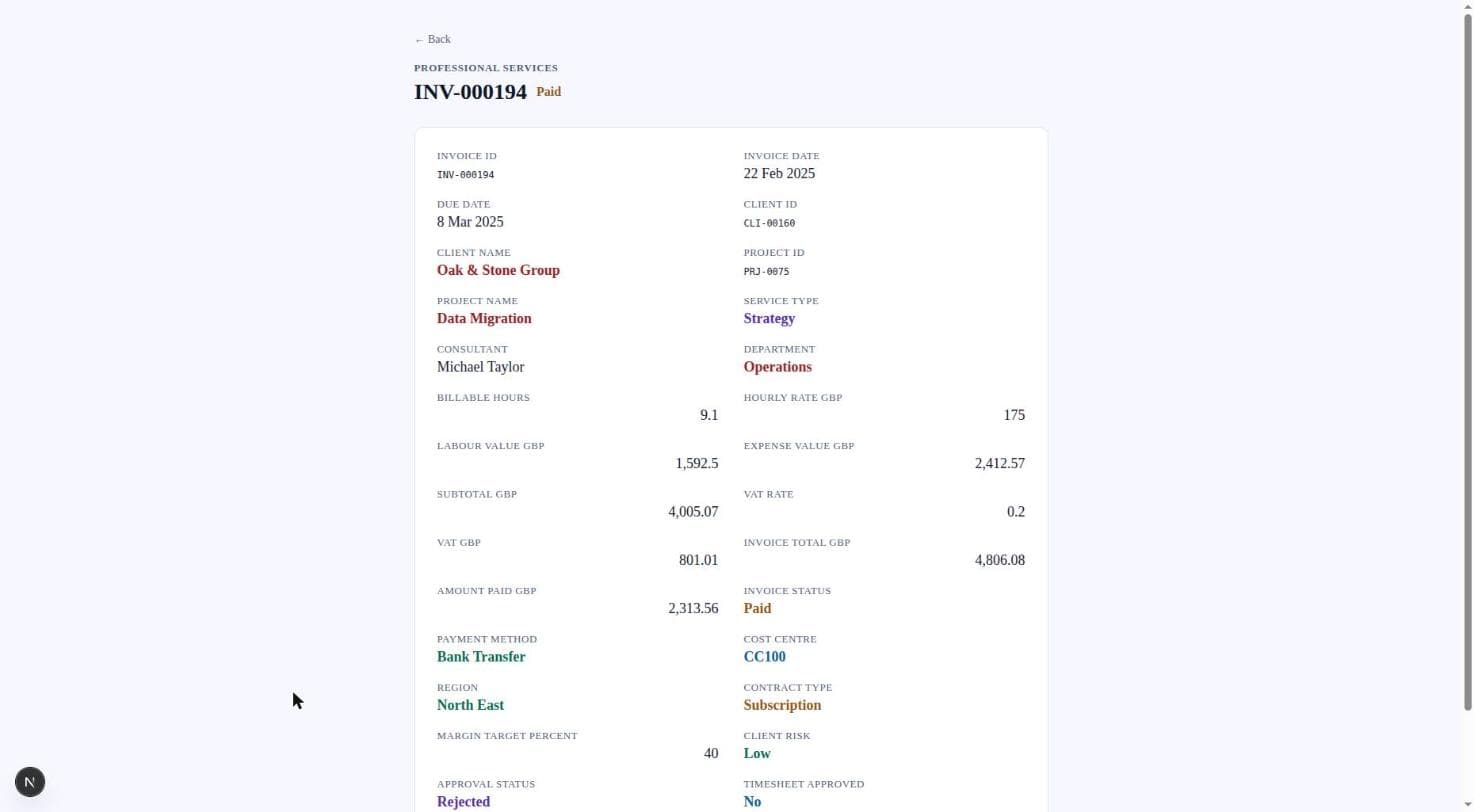
Every job in one placeStart and close, the safety check, photos, costs and the full history of who did what.
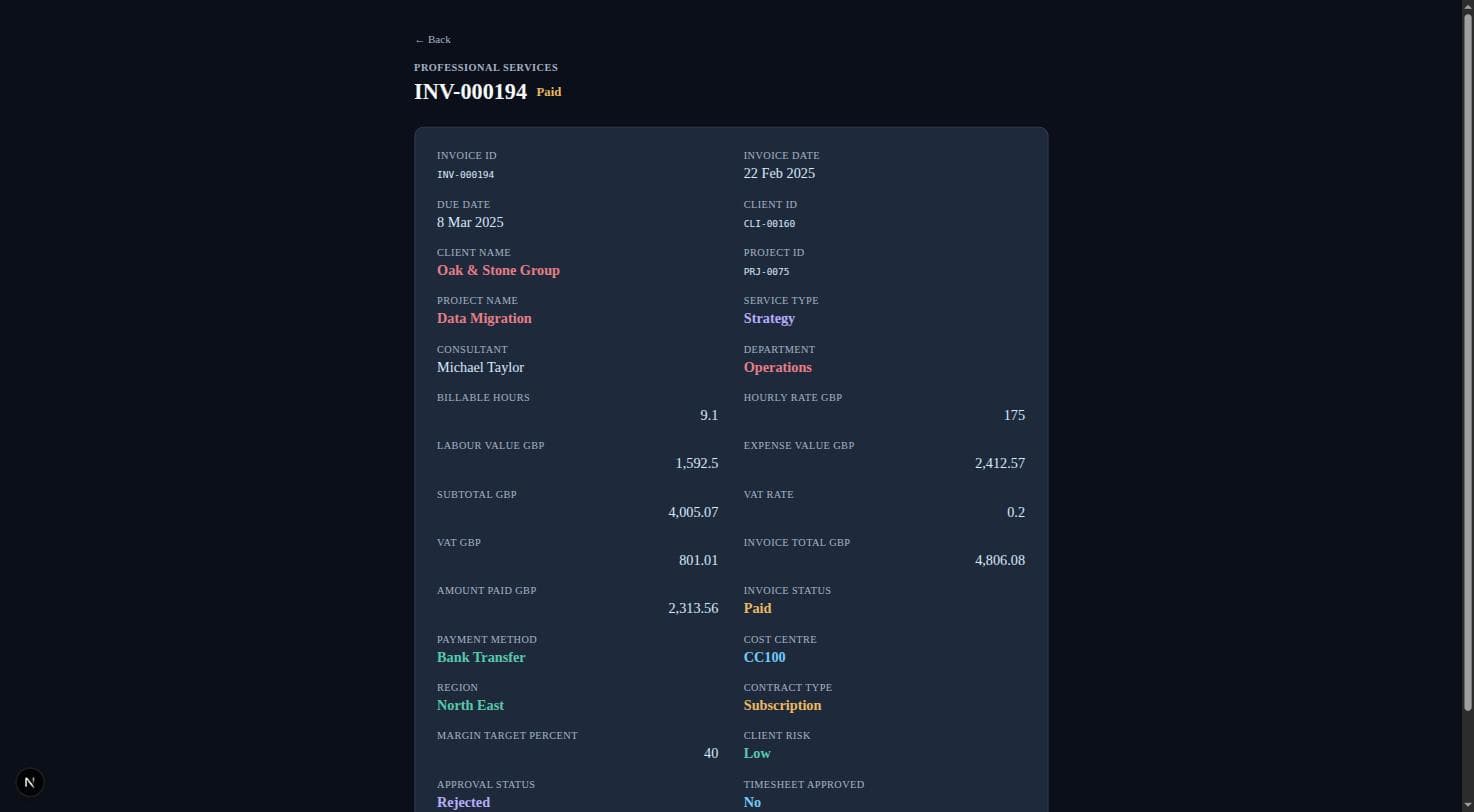
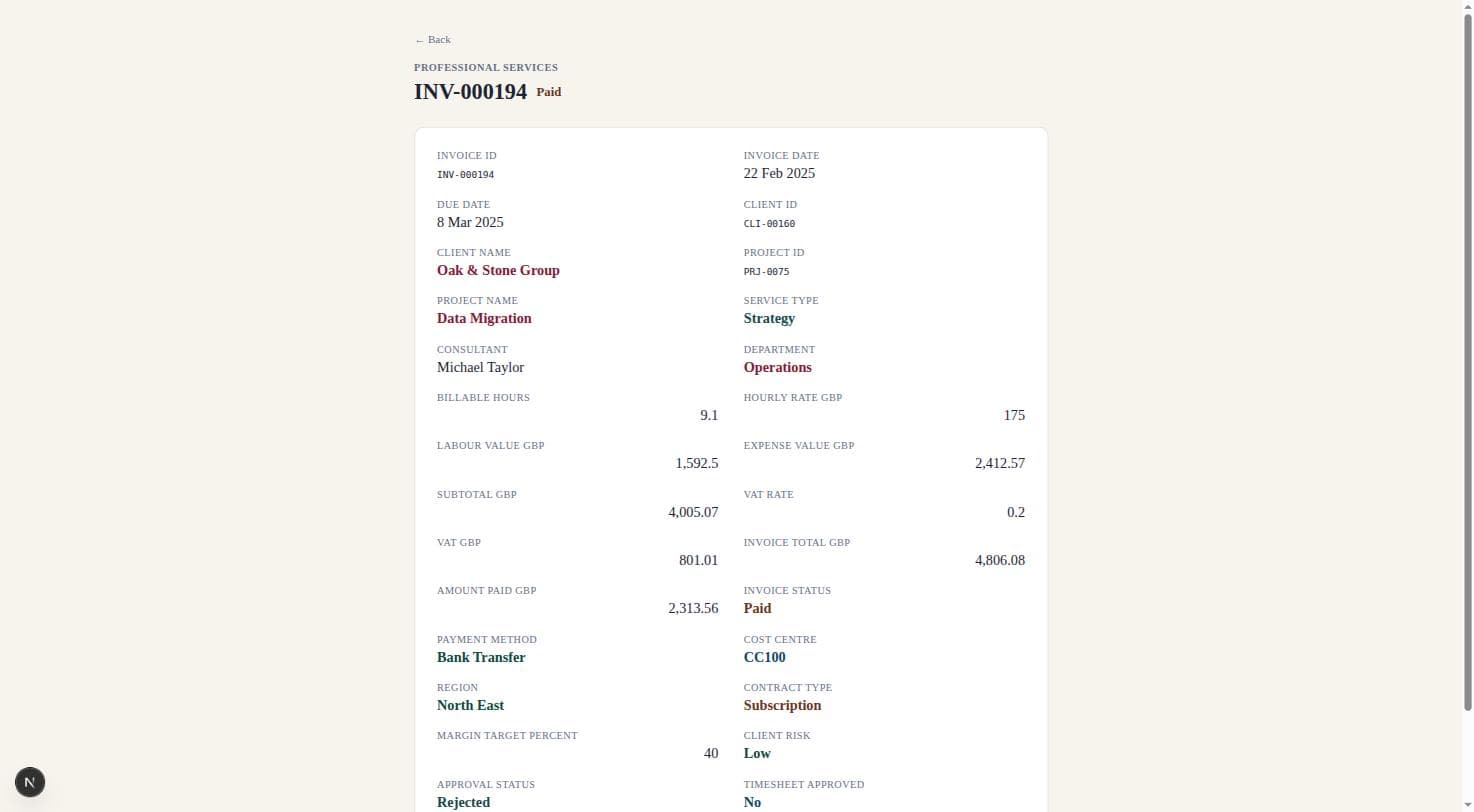
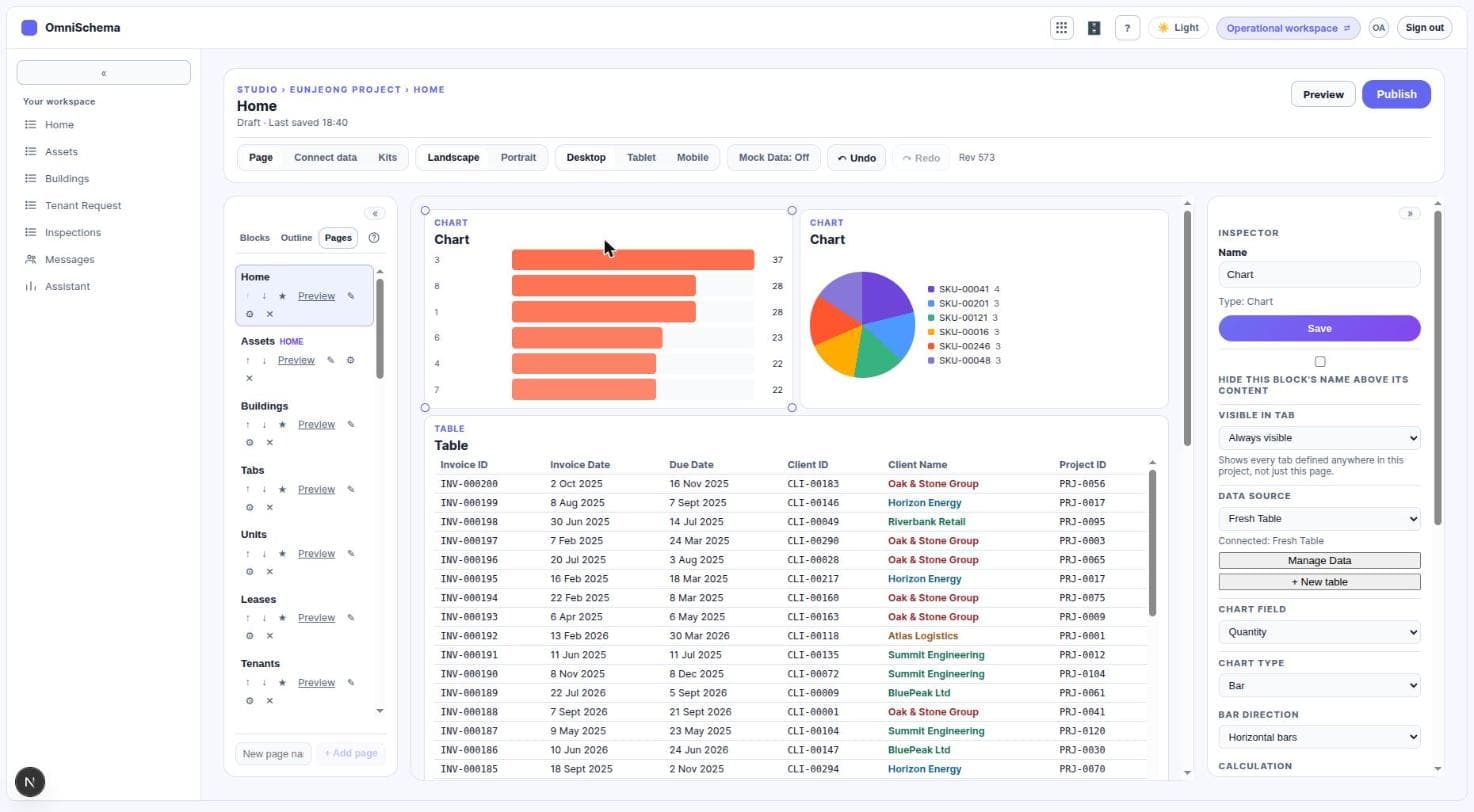
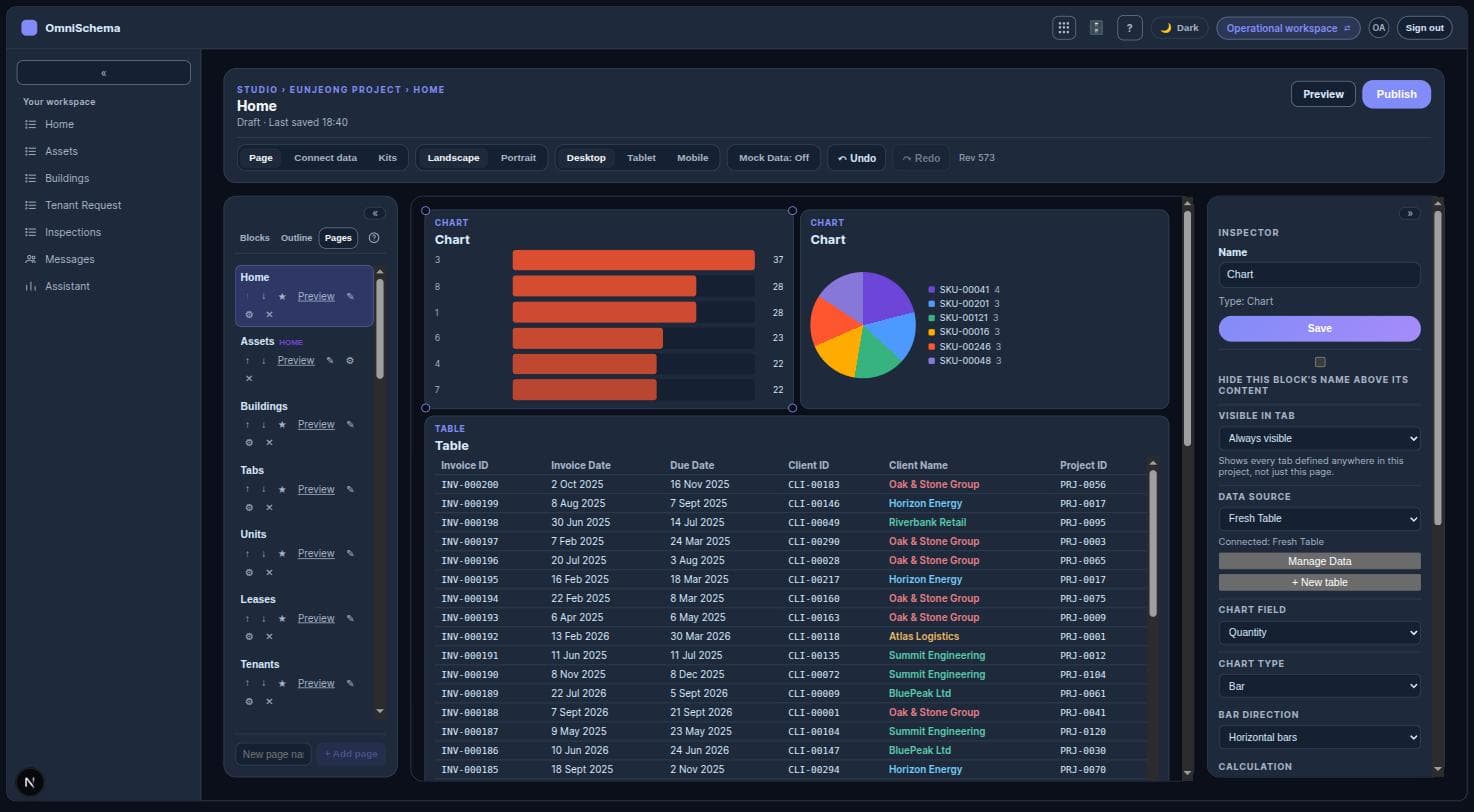
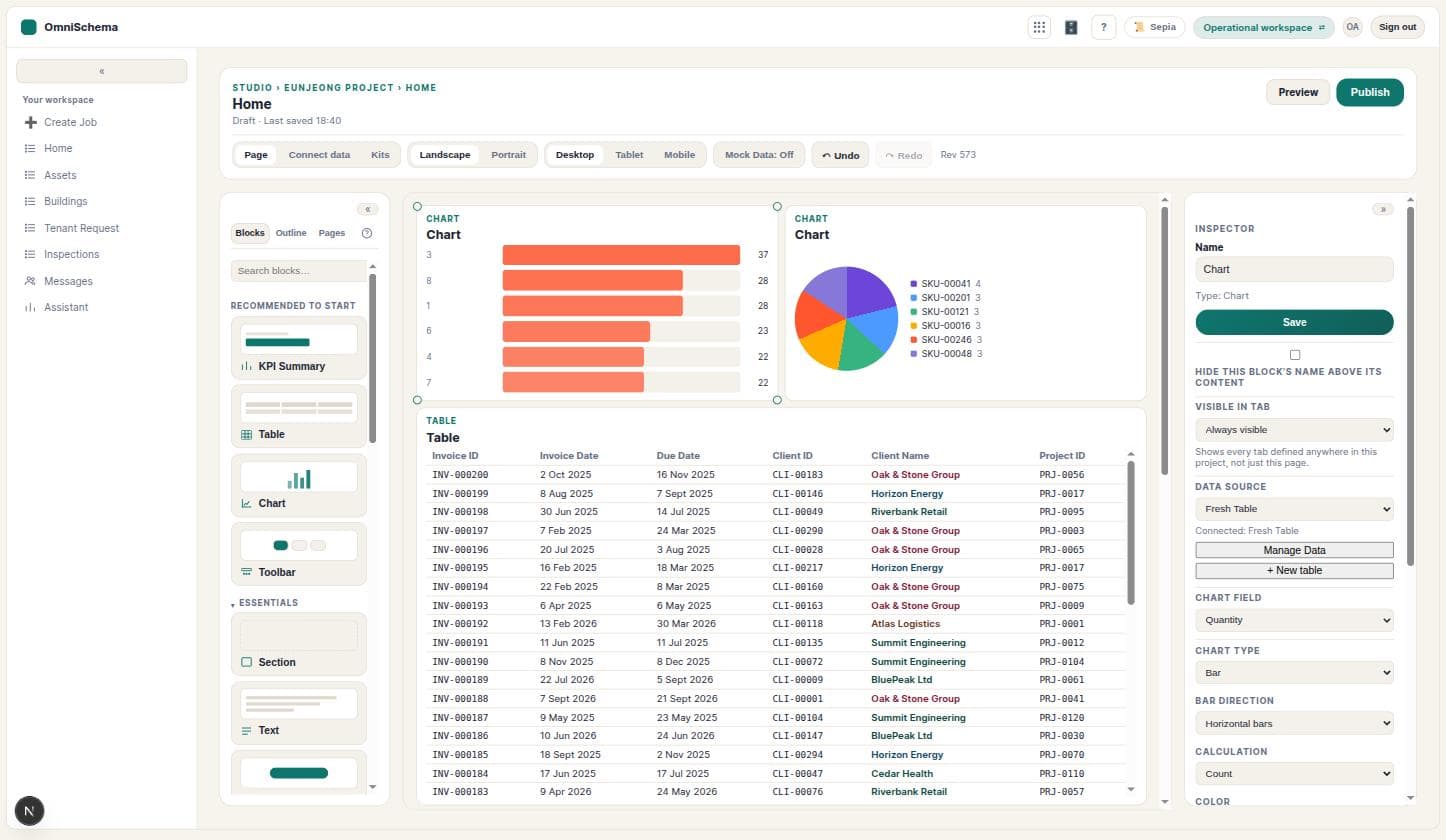
Shape it yourselfAdd a page, a list or a dashboard in Studio. Your team sees it as soon as you publish.
What it does
Jobs with real stepsCreate, start and close are separate steps. Engineers tick a safety check before they start and answer your close-out questions before they finish.
Works with no signalEngineers keep working in basements and plant rooms. Starts, closes, photos and forms send themselves when the phone is back online.
Planned maintenanceMonthly, quarterly or yearly servicing by building, with the next date worked out for you and overdue work easy to spot.
Customers and invoicesInvoices from the job, paid by card or bank transfer, and sent to Xero or QuickBooks. Customers can follow their jobs in their own portal.
Bookings and remindersA booking page for your website and text message reminders before each visit.
Build what you needStudio lets you add pages, lists, forms and dashboards yourself. Nothing to install and no developer needed.
Better together
- With People: when you assign a job, see who is qualified and free to do it. Hours from closed jobs go on the engineer's timesheet.
- With Purchasing: engineers order parts from the job they're on, and what was bought shows on the job's costs.
- With Payroll: the labour cost of a job, including employer National Insurance and pension, can go back onto that job.
Getting started
- 1Pick your kind of workChoose a Kit and your system is set up with example jobs to try.
- 2Bring your dataImport a spreadsheet of customers, sites or jobs.
- 3Invite your teamEngineers use the phone app, the office uses a computer.
All our products
OmniSchema OperationsRun every job from the first call to the paid invoice.Free to start. See how it worksOmniSchema PeopleYour team's records, leave, time and training in one place.From £4 an employee a month. See how it worksOmniSchema PurchasingOrder parts from the job, and pay only for what arrived.£99 a month on its own. See how it worksOmniSchema CRMEvery customer, lead and deal, with the next step always clear.From £8 a user a month. See how it worksOmniSchema PayrollMonthly and weekly pay, with tax and National Insurance worked out for you.From £4 an employee a month. See how it works