OmniSchema

Learn OmniSchema People

Step by step videos for OmniSchema People: bringing your team in, jobs and records, leave, clocking in on a phone, timesheets, and how People works with your jobs.

7 lessons · about 21 minutes in all · subtitles on every video

Setting up People

Switch it on, bring your team in, give each person their job, and track qualifications.
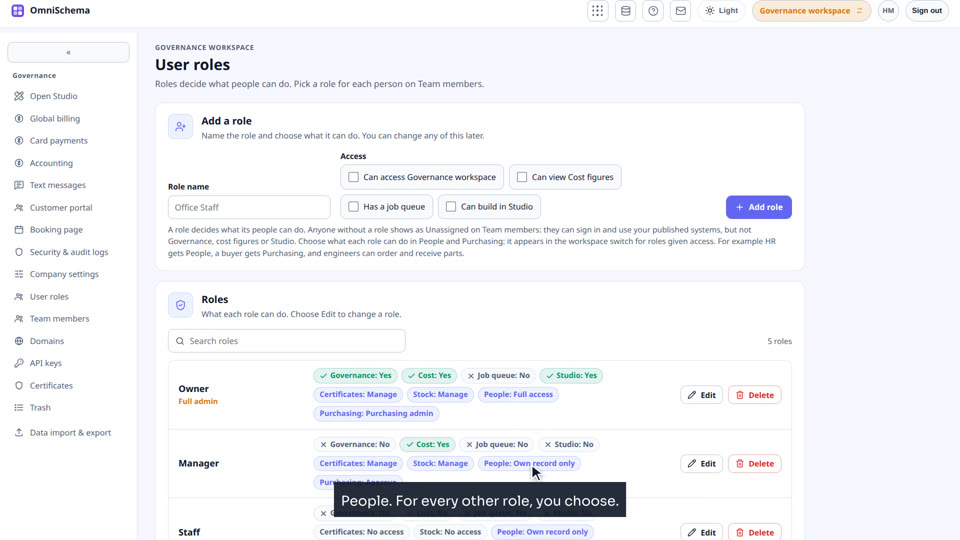
People · Lesson 1 · 3 min 33 s
People: Switching People on and bringing in your team
Switch People on in Company settings, bring your team in from Team members with one click, and choose what each role can do in People.
People · Lesson 2 · 3 min 13 s
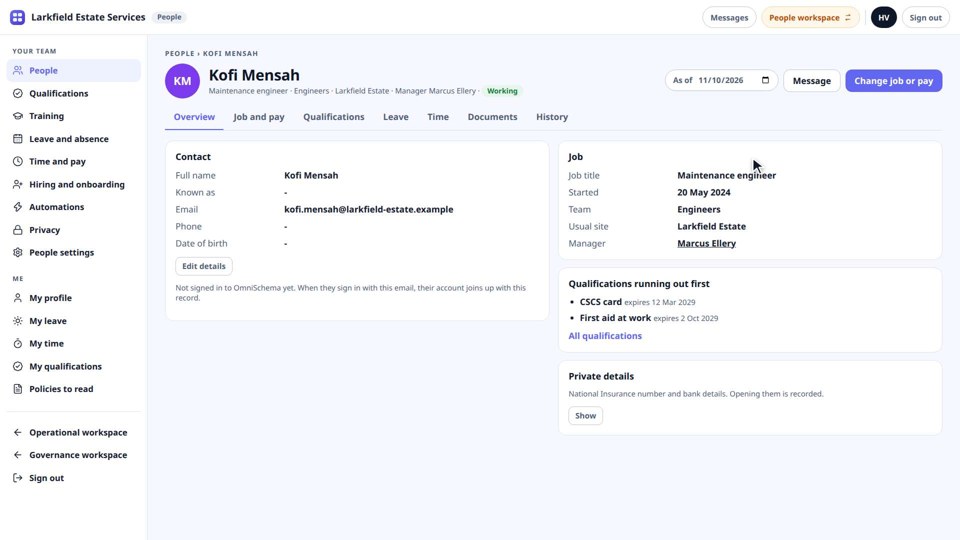
People: Adding someone's job, and their record
Add a team member's job, team, manager and working days, then look around their record: job history, documents and right to work.
People · Lesson 3 · 3 min 26 s
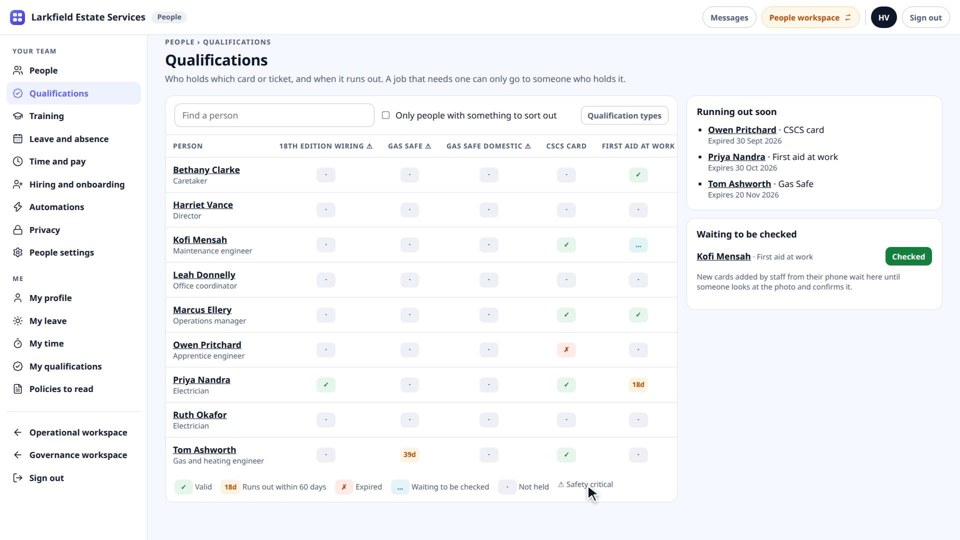
People: Qualifications and training
See whose cards and tickets are running out, check new ones, add a qualification type and what jobs need it, and give training.

On the phone

Booking leave and clocking in, even with no signal.
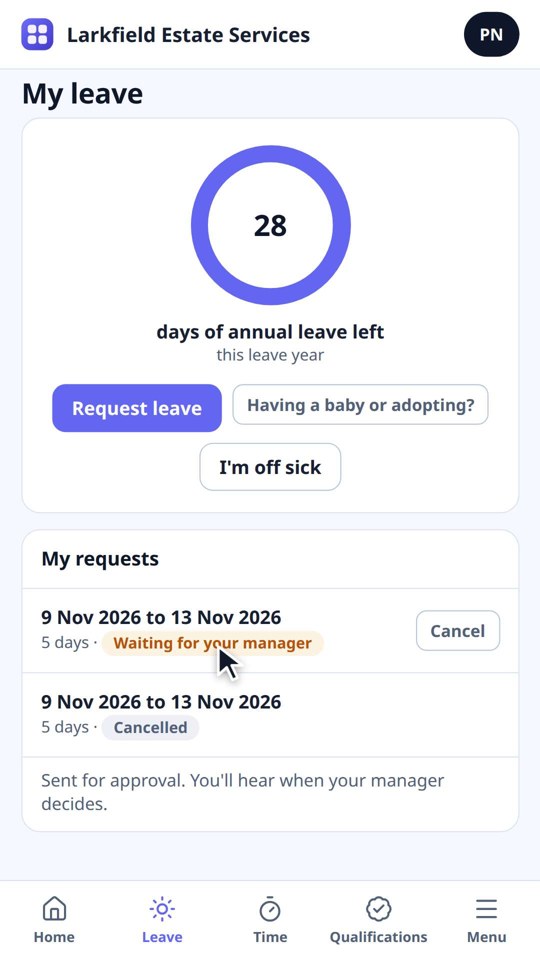
People · Lesson 4 · 2 min 39 s · Phone
People: Booking leave on your phone, and approving it
Book leave from a phone, see days left, report being off sick, and approve leave as a manager with cover checked for you.
People · Lesson 5 · 2 min 22 s · Phone
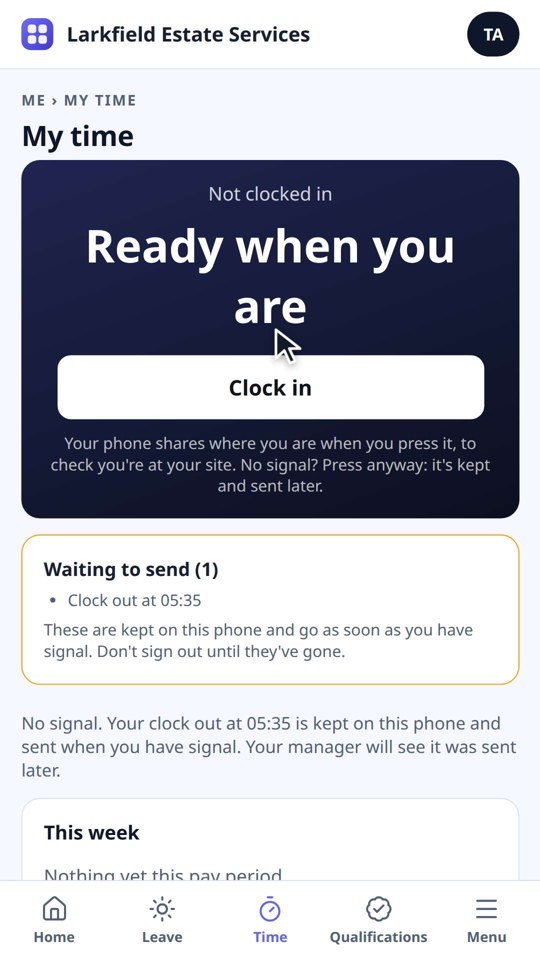
People: Clocking in on your phone, even with no signal
Clock in and out from a phone, even with no signal, add forgotten time and send your timesheet.

Timesheets, pay and your jobs

Approve timesheets, close the pay period, and see how People works with your jobs.
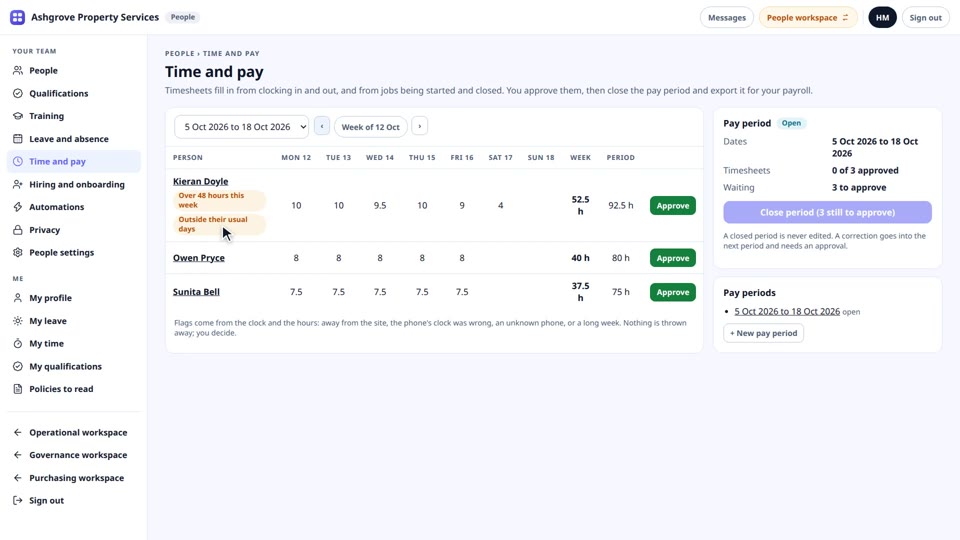
People · Lesson 6 · 2 min 23 s
People: Approving timesheets and closing the pay period
Read the flags, approve each timesheet, close the pay period, export it for your payroll, and open the next one.
People · Lesson 7 · 3 min 10 s
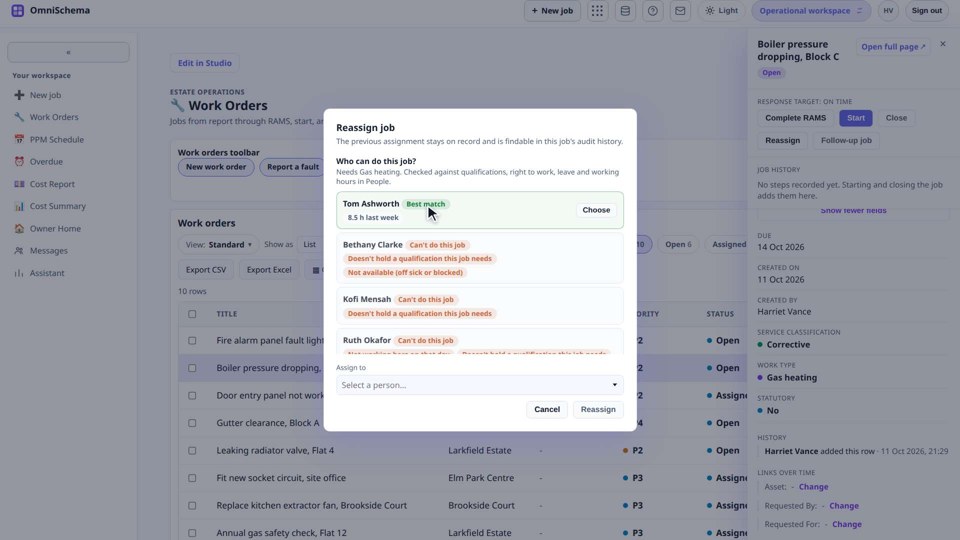
People: People and your jobs
Who can do this job? when reassigning, hours from jobs on timesheets, and the People block on your own pages.
See what People doesAsk us for a walk through