OmniSchema

Learn OmniSchema Purchasing

Step by step videos for OmniSchema Purchasing: suppliers and prices, spending rules, requests and approvals, supplier quotes, deliveries on a phone, and bills checked before anyone pays them.

10 lessons · about 29 minutes in all · subtitles on every video

Setting up Purchasing

Switch it on, add your suppliers and prices, and set your spending rules.
Purchasing · Lesson 1 · 3 min 35 s
Purchasing: switching it on, and who can do what
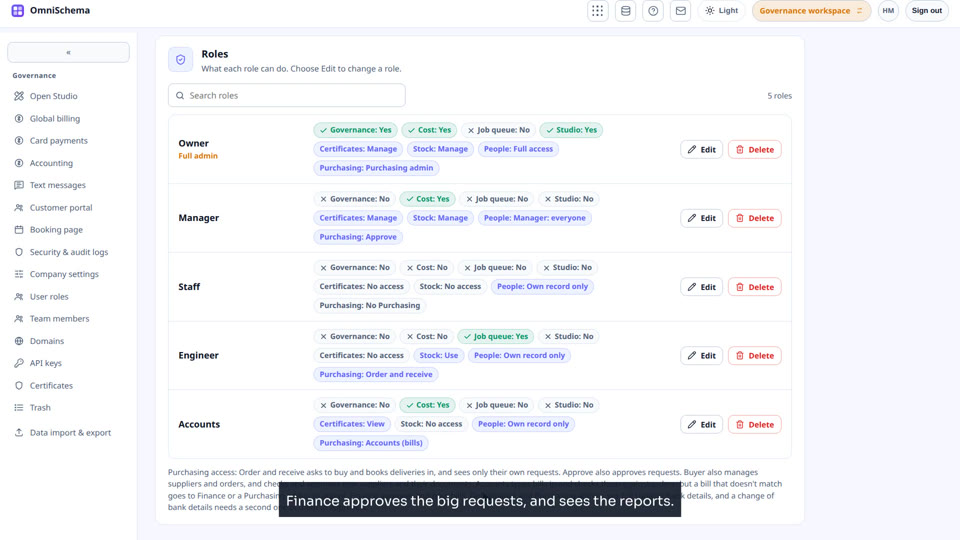
Switch Purchasing on in Company settings, and choose what each role can do in it: order and receive, approve, buyer, accounts, finance or admin.
Purchasing · Lesson 2 · 3 min 26 s
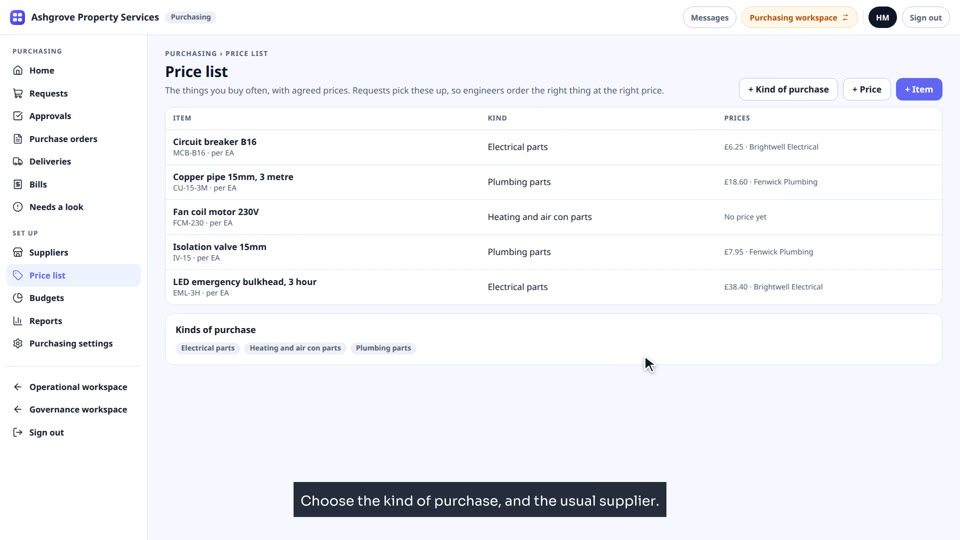
Purchasing: suppliers and your price list
Add a supplier, check and make it active, and build the price list your team orders from: kinds of purchase, items and agreed prices.
Purchasing · Lesson 3 · 2 min 55 s
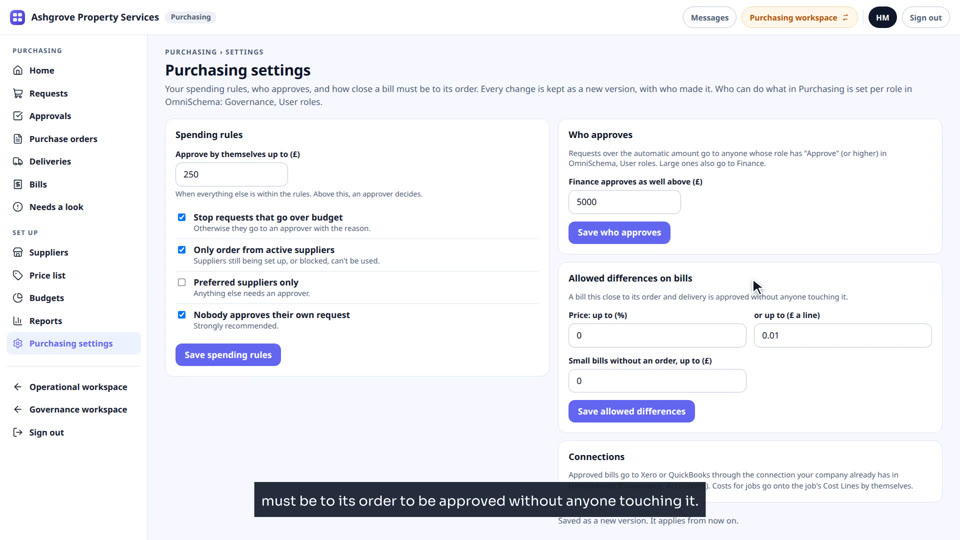
Purchasing: spending rules, approvers and budgets
Set what is approved by itself, who approves the rest, when Finance checks too, and a budget for the year.

Buying, day to day

Requests, approvals, quotes, ordering from a job, and deliveries on the phone.
Purchasing · Lesson 4 · 3 min 11 s
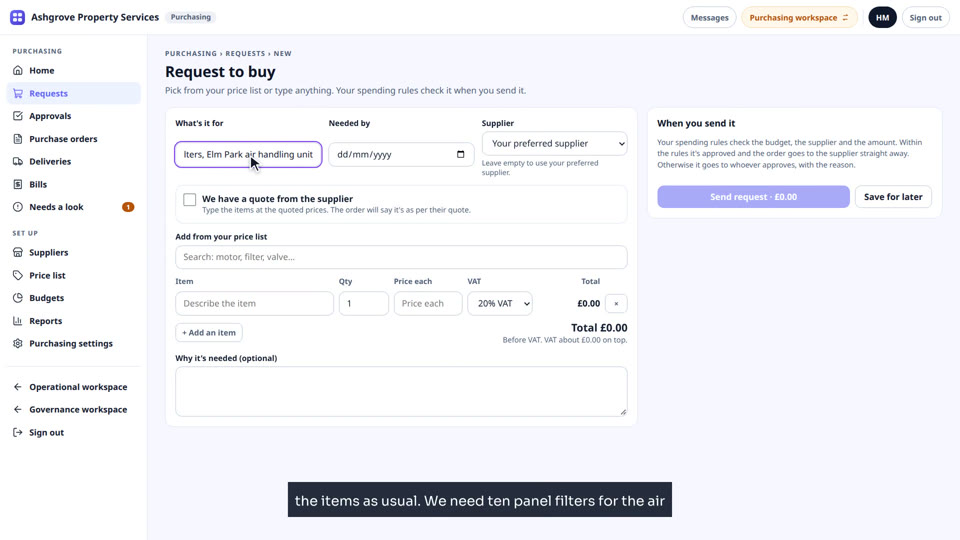
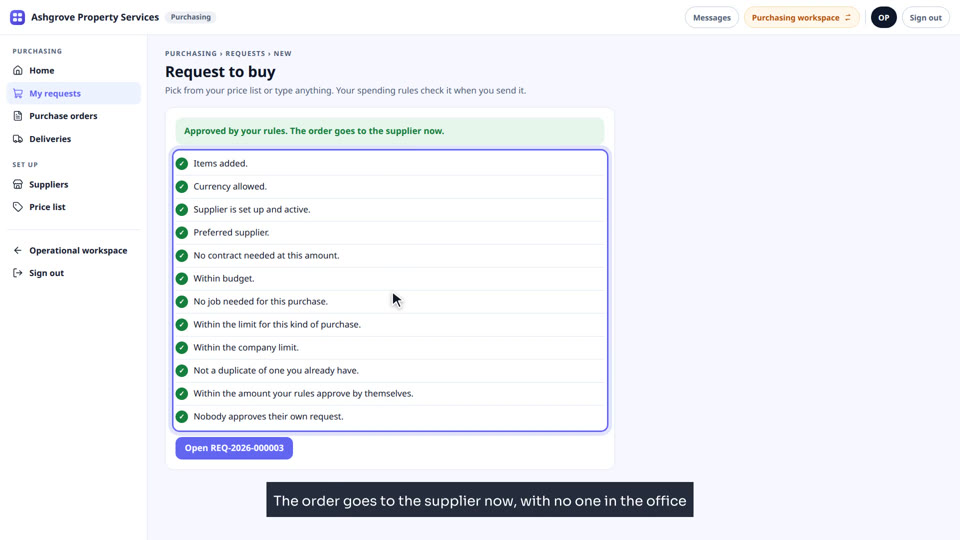
Purchasing: asking to buy, and getting it approved
An engineer asks to buy two things: one is approved by the rules and ordered at once, the other waits for a manager to approve it.
Purchasing · Lesson 5 · 2 min 44 s
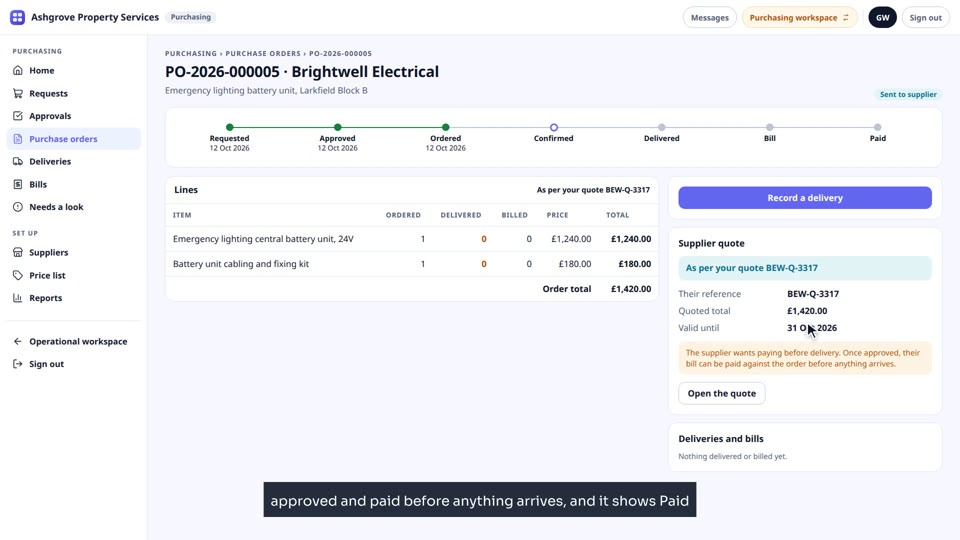
Purchasing: using a supplier's quote
Buy from a supplier's quote: attach it, type the items at the quoted prices, mark payment before delivery, and see what the approver and the order show.
Purchasing · Lesson 6 · 2 min 18 s
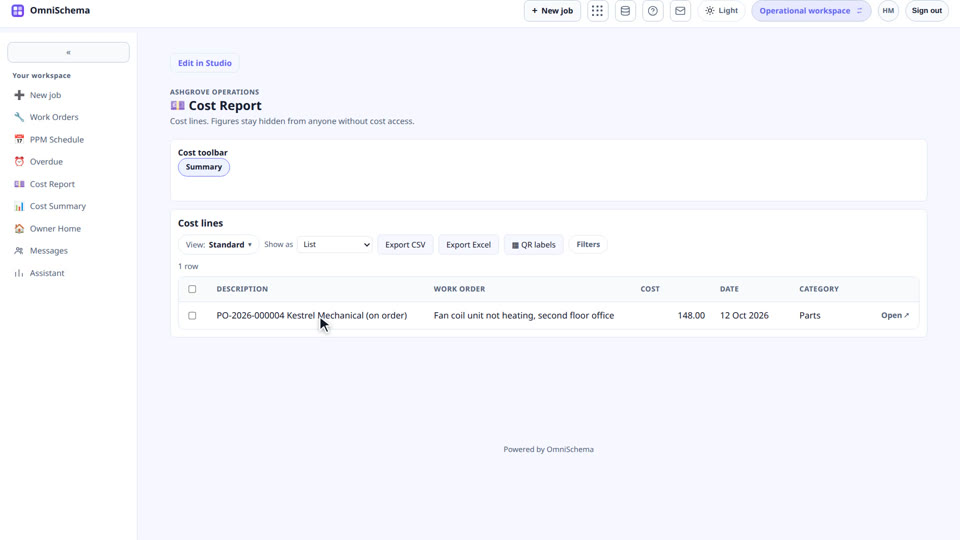
Purchasing: ordering parts from a job, and costs on the job
Order parts from the job itself, and see the cost land on the job's Cost Lines by itself.
Purchasing · Lesson 7 · 2 min 24 s · Phone
Purchasing on the phone: orders and taking in a delivery
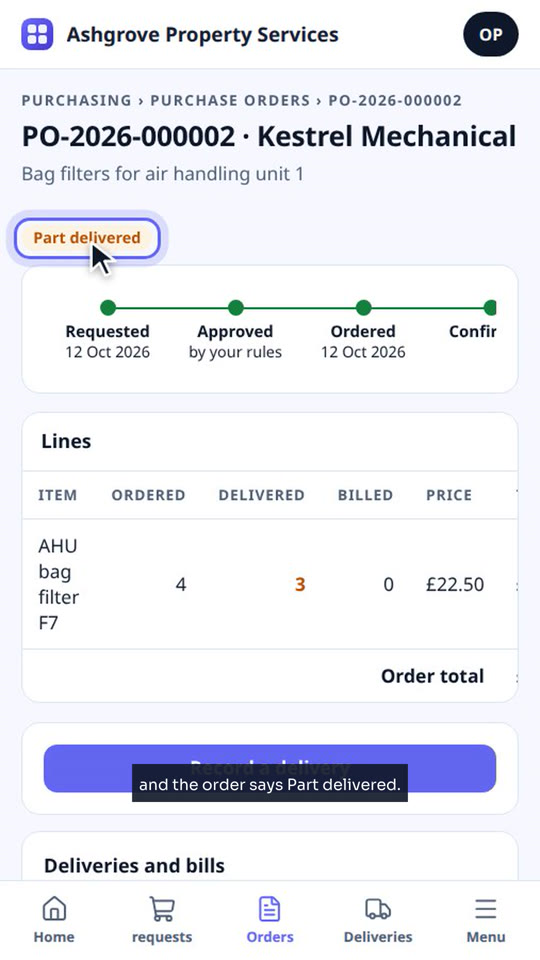
On the phone: follow an order, take in a delivery with part of it sent back, and record the rest when it arrives.

Bills and accounts

Supplier bills checked against the order and its VAT, then reports and your accounts.
Purchasing · Lesson 8 · 3 min 21 s
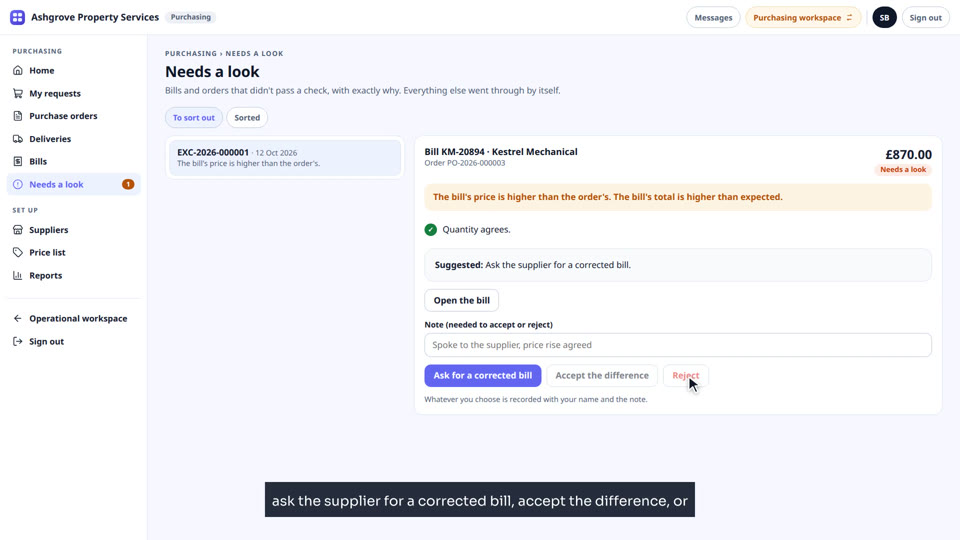
Purchasing: supplier bills, checked by themselves
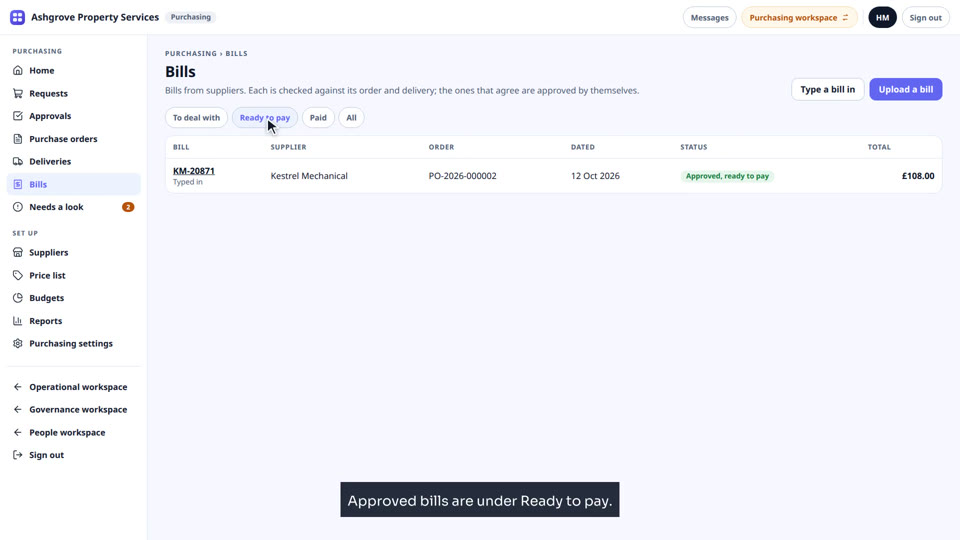
Type in supplier bills, see them checked against the order and delivery, sort out one that needs a look, and mark it paid.
Purchasing · Lesson 9 · 2 min 34 s
Purchasing: VAT on requests and bills
Set the company's default VAT rate, choose the rate on each item, and see a bill with the wrong VAT land in Needs a look.
Purchasing · Lesson 10 · 2 min 32 s
Purchasing: bills into Xero or QuickBooks, and reports
Where approved bills go to Xero or QuickBooks, and the reports that show if your spending rules are working.
See what Purchasing doesAsk us for a walk through