PPM software for small facilities companies
Planned preventive maintenance is the work you know is coming: the annual gas safety check, the quarterly emergency lighting visit, the six monthly fire alarm service. The hard part is not knowing it is due. It is making sure every visit turns into a job, gets done, and rolls on to the next date without anyone keeping a wall calendar.
OmniSchema Operations has a PPM planner built for small maintenance and facilities firms in the UK. You set up a plan once, and it raises the job before each visit is due, gives it to the right engineer, and works out the next date when the job is closed.
Free plan, no card.
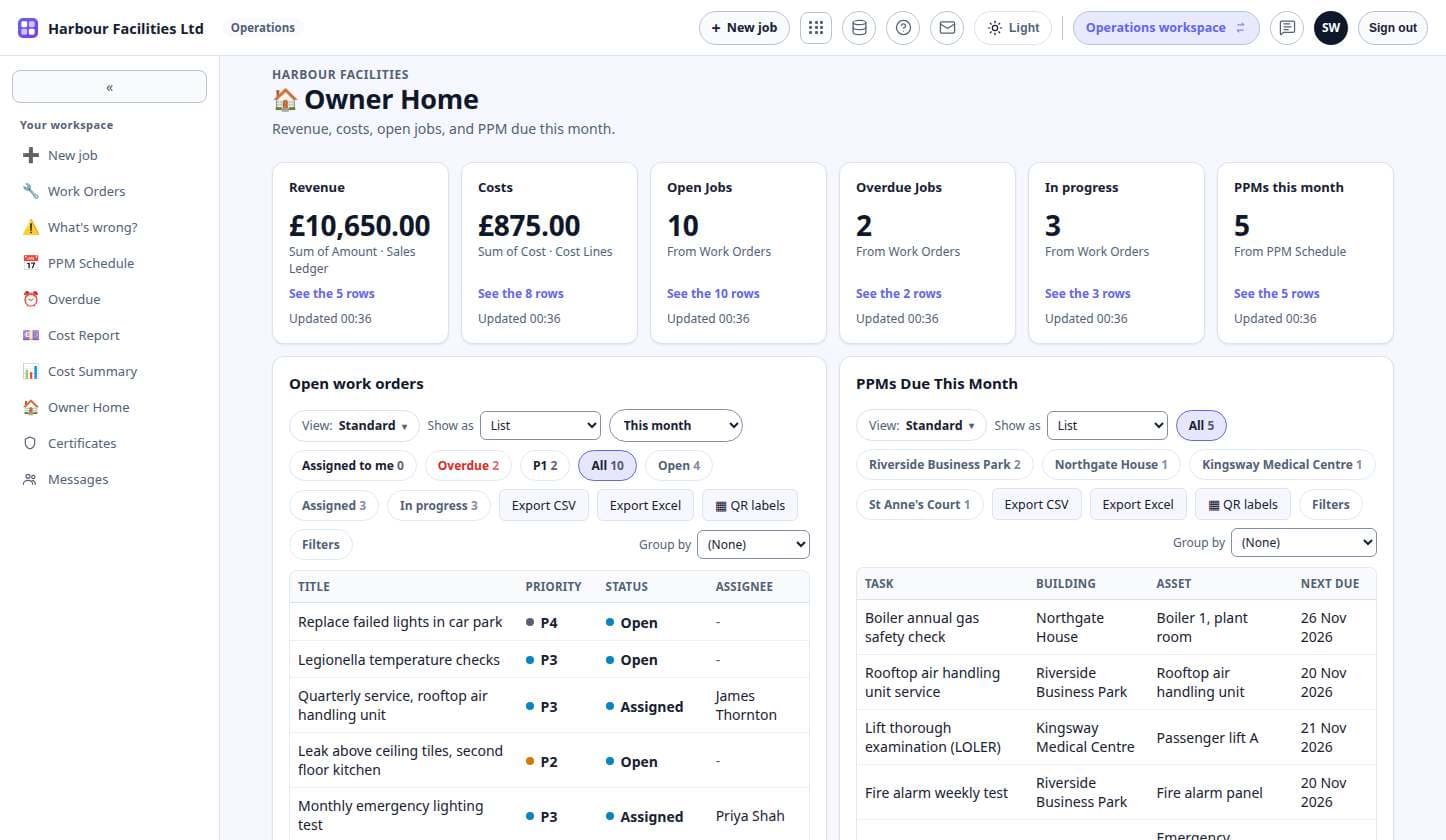
How the PPM planner works
You start with procedures. A procedure is one kind of visit, such as a fire alarm service, with how often it is due and the steps the engineer must complete. The interval can be any number of months, from 1 to 120, or any number of days, so weekly is every 7 days and quarterly is every 3 months. Each step becomes a question the engineer has to answer before the visit can be closed. Mark a procedure as statutory and it also asks for the inspection certificate.
Then you make plans. A plan joins a procedure to the place it covers: a site, a building or a single asset, with an engineer and a priority if you want one. You choose how far ahead the job should appear. The default is 14 days before the visit is due.
From then on the planner does the routine work. Every hour it checks what is coming up and raises a job on your work orders list once a visit falls inside its window. When the engineer closes that job, the visit is marked done, and the schedule's last done and next due dates move on by themselves.
What you see each week
The planner shows a month or a week at a time, with each visit as a card you can drag to a new day. You can filter by location or by engineer, and you can see how many visits are due, overdue and done, and the share completed on time.
Plans change, and the planner keeps a record when they do. A visit can be moved or skipped with a reason. A plan can be paused and resumed. The history shows who changed what, which matters when a client or an auditor asks why a visit was late.
- Next due dates roll on from the previous due date, so a late visit does not push every future visit later.
- A plan can also fall due by meter reading, such as running hours on a generator, whichever comes first.
- Engineers complete the visit steps on their phone, and the form still works with no signal.
Starter procedures, and what we do not claim
To save typing, OmniSchema comes with seven starter procedures you can copy and edit: gas safety every 12 months, fixed wiring every 60 months, emergency lighting every 3 months, fire alarm every 6 months, water hygiene monthly, portable appliances every 12 months and F gas every 12 months. They are our own starting prompts, written in plain English.
They are not SFG20 and not a licensed maintenance standard. If your contracts are written against SFG20 or a client's own schedules, type those tasks into your procedures yourself. The planner does not import a task library, and a competent engineer still decides what each visit needs.
What it costs
OmniSchema Operations has a free plan for 3 users with no card needed, which is enough to try the PPM by Building kit and see your schedule. The PPM planner itself, with jobs raised for you, is on the paid plans.
Starter is £149 a month with 15 users included, and you can add users at £10 each up to 25. Growth is £299 a month with 35 users, extra users at £8 each up to 75, and your own web address. Paying yearly takes 10% off. Prices exclude VAT.
Who it is for
It suits small facilities management companies, building services contractors and in house maintenance teams who look after a handful of sites up to a few hundred assets. If you currently keep PPM in a spreadsheet and copy each month's visits into jobs by hand, this replaces that step.
If you need a large CAFM system with space planning, helpdesk contracts for hundreds of engineers and a licensed task library, OmniSchema is probably too simple for you, and we would rather say so now.
Questions people ask
Does the planner create the jobs automatically?
Yes. Once a visit falls inside the advance window you set for its plan, the planner raises a job on your work orders list, with the site, asset, engineer and priority from the plan. There is also a button to raise due jobs straight away.
Does OmniSchema include SFG20 tasks?
No. OmniSchema has seven starter procedures of its own, and you can write your own steps for any visit. It does not include or import SFG20.
Can I plan by building and by asset?
Yes. A plan can cover a site, a building or a single asset. The Locations feature on paid plans lets you set up client, site, building, floor, area and room.
What happens if a visit is missed?
It shows as overdue in the planner, and in its overdue count, until it is done or skipped with a reason. Skipping is recorded in the plan's history.
Can I try it before paying?
Yes. The free plan lets you install the PPM by Building kit and import your schedule. The planner that raises jobs for you needs Starter or Growth.
Read more
Related
Put your PPM schedule in one place
Start on the free plan, import your spreadsheet of assets and visits, and move to Starter at £149 a month when you want the planner to raise the jobs.