Compliance reports and remedial works, tracked to the end
An inspection report is only half the job. The EICR lists the C2 observations, the fire risk assessment lists the actions, the legionella risk assessment lists the dead legs to remove. If those findings stay in a PDF, they are forgotten until the next inspection finds them again.
OmniSchema Operations keeps remedial works next to the certificates they came from. Each finding becomes an action with an owner and a due date, any action can become a job for an engineer, and the action closes itself when that job is done.
Free plan, no card.
How remedial actions work
In Certificates, open Actions and click Add an action. Say what needs doing, choose how serious it is (low, medium, high or urgent), pick who is responsible, set a due date and choose the building. You can link the action to the certificate or the job evidence it came from, and the building is filled in from that certificate.
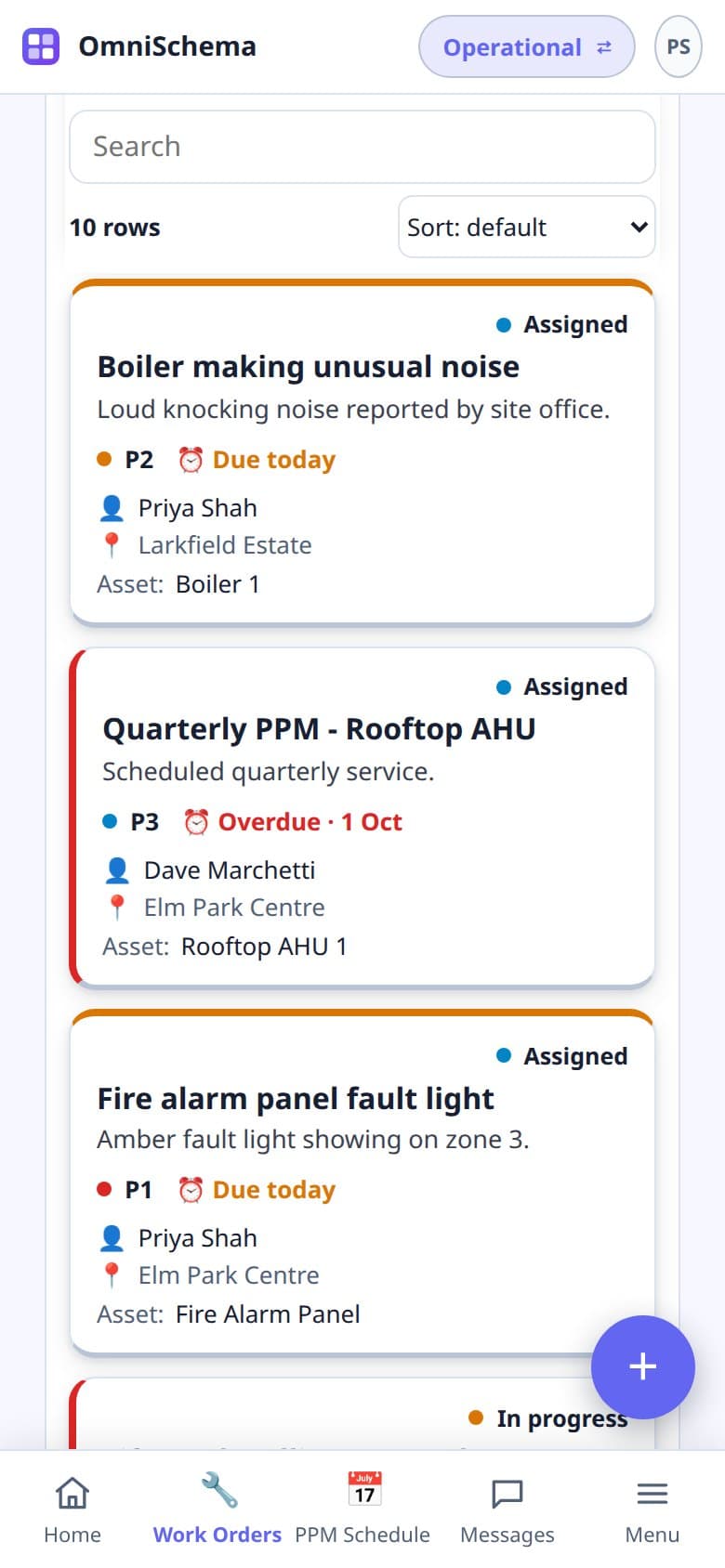
When the work needs an engineer, click Raise a job. OmniSchema adds a job to your work orders list with the building, the due date and the responsible person, waiting for approval like any other new job. The action moves to in progress.
When that job is closed, the action shows as done by itself. Nobody has to remember to go back and tick it off, and the record shows which job closed it.
Seeing what is overdue
An action is overdue once its due date has passed and it is not done. Overdue actions are counted on the Certificates overview, and they are in the daily email that goes to everyone who manages Certificates, under Overdue remedial actions. That email also lists missing, expired and expiring certificates, so one message covers the whole compliance picture.
Because each action keeps its building, you can see which sites have open findings and which engineer or manager owns each one. That is usually the first thing a client asks after an inspection: what was found, who is fixing it, and when.
Compliance reports for clients
On the paid plans, service reports give you a pack for a date range and, if you want, one client. They cover SLA results, PPM visits due, done on time, done late, overdue and skipped, open jobs by age, first time fix, subcontractor attendance, and certificates due or expired. You can download them as PDF or Excel, or have them emailed weekly or monthly.
When you send a report to a client, the cost against invoiced section is left out. If you give clients the customer portal, they can see their own SLA and PPM figures for this month and the two before.
What it costs
Actions are part of Certificates in OmniSchema Operations. Raising a job from an action needs the Work Orders kit installed, which is available on every plan. The free plan covers 3 users. Service reports and the customer portal are on Starter, at £149 a month for 15 users, and Growth, at £299 a month for 35 users. Prices exclude VAT.
Who it is for
It is for maintenance contractors who carry out inspections and then quote and do the follow on work, and for facilities managers and managing agents who receive reports from others and need to prove the findings were dealt with. If you currently track remedials in a spreadsheet next to a folder of PDFs, this joins the two together.
Questions people ask
What is a remedial action in OmniSchema?
It is a piece of follow on work found by an inspection or noted on a certificate: what needs doing, how serious it is, who is responsible, when it is due and which building it is in.
Can an action become a job?
Yes. Click Raise a job and it is added to your work orders list with the building, due date and responsible person. You need the Work Orders kit installed.
Does the action close when the work is done?
Yes. When the linked job is closed, the action shows as done, whatever its status was set to by hand.
How am I reminded about overdue remedials?
Overdue actions are counted on the Certificates overview and listed in the daily email to everyone who manages Certificates. The email is only sent when something has changed, or weekly while anything is outstanding.
Can I send clients a compliance report?
On Starter and Growth, service reports can be filtered to one client and downloaded as PDF or Excel, or emailed on a weekly or monthly schedule. Costs are left out of packs sent to clients.
Read more
Related
Close the loop on every inspection
Sign up free, add your certificates and the actions they found, and raise the jobs for the work that needs an engineer.