CAFM software for small and medium facilities firms
CAFM, computer aided facilities management, usually means a large system bought by a large facilities provider: months of implementation, a consultant to set it up, and a price you only learn after a sales call. Many smaller firms end up back on spreadsheets because the big systems were built for someone else.
OmniSchema Operations covers the parts of CAFM that small and medium facilities companies use every day, with prices on our website, a free plan to try it, and a system you can set up yourself in an afternoon.
Free plan, no card.
What it covers
These are the parts of a CAFM system OmniSchema Operations has today. Some are on every plan, and the ones marked paid need Starter or Growth.
- Reactive jobs with priorities P1 to P4, a safety check before starting and close out questions before finishing
- Planned maintenance with a planner that raises jobs before each visit (paid)
- An asset register with statutory dates, and asset types with their own fields and meter readings
- Locations from client and site down to building, floor, area and room (paid)
- Certificates with requirements, verification, remedial actions and audit packs
- SLA targets to respond, attend and fix by priority, in working hours or all hours, with alerts (paid)
- Requests from the customer portal or by email into a triage queue (paid)
- Quotes with client approval, job costs, invoices and credit notes (paid)
- Service reports as PDF or Excel, sent to clients weekly or monthly (paid)
- An engineer app that keeps working with no signal
How it compares with a large CAFM system
We would rather be honest than win a sale we cannot keep. OmniSchema is simpler than the large CAFM products. It does not include space and room booking, a licensed task library such as SFG20, energy management, or a helpdesk built for hundreds of engineers across national contracts. If your contracts require those, a large system is the right choice.
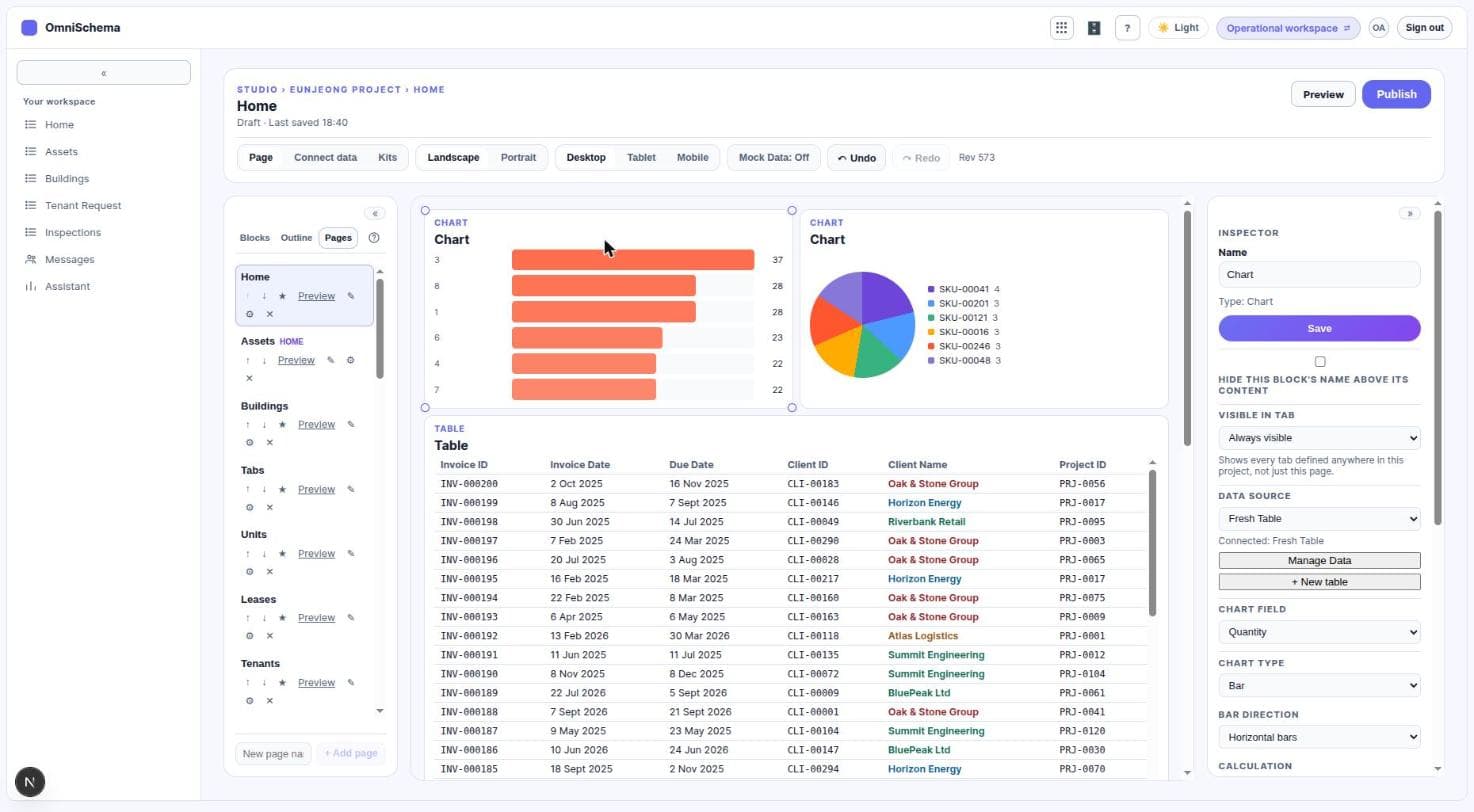
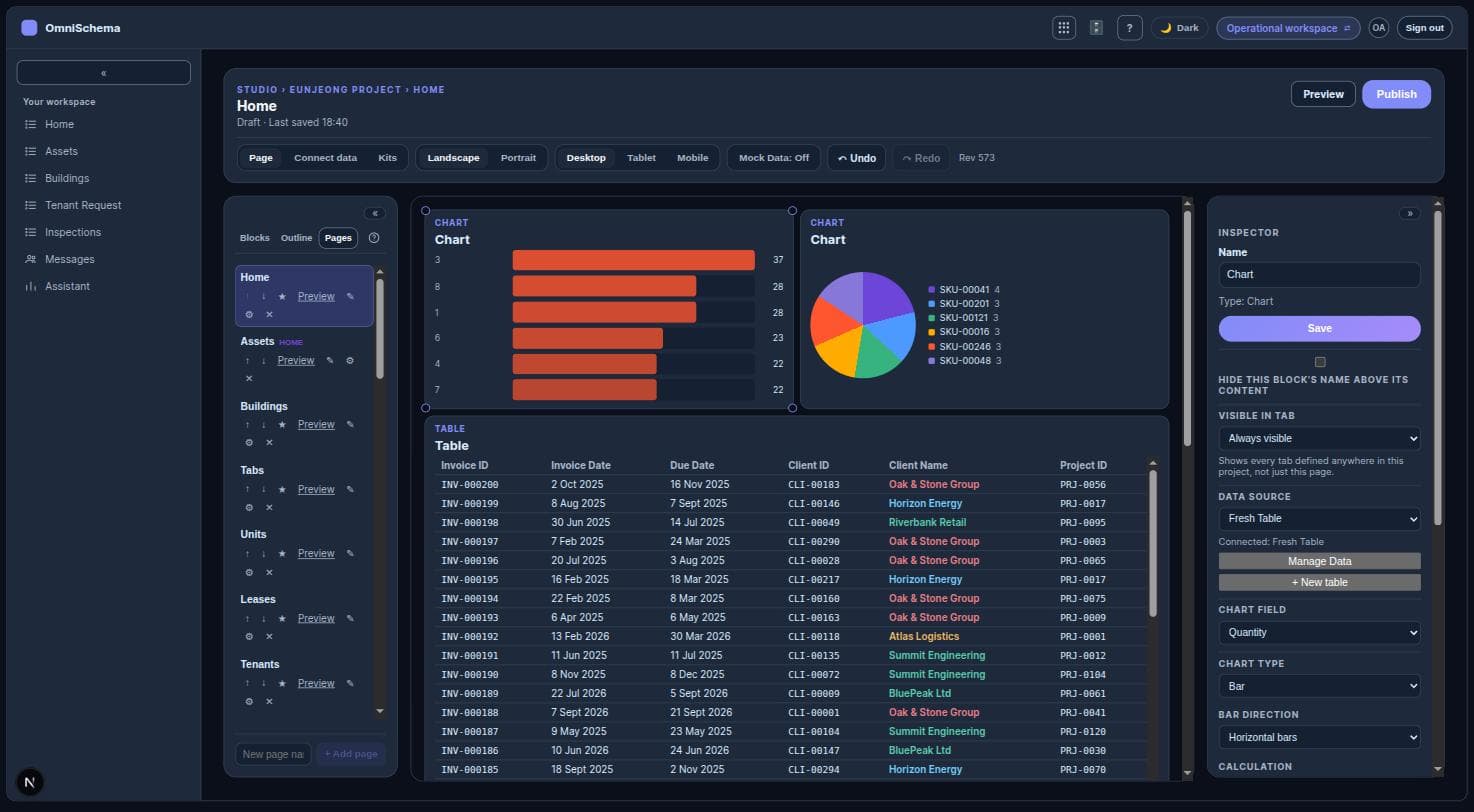
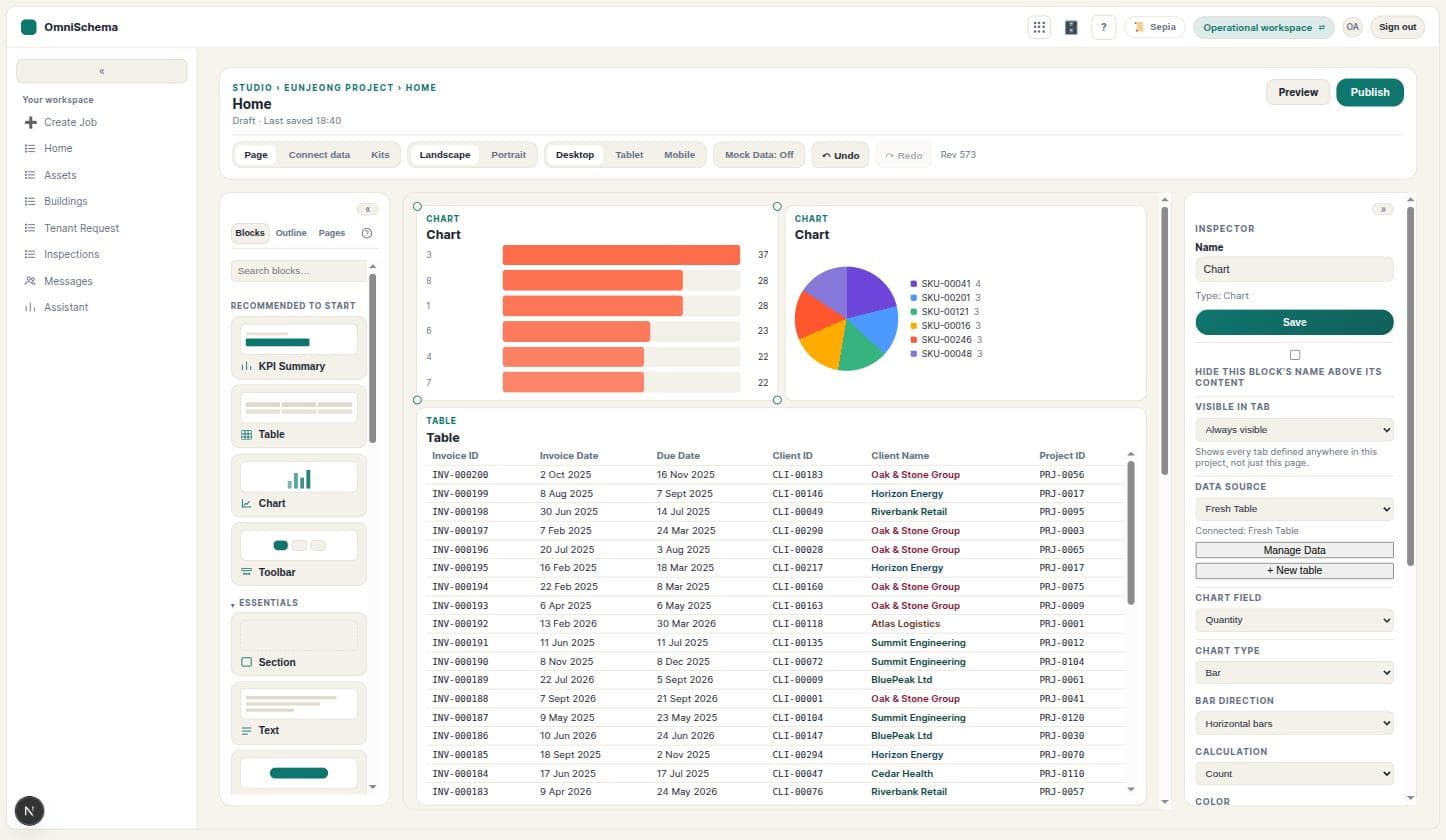
What you get instead is a system that fits a smaller firm. You choose a kit for your kind of work and the lists and pages are set up for you. When something does not suit, you change it in Studio yourself, without a developer and without a change request. Your engineers use the phone app, your office uses a browser, and your clients can have their own portal.
How you get started
Sign up, say what kind of work you do, and OmniSchema recommends kits such as Work Orders, Assets and PPM by Building. Install them, import your spreadsheets of customers, sites and assets, and invite your engineers. Our video lesson on the first afternoon shows a new firm going from sign up to a working system in one sitting.
If you would rather not set it up yourself, our team can build it for you.
What it costs
Prices are on our pricing page and they are the same for everyone. The free plan has 3 users and one system. Starter is £149 a month with 15 users included, up to 25 at £10 for each extra user. Growth is £299 a month with 35 users included, up to 75 at £8 each, and your own web address. Paying yearly takes 10% off. Prices exclude VAT.
You can add OmniSchema People for staff records, leave and clocking in from £4 an employee a month, and OmniSchema Purchasing for orders and supplier bills, from £229 a month together with Starter.
Who it is for
Small and medium facilities management companies, building services and maintenance contractors, and in house estates teams in the UK, typically with a few engineers up to around 75 users. If you have outgrown spreadsheets and a shared calendar, but a large CAFM system feels like more than you need, OmniSchema is built for you.
Questions people ask
Is OmniSchema a full CAFM system?
It covers jobs, planned maintenance, assets, locations, certificates, SLAs, requests, quotes, invoices and reports. It does not cover space booking, energy management or a licensed task library, so it is simpler than the large CAFM products.
How long does it take to set up?
Most firms can set up the basics themselves in an afternoon: choose a kit, import spreadsheets and invite the team. Our first afternoon lesson shows every step.
How many users can I have?
The free plan has 3 users. Starter includes 15 and goes up to 25. Growth includes 35 and goes up to 75. For more, talk to us about Enterprise.
Can my clients see their jobs?
Yes, on Starter and Growth. The customer portal lets each client sign in with their email to see their own jobs and invoices, pay online and send new requests.
Does it work with Xero or QuickBooks?
Yes, on the paid plans. Invoices and customers go to Xero or QuickBooks in one click, and invoices paid there are marked Paid in OmniSchema.
Read more
Related
Try a simpler CAFM
Start on the free plan with no card, install the kits for your work, and see whether OmniSchema fits before you pay anything.