An engineer app for job sheets and clocking in by phone
Field engineers do not want another app full of forms. They want to see today's jobs, get the details, do the work and close it without ringing the office. And they work in plant rooms, basements and risers where there is no signal.
OmniSchema gives engineers one app for their jobs and, with OmniSchema People, for clocking in and their timesheet. It is on Google Play for Android, and it opens in Safari on an iPhone with nothing to install.
Free plan, no card.
How it works for engineers
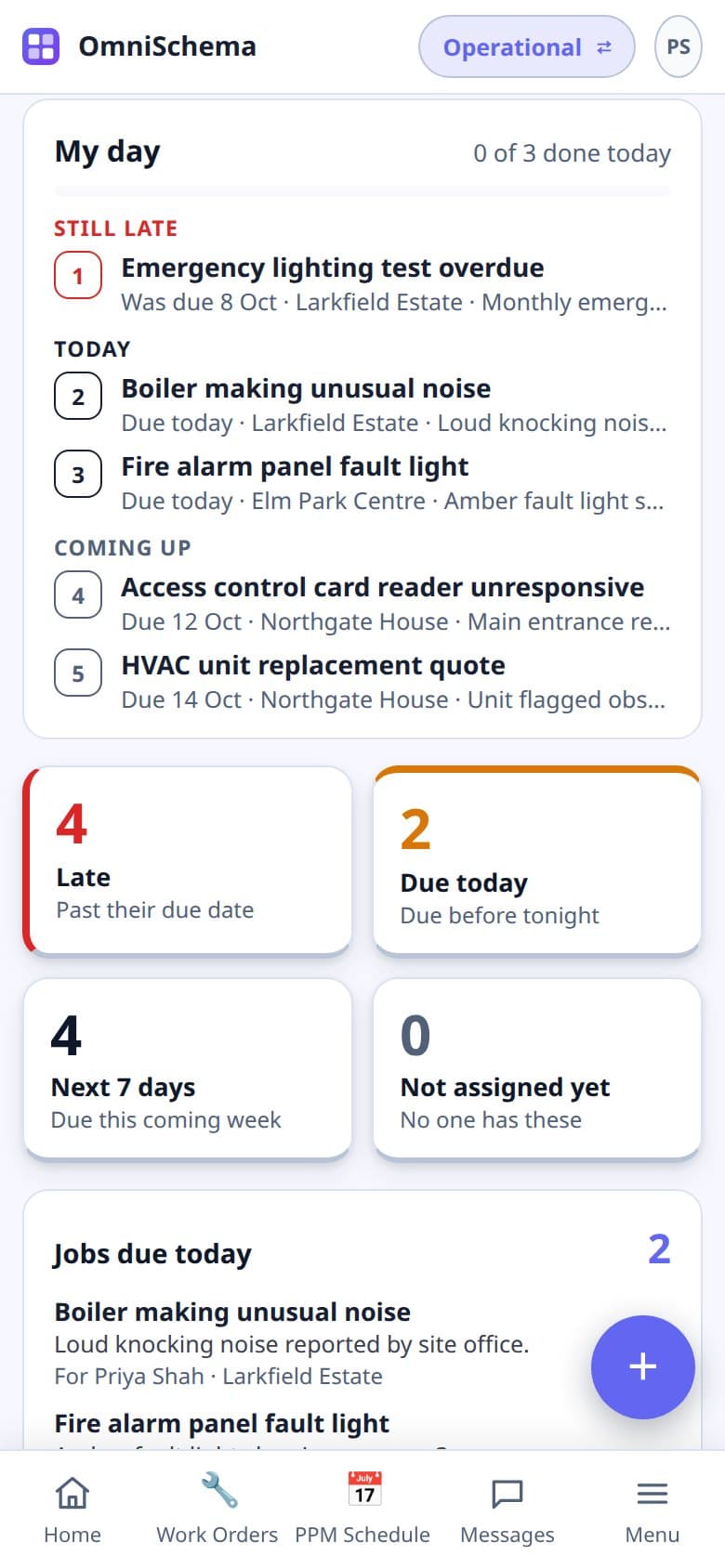
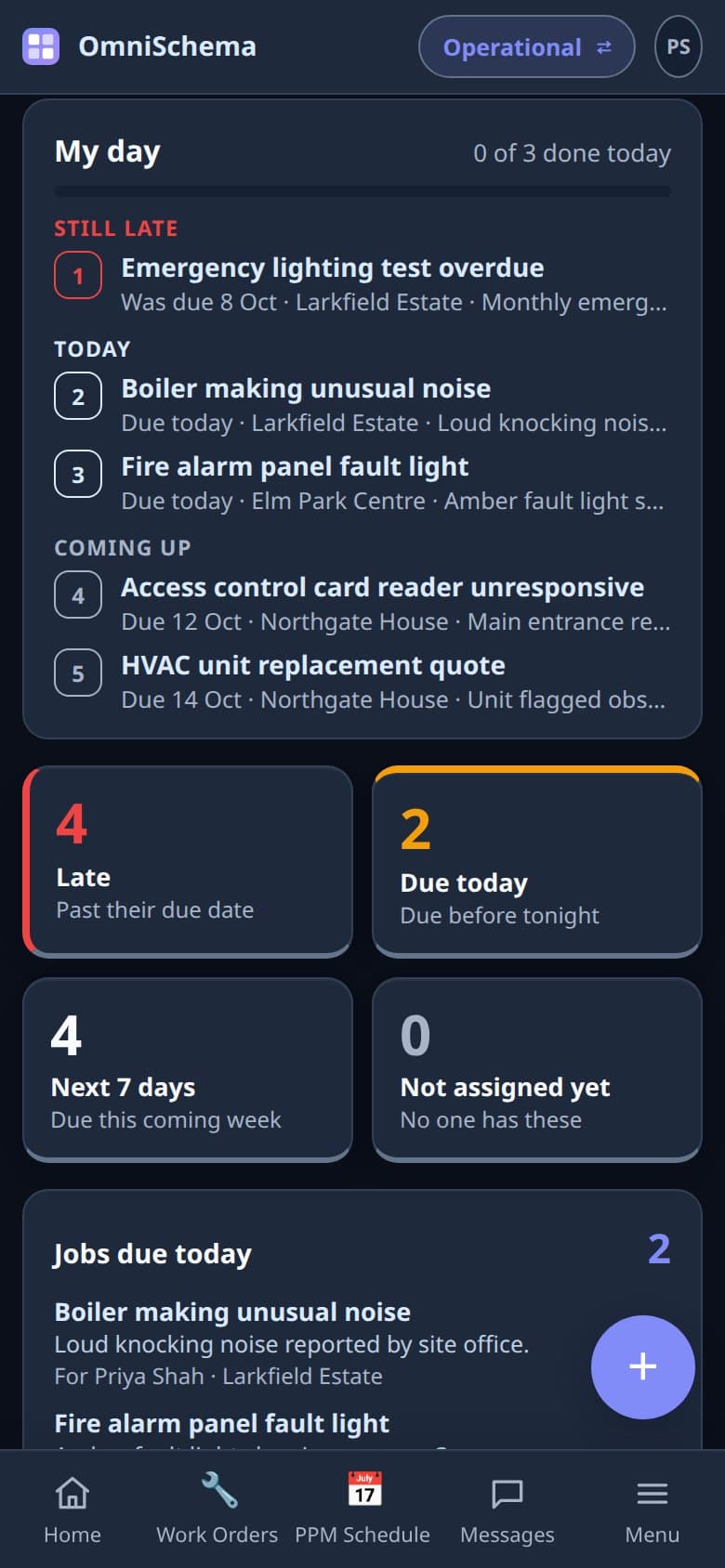
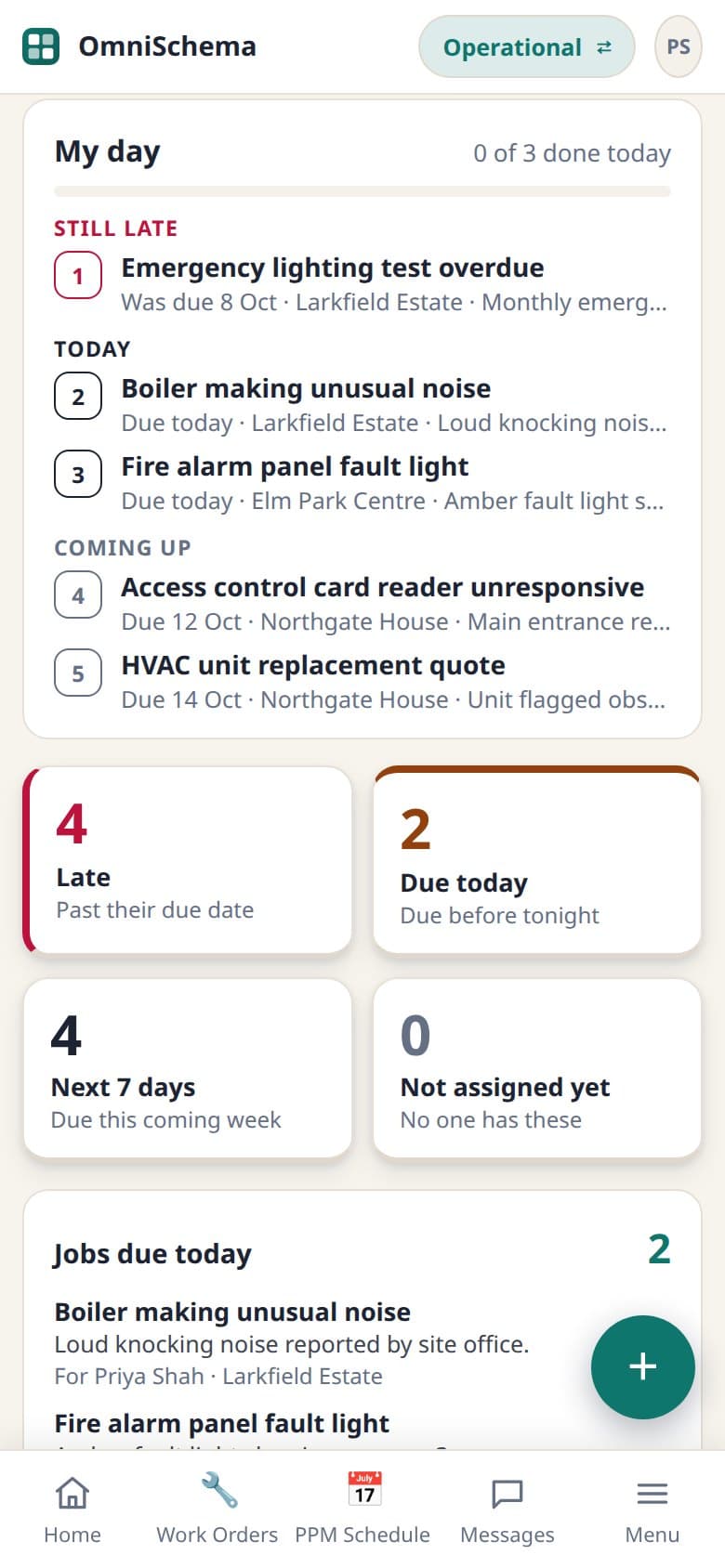
When an engineer opens the app they see My day: their own jobs as a running order, with anything still late at the top, then due today and coming up, and how many are done. Along the bottom are Home, the pages they use most, Messages and Menu.
Each job opens with the site, the equipment and what is wrong. They tap Start, go through the safety check, and the job is in progress. When the work is done they tap Close and fill in your close out questions: what the issue was, what they did, photos, parts used, and who on site confirmed it. If you have turned signatures on, the customer signs on the phone.
The office sees the closed job straight away. On the paid plans it has a job sheet PDF ready to send, with the close out answers and the signature.
Working with no signal
The app keeps working when the phone loses signal. Starts, closes, forms, photos, meter readings and parts used are kept on the phone and sent by themselves when the signal comes back. Their jobs still open, and anything they have typed is kept as a draft.
The first time OmniSchema asks whether it may record the phone's location when a job is started and closed. It is the engineer's choice, and the job goes ahead either way. When they agree, the office can see where each job was started and closed on a jobs map.
Clocking in by phone
Clocking in is part of OmniSchema People, which you add to Operations. The engineer taps Time, then Clock in. The phone shares where they are at that moment so a manager can check they were at the site. It is not tracked for the rest of the day.
After the first clock in, which needs signal once, it works anywhere. A clock out pressed in a basement waits on the phone and is sent when the signal returns, with the time it was really pressed, and the manager is told it arrived late. If the phone's clock looks wrong, the time is held for a manager to check before it counts.
Forgotten a day? Tap Add time. At the end of the week, Send my timesheet goes to the manager to approve, and hours from closed jobs can go onto the same timesheet.
What it costs
The engineer app is included with OmniSchema Operations. The free plan has 3 users, Starter is £149 a month for 15 users, and Growth is £299 a month for 35 users. Every engineer who signs in is a user.
Clocking in needs OmniSchema People: £4 an employee a month with a paid Operations plan, at least £30 a month, or £5 an employee on its own, at least £35. People has a 14 day free trial with no card. Prices exclude VAT.
Who it is for
Engineers, technicians and site staff at maintenance, facilities, cleaning and building services firms, and the managers who need to know the job was done and the hours are right. If your team sends photos of paper job sheets to a group chat, this replaces that.
Questions people ask
Is there an app for iPhone?
The app is on Google Play for Android. On an iPhone, open omnischema.app in Safari and sign in. There is nothing to install.
Does clocking in track engineers all day?
No. The phone shares its location only at the moment of clocking in, so a manager can check it was at the site. It is not tracked the rest of the day.
Can engineers clock in with no signal?
Yes, after the first clock in on that phone. A clock in or out with no signal is kept on the phone and sent when the signal comes back, with the time it was really pressed.
Do I need People to use the engineer app?
No. Jobs, the safety check, close out, photos and messages are part of Operations. You only need People for clocking in, timesheets, leave and staff records.
Can engineers message the office?
Yes. Messages lets them chat with the office and the team, with photos and voice notes, and see when a message has been read.
Read more
Related
Put the job sheet on the phone
Sign up free, invite an engineer, and they can install the app and start their first job today.