Job management software for maintenance contractors
A maintenance job passes through a lot of hands. The call comes in, someone logs it, an engineer goes out, the work is done, the customer wants to know what happened, and the office needs to invoice it. When that lives in phone calls, WhatsApp and a spreadsheet, something drops between each step.
OmniSchema Operations keeps the whole job in one record, from the first call to the paid invoice, with your engineers working from their phones and the office working from a browser.
Free plan, no card.
How a job runs
Click New job at the top of any page. Give it a title, the site, a priority from P1 for emergencies to P4 for low, a due date and the engineer. The engineer sees it on their phone straight away, in My day if it is due today.
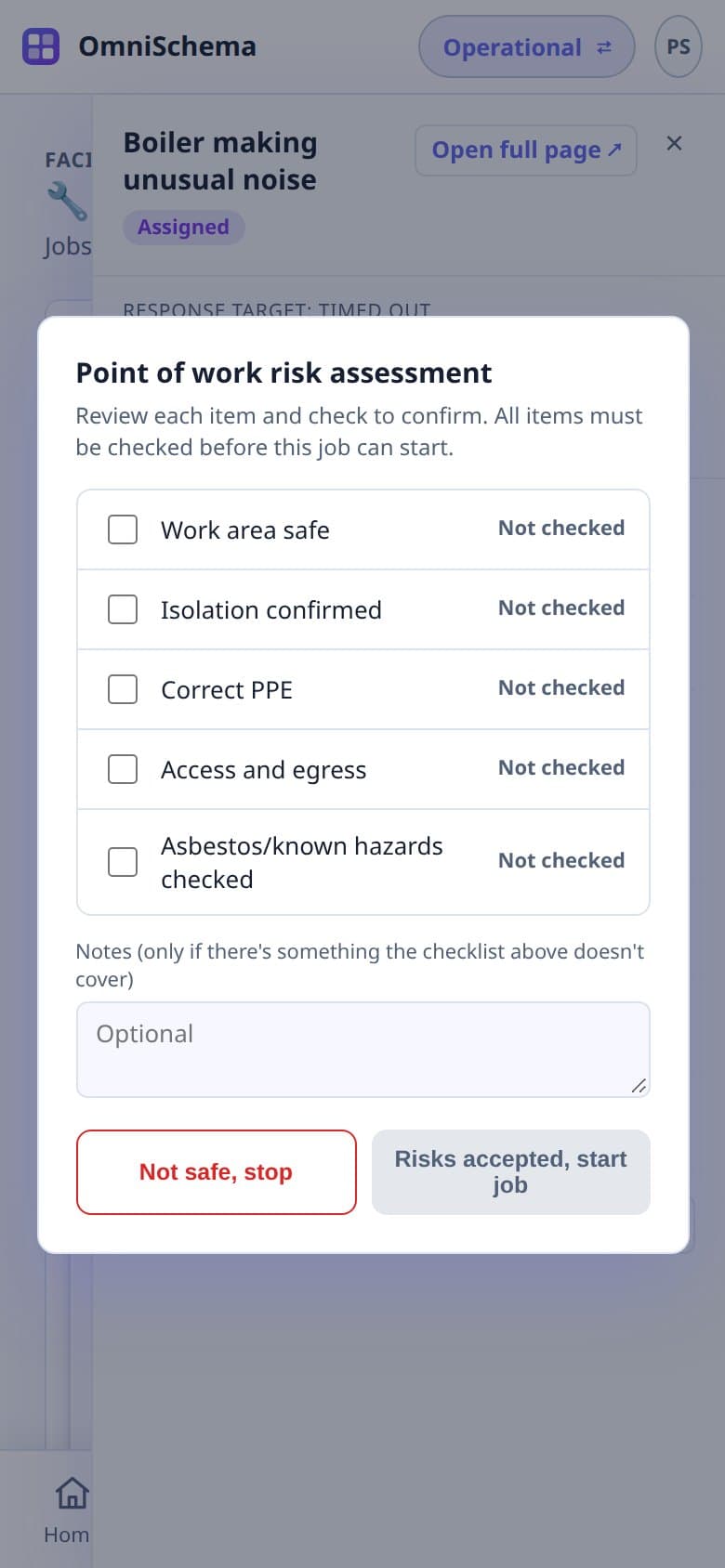
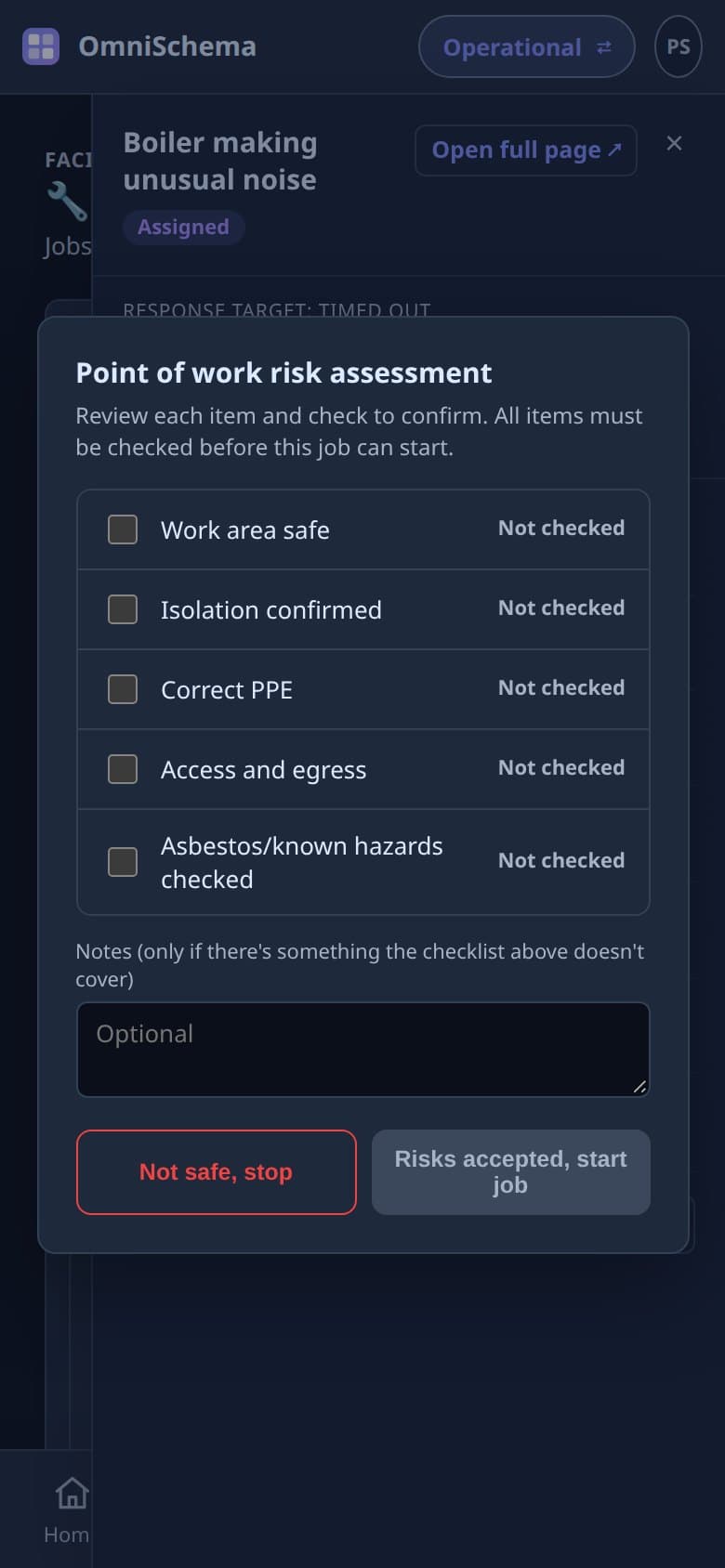
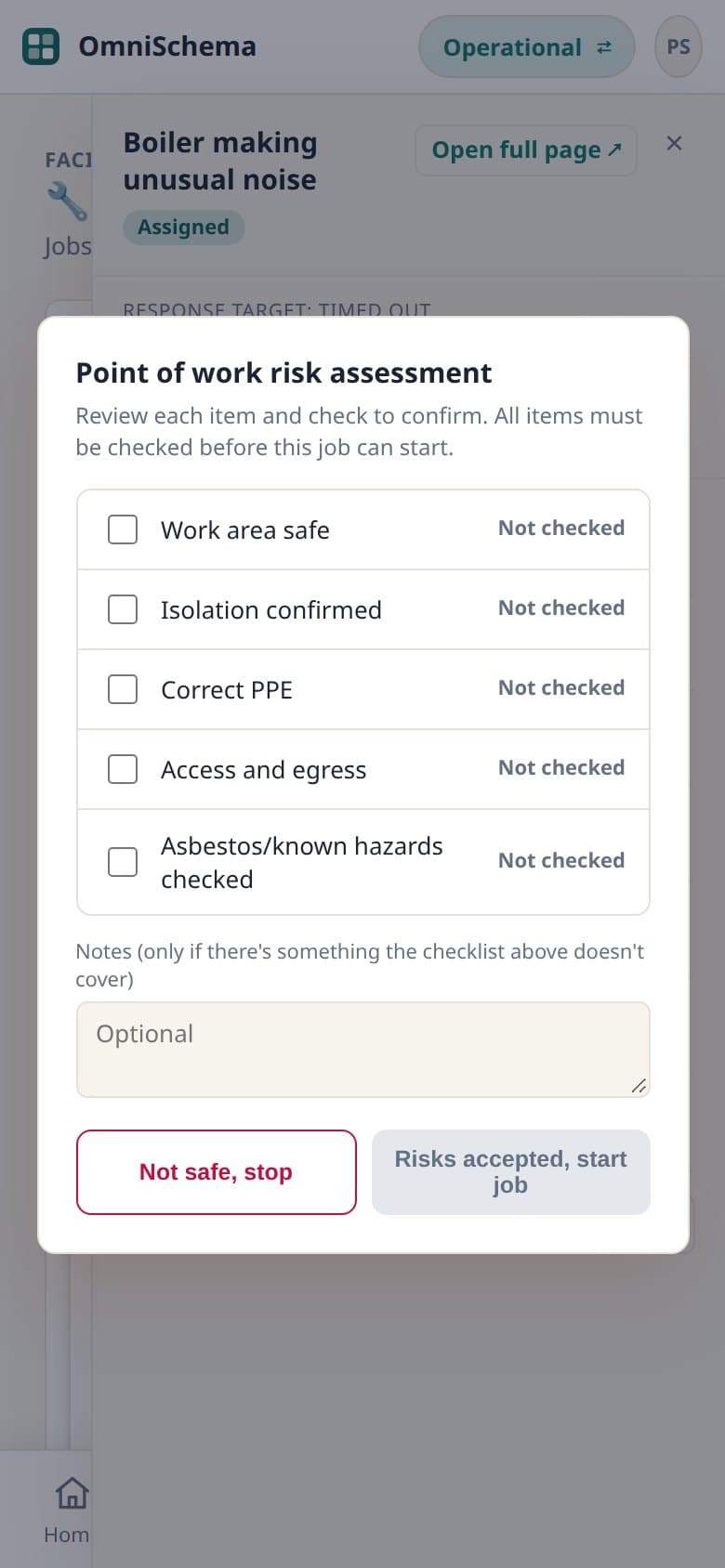
On site the engineer taps Start. Before the job starts there is a short safety check: the work area is safe, the power is isolated, the right protective equipment, access and egress, and asbestos and other hazards checked. If something is not safe, they stop and the job does not start. You can use your own checklist of up to 20 items instead, or none.
When the work is done they tap Close and answer your close out questions: what the issue was, what they did, notes, photos, and who on site confirmed it. Questions can be text, yes or no, numbers, choices, dates, photos or files. The history records who started and closed the job and when.
Job sheets, signatures and quotes
On the paid plans, each closed job has a job sheet PDF with what was done, when, the close out answers and the customer's signature if you ask for one. You choose per list whether a signature is off, optional or required. Costs never appear on a job sheet a customer can see.
Quotes on the paid plans have their own numbers and versions, up to 100 lines with VAT and a valid until date. Clients approve them from an emailed link or the customer portal, and a job can be held until its quote is approved.
From job to invoice
Each job can carry its costs: labour worked out from start and finish times and the engineer's cost per hour, parts used from stock, and supplier bills from OmniSchema Purchasing. You can see what was spent against what was invoiced before the invoice goes out.
Raise invoices from one or more jobs into your sales ledger, with VAT at 20%, 5%, 0% or exempt. Download the invoice as a PDF, email it to the customer, and on the paid plans add a Pay now link through your own Stripe account, so a card payment marks the invoice paid by itself. Invoices and customers can go to Xero or QuickBooks in one click.
- SLA targets to respond, attend and fix by priority, with alerts before a job runs late (paid)
- A customer portal where clients see their own jobs and invoices and report new faults (paid)
- Text message reminders the day before a visit, paid as you go (paid)
- Where each job was started and closed, on a jobs map, on every plan
What it costs
The free plan covers 3 users and one system, with jobs, the safety check, close out questions and the engineer app. Starter is £149 a month for 15 users, with up to 25 at £10 each, and adds job sheets, quotes, job costs, invoicing from jobs, card payments, Xero and QuickBooks and the customer portal. Growth is £299 a month for 35 users, up to 75. Prices exclude VAT, and paying yearly takes 10% off.
Who it is for
Maintenance contractors, building services firms, plumbing, heating and electrical companies, and facilities teams with anything from two engineers to a few dozen. If you take calls, send engineers out and invoice the work, it is built for the way you already work.
Questions people ask
Can engineers work with no signal?
Yes. Starting and closing jobs, forms, photos and parts used are kept on the phone and sent by themselves when the signal comes back.
Can I produce a job sheet for the customer?
Yes, on Starter and Growth. Each closed job has a job sheet PDF with the work done, the close out answers and the customer's signature if you collect one. Customers can also download it from their portal.
Can customers sign on the engineer's phone?
Yes, on the paid plans. Turn on signatures for your jobs list and the customer draws their signature and types their name when the job is closed.
Does it do invoices?
Yes. Invoices can be raised from jobs on the paid plans, downloaded as PDF, emailed, paid by card through your own Stripe account and sent to Xero or QuickBooks.
Is there an iPhone app?
The engineer app is on Google Play for Android. On an iPhone, engineers open omnischema.app in Safari, with nothing to install.
Read more
Related
Run your next job in OmniSchema
Sign up free, install the Work Orders kit, invite two engineers and run a real job from the call to the close today.