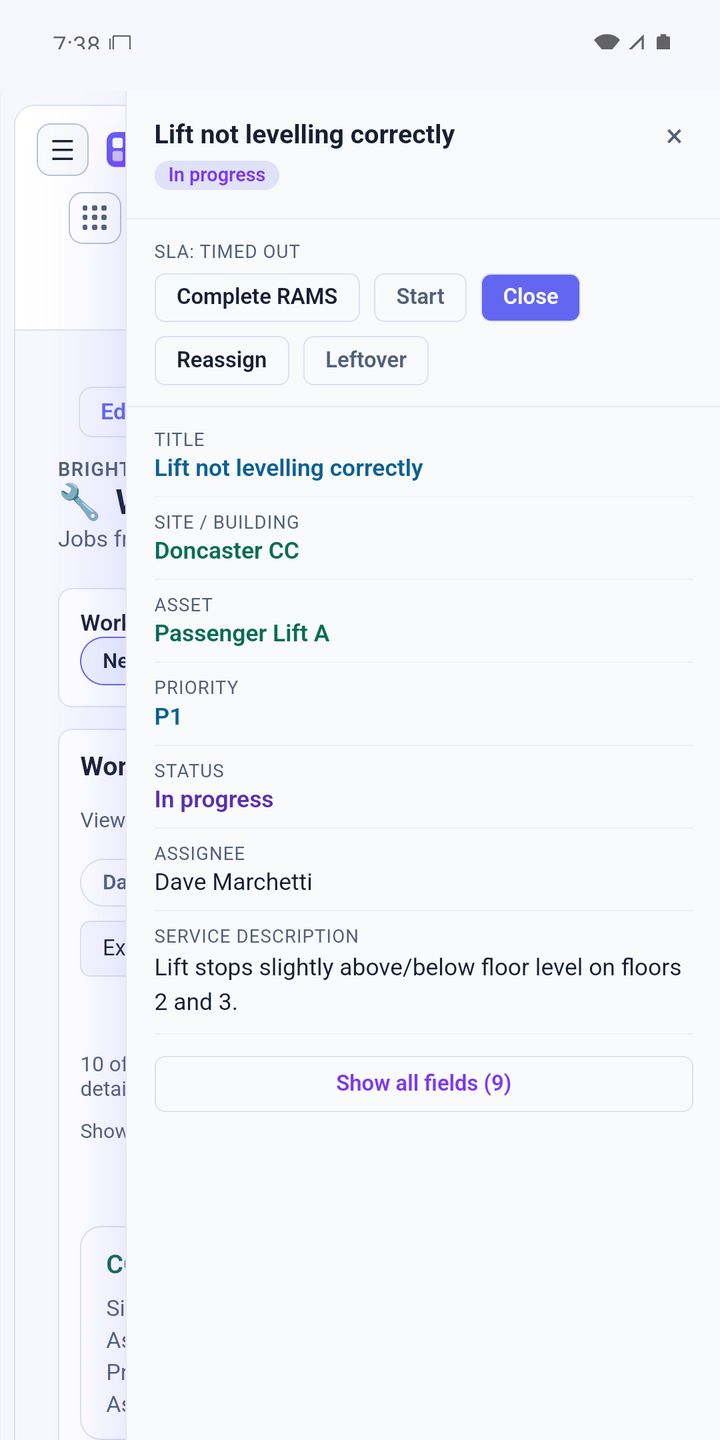
A lot of simple job trackers give you two states: open and done. It looks tidy, but it throws away most of the information you'll be asked for later. We think every job needs three separate moments.
Created
A job is created when someone asks for something. From that second, a customer is waiting, whether or not anyone has picked it up. Recording when it was created, and who reported it, tells you how long people wait before anything happens.
Started
A job is started when someone is actually working on it. That isn't the same as being assigned. An engineer might have four jobs on their list and be standing in front of one of them. The start time tells you how quickly you respond, which is the number customers feel most.
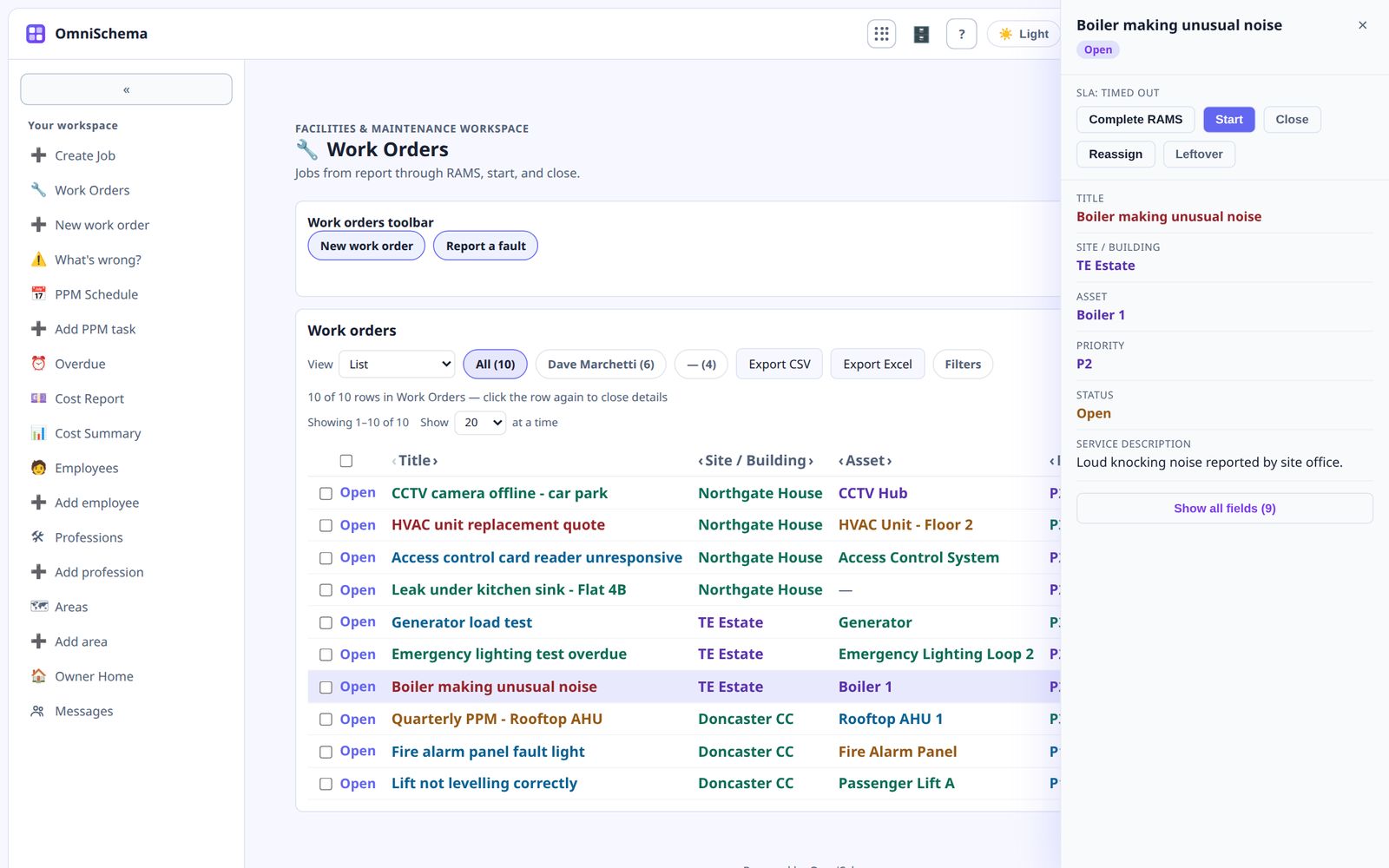
It's also the right moment for a safety check. Before anyone opens up a panel or drains a system, they confirm the area is safe. If the check hasn't been done, the job shouldn't be able to start.
Closed
A job is closed when the work is finished and the notes are in. What was wrong, what was done, did you spot anything else? Closing is when the knowledge from the visit gets captured, while it's still fresh in the engineer's head.
What two states can't tell you
With only open and done, you can't answer basic questions like these:
- How long do customers wait before someone arrives?
- How long does a job take once we're on site?
- Which jobs are assigned but nobody is actually working on?
- Was a safety check done before this job started?
Each one needs a separate moment in the record.
The times must fill themselves in
This only works if nobody has to type the times. The moment someone taps Start, the time and their name are recorded. Same when they close it. If people have to remember to fill in times, they won't, and your response-time report will be fiction.
In OmniSchema these really are three separate steps on every job. Start asks for the safety check first, Close asks for the notes, and the names and times take care of themselves. That means the response and completion times on your dashboard are real numbers.