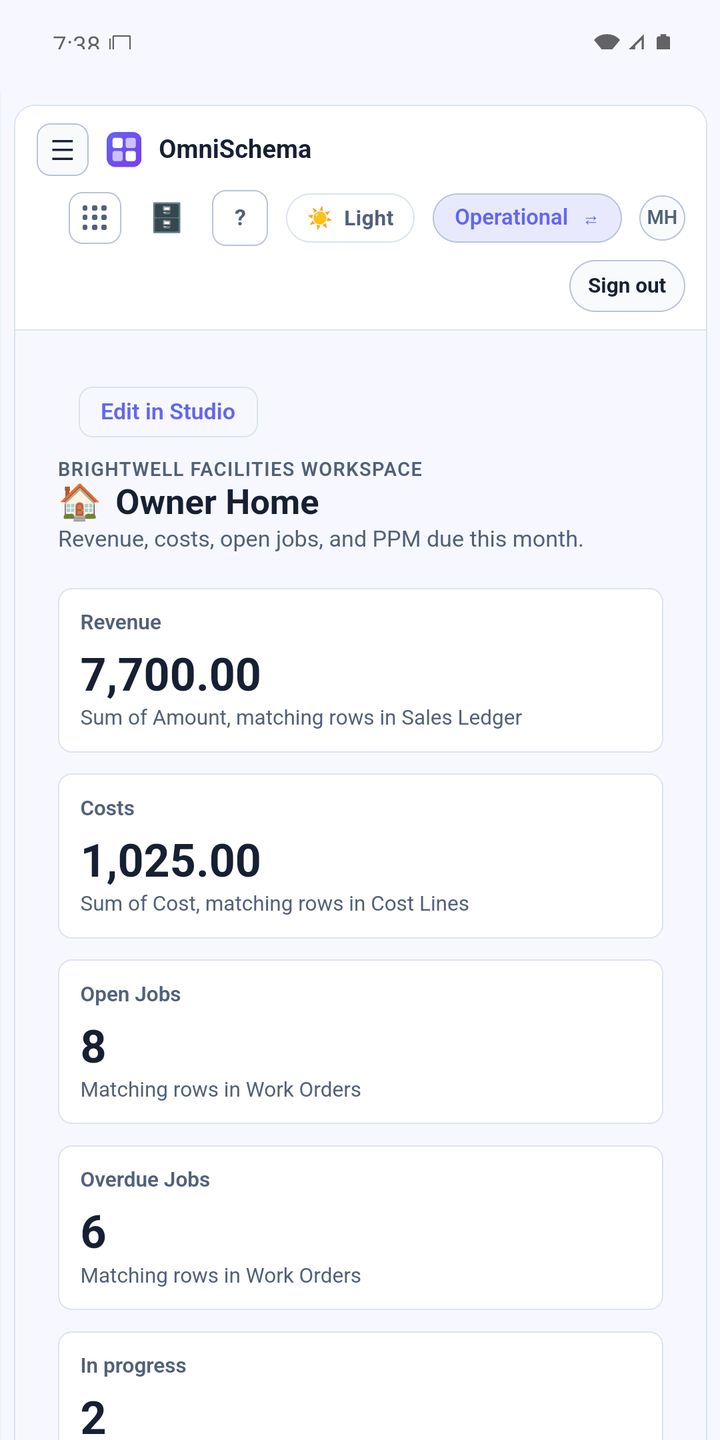
A common mistake when setting up a job system is building one screen and giving it to everybody. It suits nobody. Too cluttered for the engineer, not enough detail for the office and far too operational for the owner.
Same jobs, different questions
Everyone looks at the same jobs, but they're asking different things:
- the engineer wants to know what they're doing today and where
- the office wants to know what's unassigned and what's overdue
- the site manager wants to know what's happening at their buildings
- the owner wants to know whether the business is on top of things and making money
A small page for each question
Rather than one page with everything on it, build a small one for each role:
- My jobs: only the signed-in person's open work, with big buttons
- Job board: everything open, for the office
- My sites: jobs for a chosen set of buildings
- Owner home: the headline numbers and the oldest open jobs
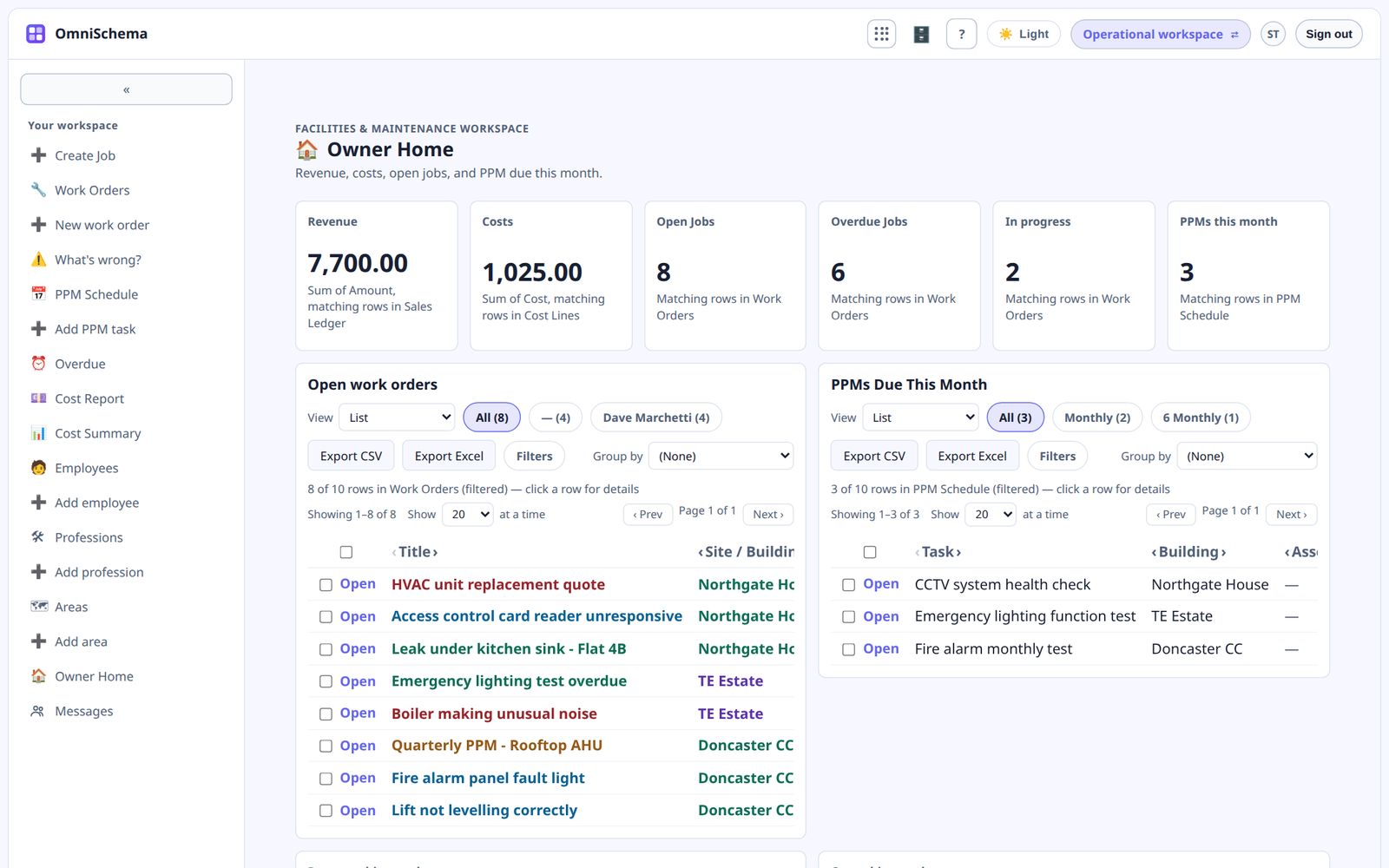
Starting positions, not locked screens
Sometimes the office wants to start with their own jobs but occasionally look at everyone's. A good page sets a sensible default filter, such as "assigned to me", and lets the viewer widen it when they need to.
Other times a filter must never be widened, like a page that only ever shows one customer's jobs. That's a fixed filter rather than a default one.
Keep security separate from design
What a page shows shouldn't be the only thing protecting your data. If someone mustn't see certain jobs at all, that belongs in the list's visibility rules on the server. Page filters are for focus and convenience.
In OmniSchema you can build as many pages as you like from the same lists. Filters can be a starting position the viewer can change, or fixed so they're never overridden, and they can refer to whoever is looking. Underneath, each list's visibility setting decides who can see which rows at all.