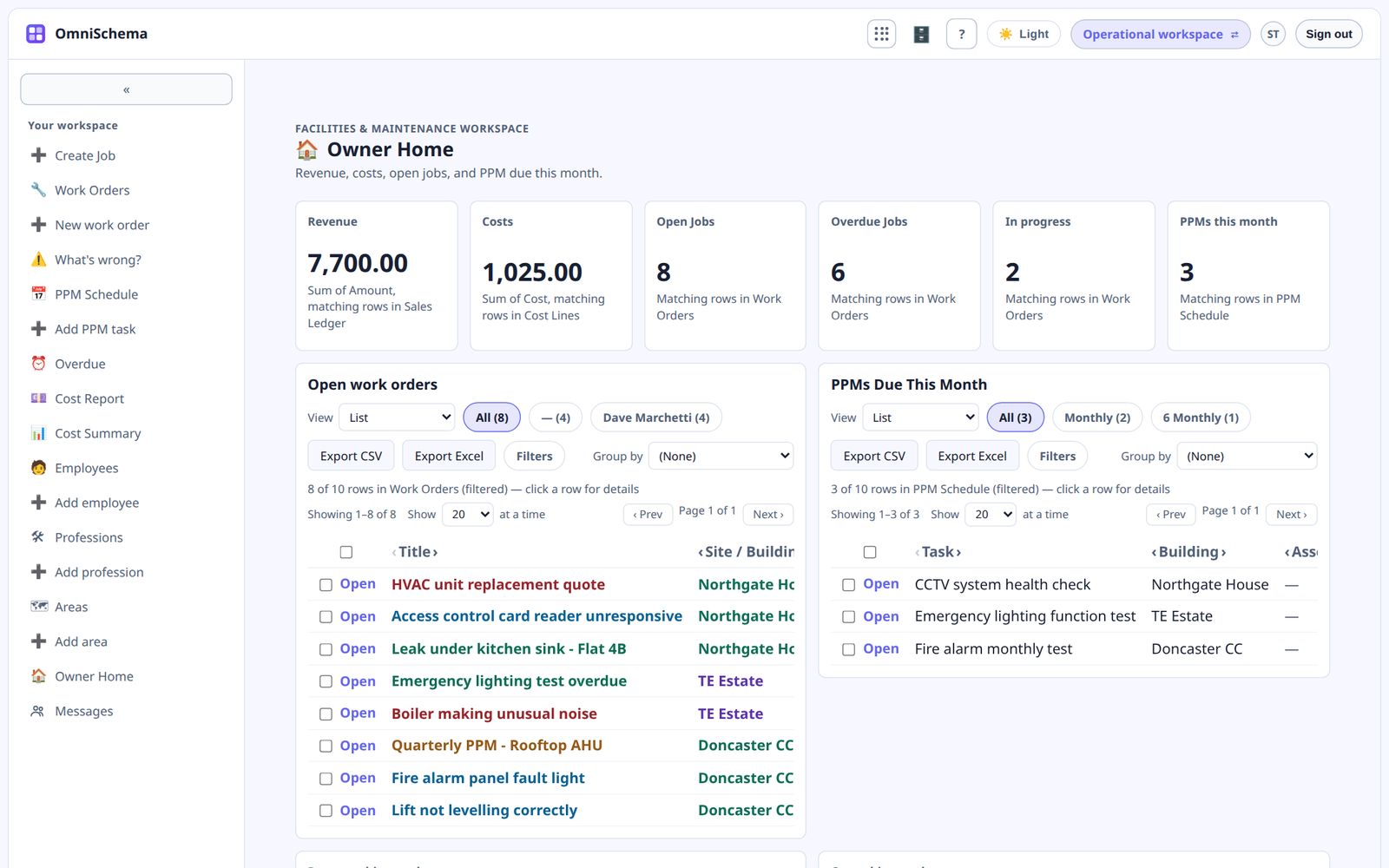
A lot of flexible business platforms greet new users with an empty screen and a cheerful "What would you like to build?" It sounds exciting. In practice it's the moment most people give up.
The problem with a blank page
Designing a system from scratch means making dozens of decisions before you see any benefit. What should the job list contain? Which statuses do we need? How should the form look? Most business owners don't have time for that, and they shouldn't need to.
What a kit is
A kit is a working set of pages and lists for a particular job, based on how similar businesses actually work. A work orders kit, for example, gives you:
- a list of jobs with the columns most teams need
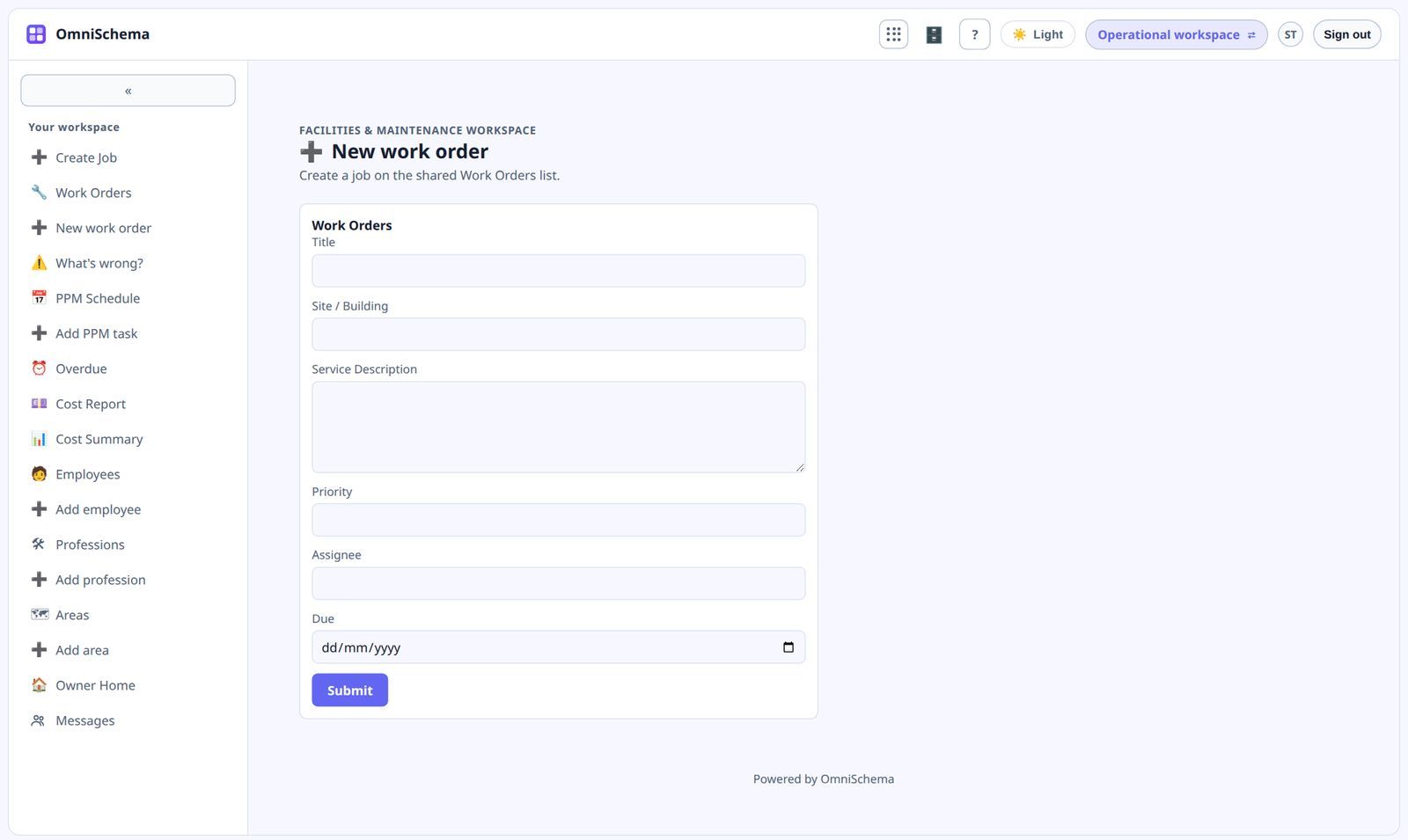
- forms for reporting a fault and logging a new job
- a job view with start, close and safety check steps
- sample rows, so you can see it working straight away
Choose the kits you need
Different businesses need different combinations. A facilities team might want work orders, planned maintenance and assets. A cleaning company might want a rota, sites and customers. An estate agency needs properties, viewings and offers. Choosing kits is far quicker than designing from nothing, and you only install what's useful.
Kits connect to each other
Kits aren't separate islands. Work orders link to team members, invoices link to customers, costs link to jobs. When you install kits that belong together, the connections are made for you and you can review them.
Then make it yours
Once a kit is installed it belongs to you. Rename columns, remove fields you don't use, add ones you need, move the pages around. The kit is a starting point, not a cage.
When you sign up to OmniSchema, a few questions about your business decide which kits to suggest. They install with sample data, show you how they're linked, and anything can be changed later in Studio.