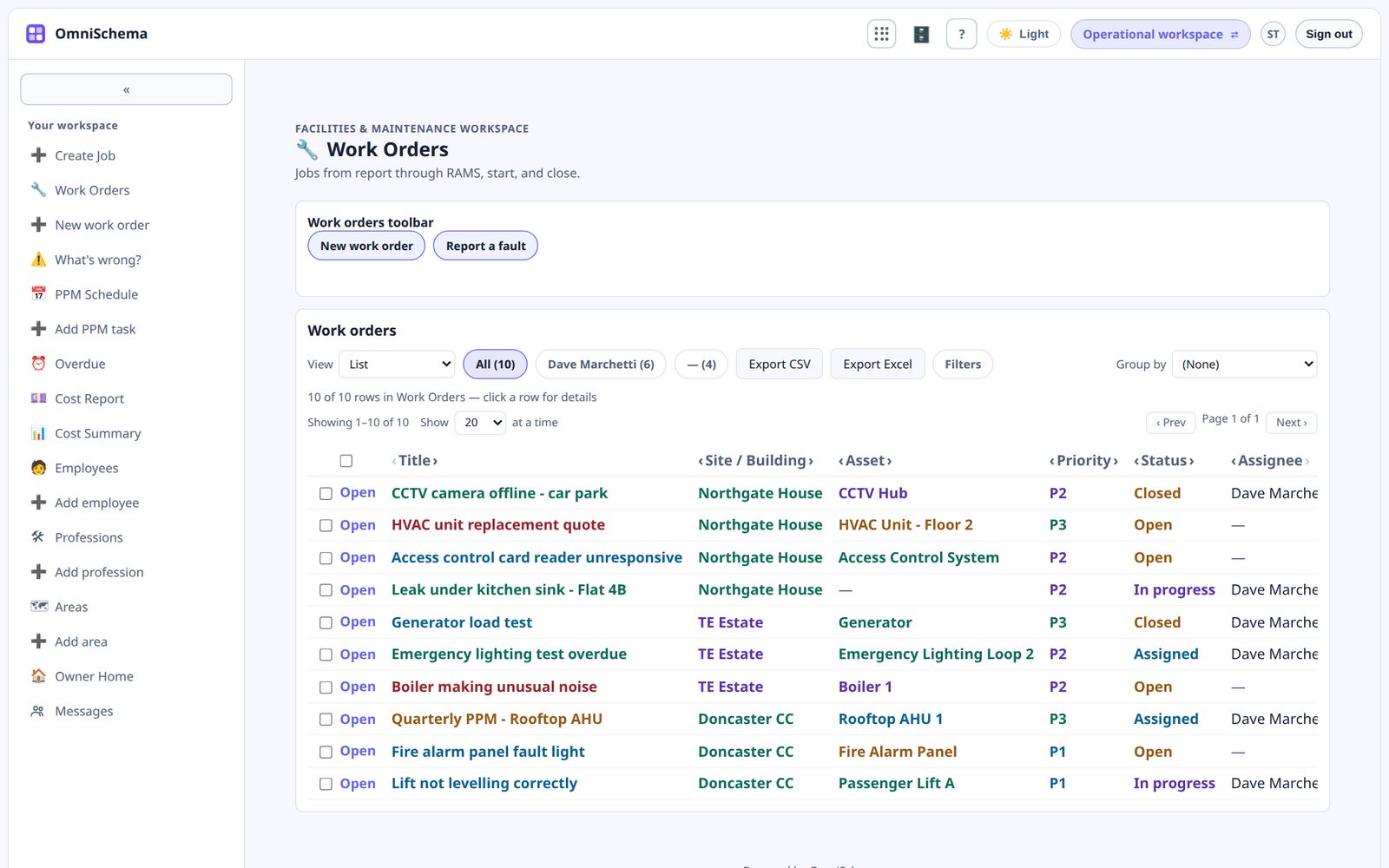
Jobs get reassigned constantly. An engineer is off sick, a job needs a different trade, someone else is ten minutes away. That's normal. The problem comes when reassigning means simply typing a different name over the old one.
What overwriting loses
If the assignee box is just edited, you lose who the job was first given to, when it changed hands, and who made the change. That matters when a customer complains about a delay, or when you're trying to work out why some jobs take longer than others.
Reassign, don't overwrite
A proper reassignment is a small event in the job's history: from this person, to that person, at this time, by this manager. The old assignment isn't deleted. It's closed, and the new one begins.
Tell the new person
When a job lands on someone they should know about it. A notification, a message, or simply appearing at the top of their list. A reassigned job shouldn't sit there unnoticed.
Use real people, not typed names
Assignments should link to actual people in your team rather than free text. A typed name can't be notified, can't drive visibility rules and falls apart the moment two people share a first name.
Learn from the history
Over time, reassignment history tells you useful things:
- which kinds of job are often reassigned, which suggests they were assigned badly the first time
- who regularly covers for others
- where delays really come from
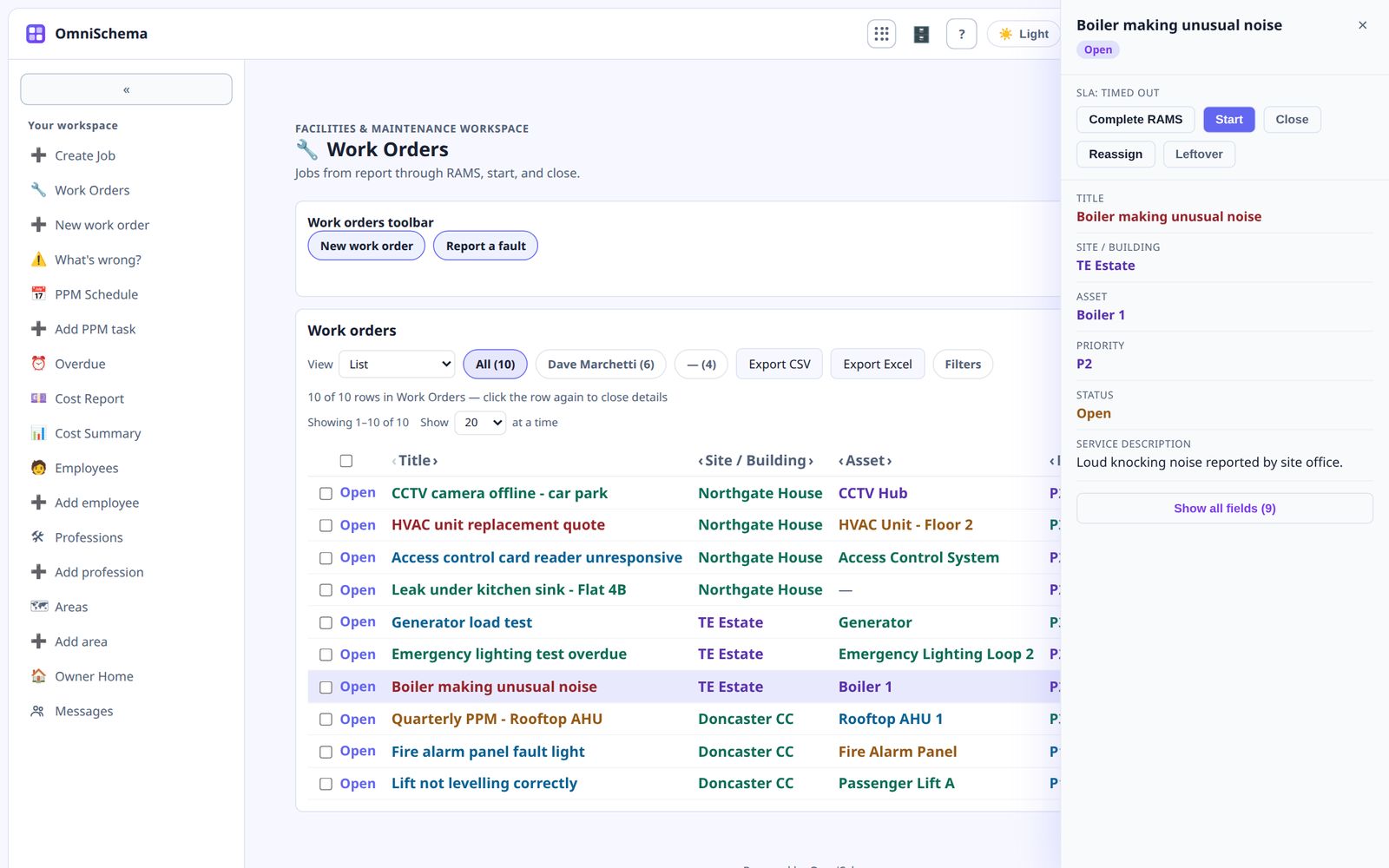
OmniSchema has a Reassign button on work orders. It links the job to a real team member, closes the previous assignment instead of deleting it and records the change in the job's history with who made it and when. The new assignee sees it in their list straight away.