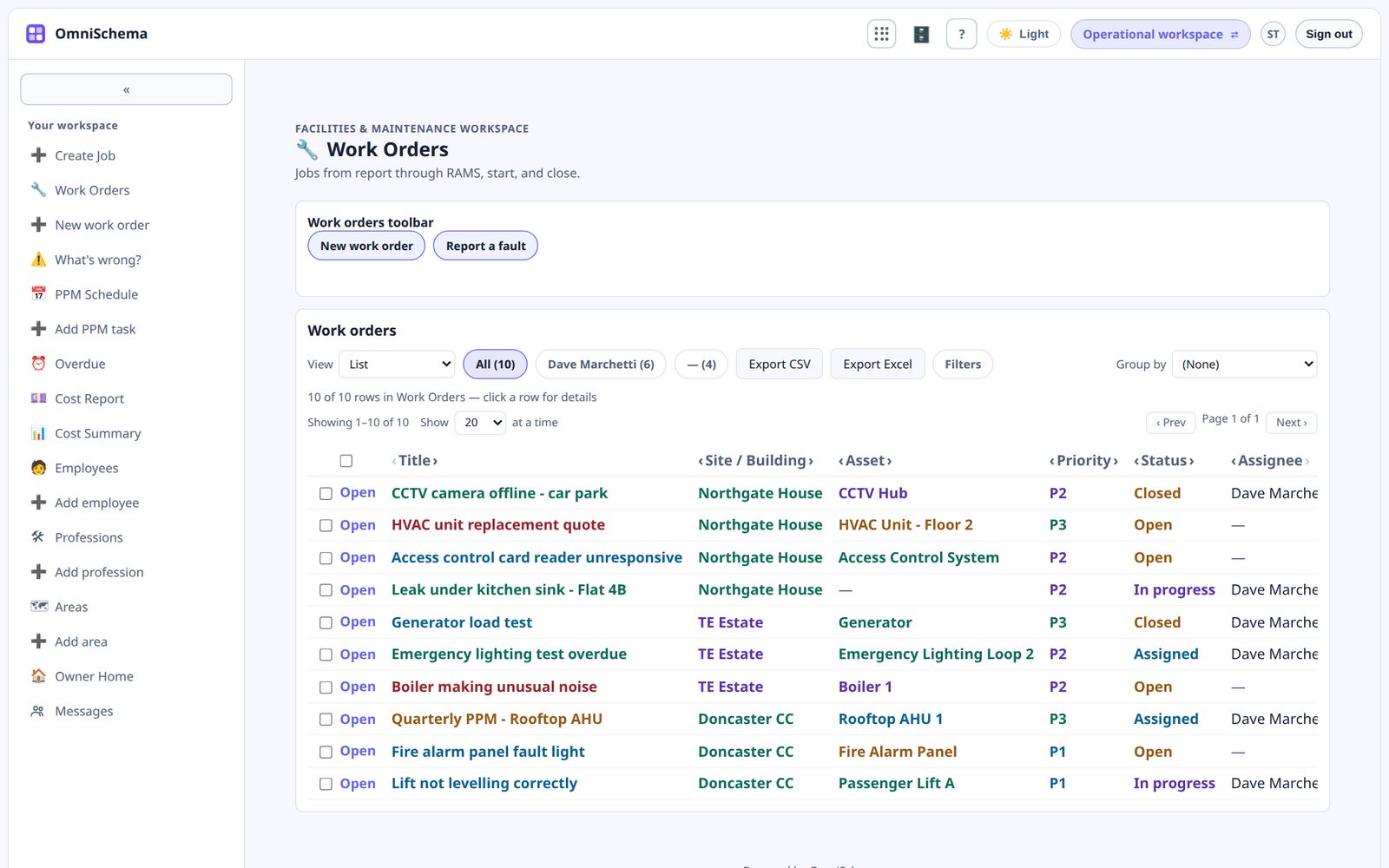
Kits give you working pages from day one. Sooner or later, though, you'll want a page of your own. Say, a simple view of today's open jobs for the screen in the office. This is how that goes in Studio, and it takes about five minutes.
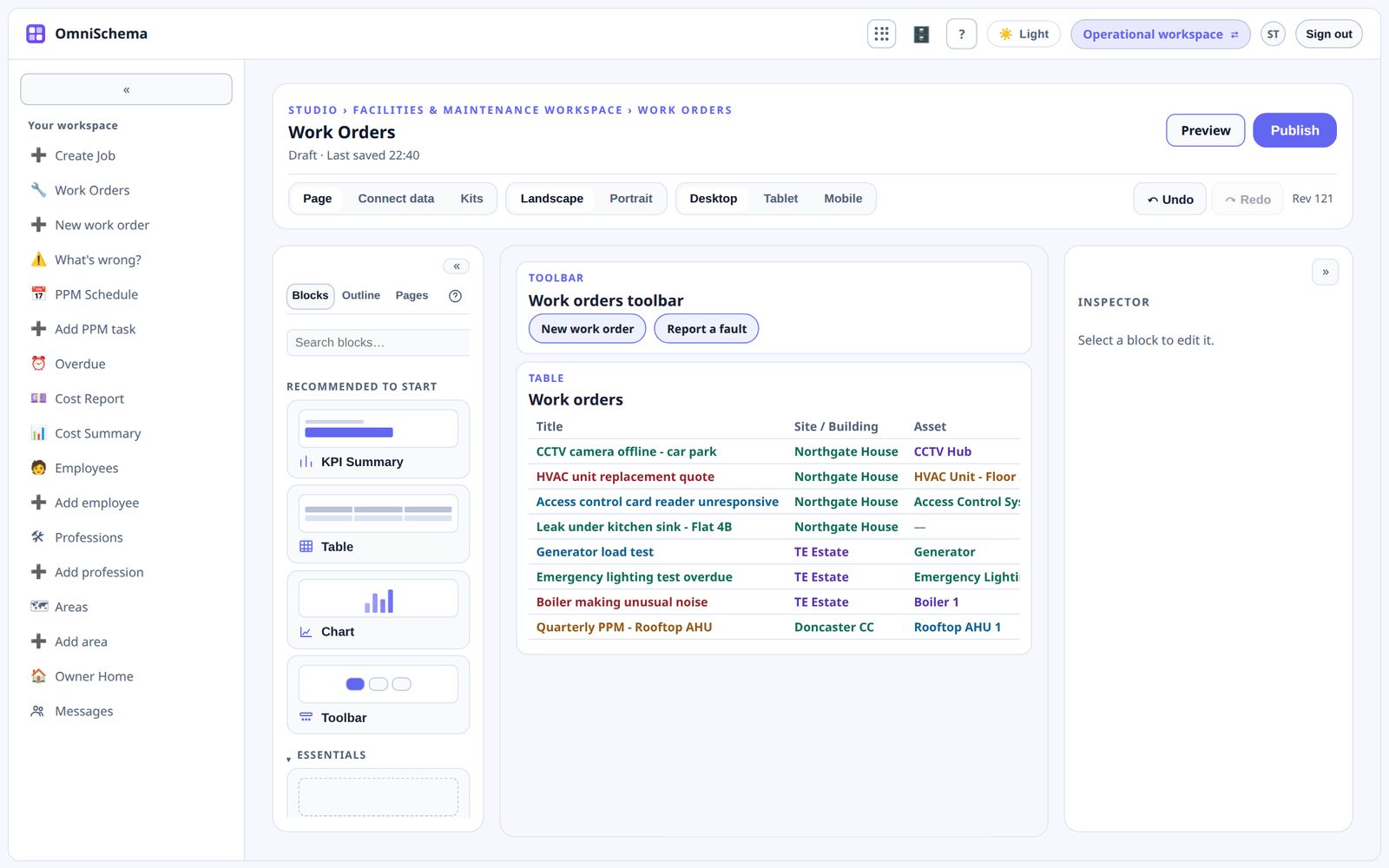
Add a page
Open the Pages panel and add a new page. Give it a clear name like "Today's jobs".
Drag in a table
From the Blocks panel, drag a Table onto the page. A table shows rows from one of your lists.
Connect it to your data
With the table selected, choose which list it shows, say Work Orders. Real rows appear straight away.
Choose the columns
Pick only the columns that matter here: title, site, assignee and status, for example. Fewer columns make pages much easier to read, especially on a phone.
Add a filter
Add a filter so the table only shows what this page is for, such as jobs that aren't closed. The filter lives on the page. The data underneath is still protected by your visibility rules.
Put a number at the top
Drag a KPI block above the table and point it at the same list, counting open jobs. Now anyone glancing at the screen sees the headline figure first.
Check tablet and mobile
Switch the preview to tablet and mobile. Blocks stack in a sensible order on smaller screens. If you want something different, you can change the order or hide a block on a particular device.
Preview, then publish
Preview the page to see exactly what your staff will see. When you're happy, publish it. Publishing is a deliberate step, so half-finished changes never reach your team by accident.
That's a real page, built without writing any code, reading the same live data your team is already recording.