An asset register is just a list of the equipment you look after. Boilers, air handling units, fire alarm panels, lifts, pumps, vehicles, tools. Big organisations have registers with tens of thousands of entries, and that puts a lot of small teams off starting one at all.
Why bother?
A register answers questions you'll be asked again and again:
- What equipment is at this site?
- When was it last serviced?
- Is it still under warranty?
- How many times has it broken down this year?
- Is it time to replace it rather than repair it again?
Start with what drives your work
Don't try to record everything on day one. Start with equipment that has planned maintenance, equipment that breaks down often, equipment with compliance requirements, and anything expensive you'll one day have to replace. That's a manageable list even for a big building.
Record only what's useful
For each asset, a handful of fields is plenty to begin with: a name, the site and where it is within it, make and model, serial number, install date and warranty end date. You can always add more later.
Link jobs to assets where it helps
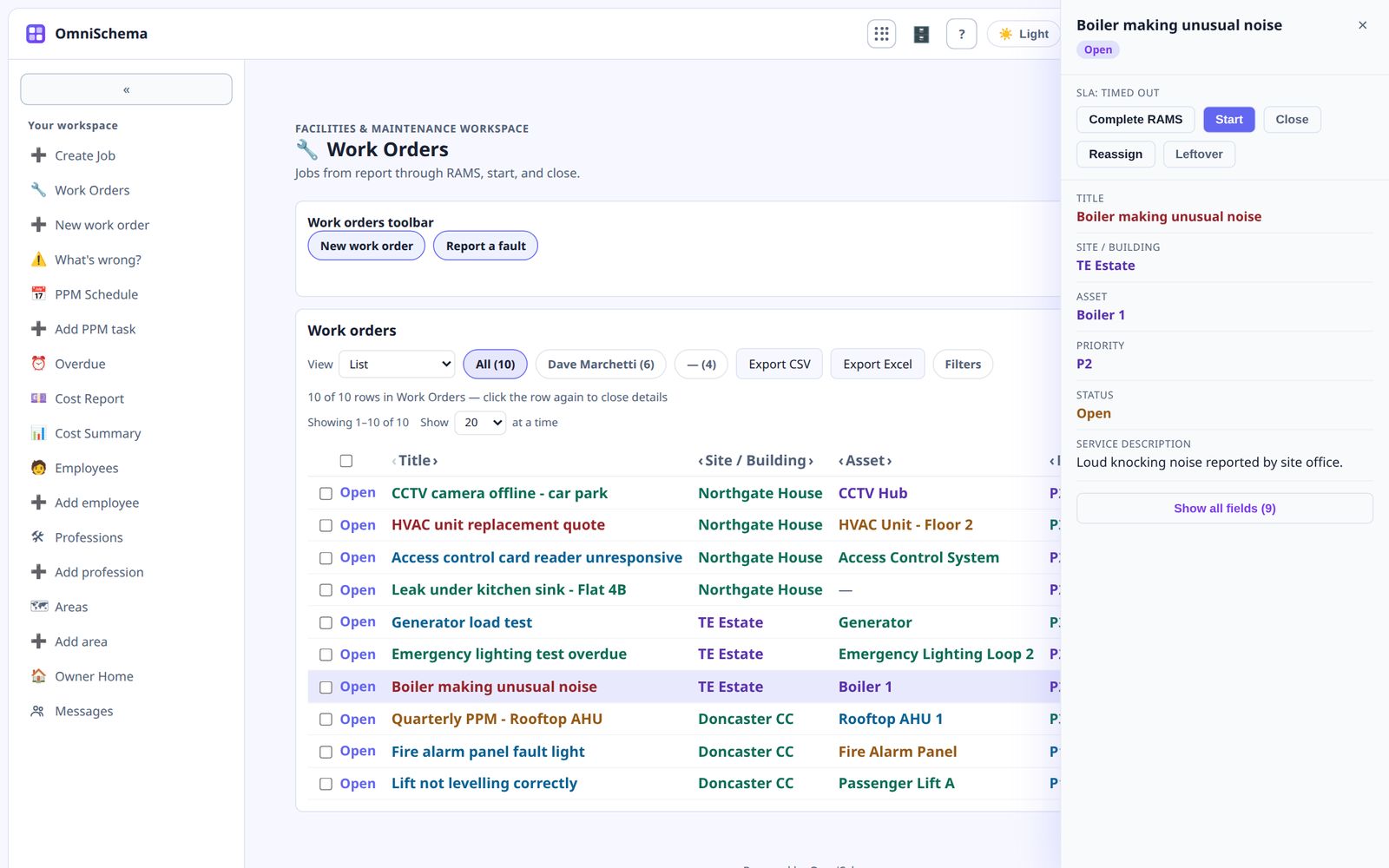
When a job relates to a particular piece of equipment, linking the two builds a history automatically. After a year you can see which assets cost you the most in repairs.
Don't force it, though. Plenty of jobs, like a sticking door or a blocked sink, don't relate to anything on the register and shouldn't have to. An asset should be useful context, not a hurdle before a job can be logged.
Grow it as you go
Every time an engineer visits a site they can add or correct one or two assets. Within a few months you'll have a useful register without ever running a big project to build one.
OmniSchema's Assets kit gives you a ready-made asset list you can import into from a spreadsheet. Jobs can be linked to an asset whenever it's relevant, but they never have to be, so the register helps without getting in the way.