Planned preventive maintenance, or PPM, is the work you do before something breaks. Servicing boilers, testing emergency lighting, checking fire doors, clearing gutters before November. It is the least exciting work a facilities team does and probably the most important.
It's also the easiest to let slip, because nothing shouts when it's late. A reactive job arrives with a phone call. A planned job arrives only if somebody remembers.
The wall calendar
Plenty of teams run PPM from a whiteboard, a year planner or a colour-coded spreadsheet. It works fine until one of these happens:
- someone is off sick and their tasks aren't picked up
- a task is done late and nobody moves the next date along
- a new building is added and its schedule is typed in by hand
- an auditor asks when a check was last done and it takes an afternoon to find out
What every recurring task needs
For planned work to run itself, each task needs three things: what it is, tied to a building or piece of equipment; how often it happens; and when it was last done. With those three, the next due date is just arithmetic.
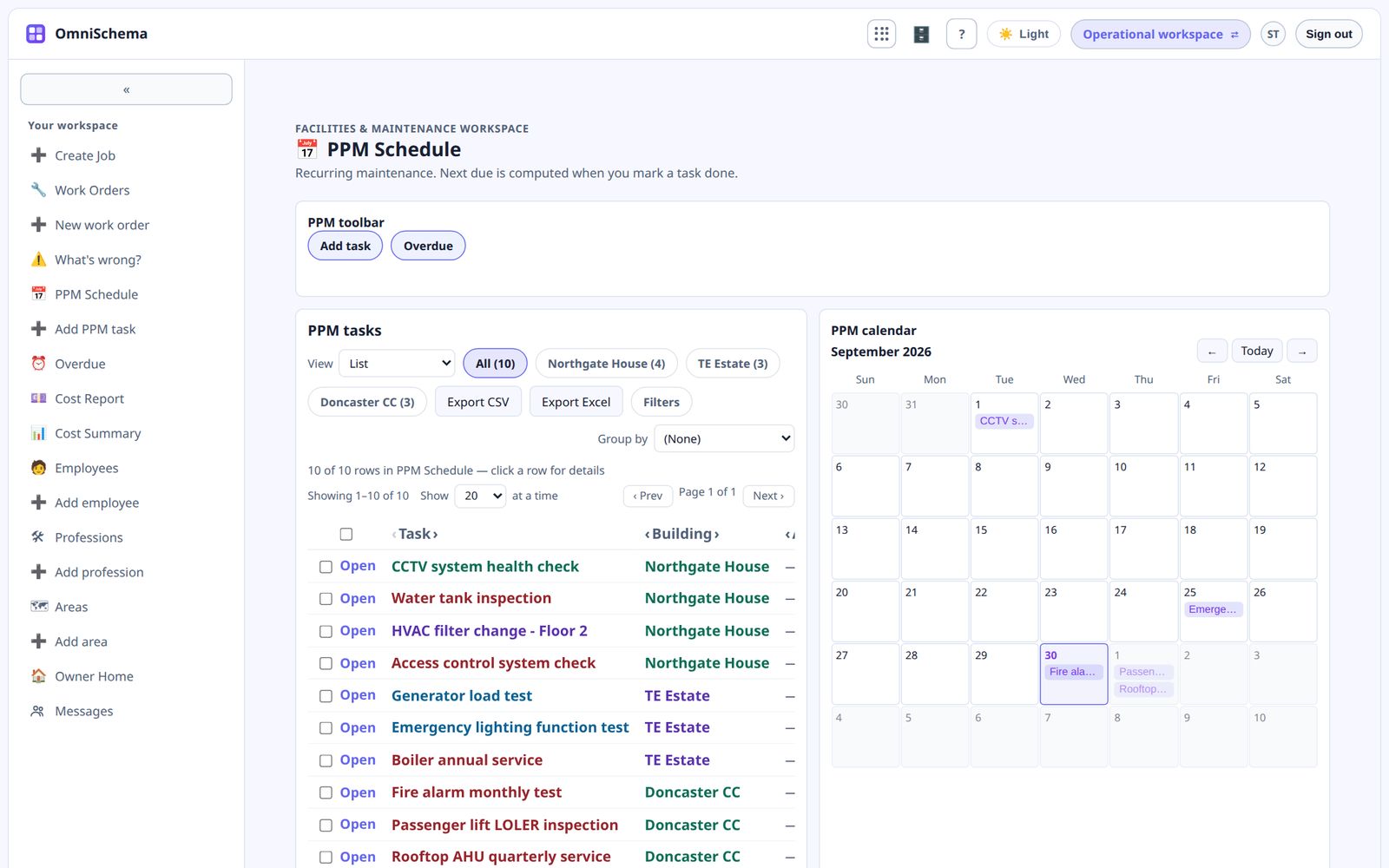
Let the next due date calculate itself
The most useful change you can make is automatic due dates. When someone marks a task done, the next due date moves forward by the interval, counted from the day it was actually done. No retyping. Nothing to forget.
Show what's due, not everything
Nobody needs all four hundred recurring tasks on screen every morning. They need what's overdue, what's due this week and what's coming. A good PPM view is short and sorted by urgency.
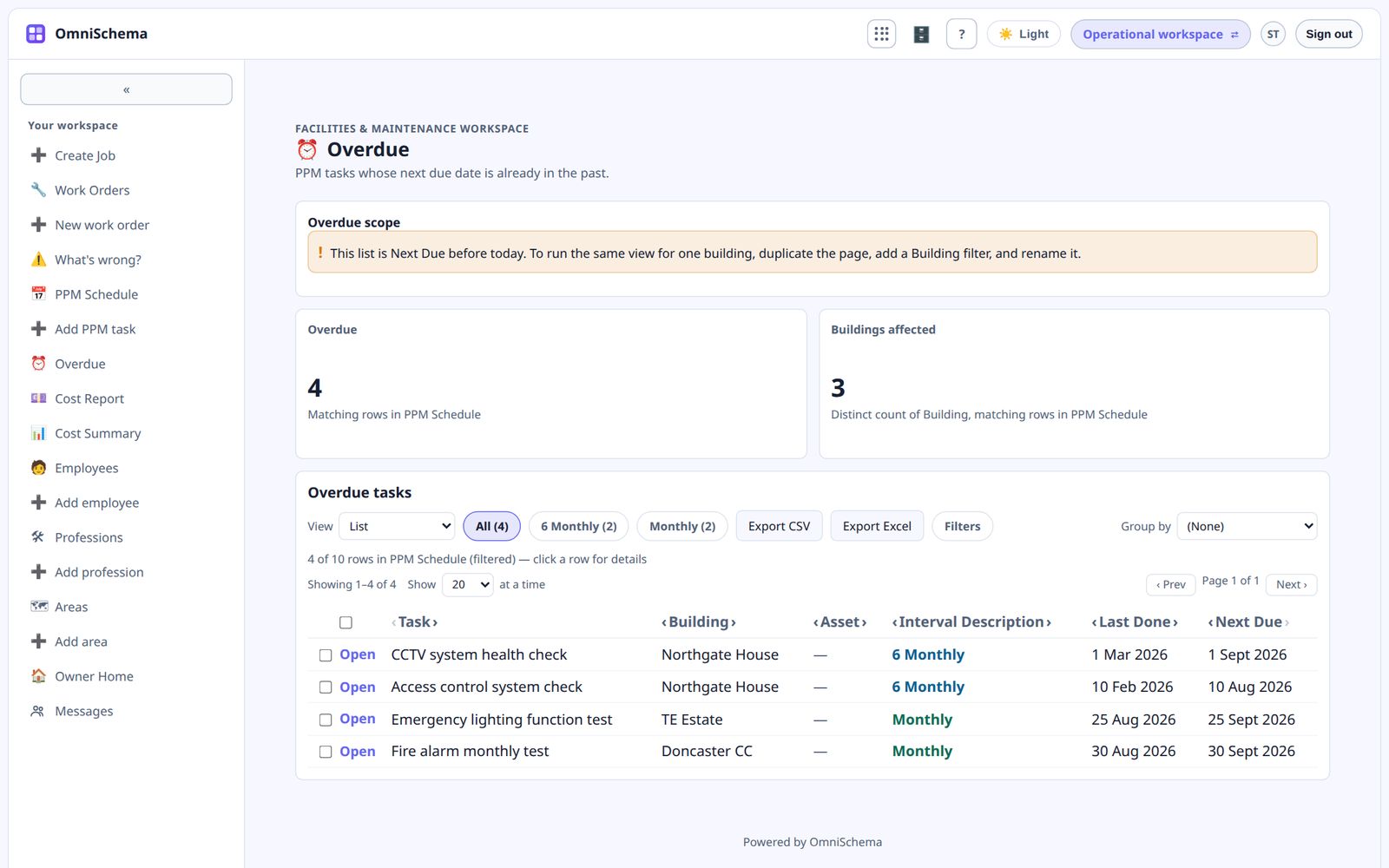
Turn due tasks into real work
A planned task only matters if someone does it. When a task comes due it should be handled like any other job, with the same safety check, start and close, so the record of the work lives in the same place.
In OmniSchema's PPM Schedule you pick the interval in plain words, from monthly to every two years. Marking a task done updates the next due date for you, and anything overdue shows up on the owner's dashboard so nobody relies on the wall.