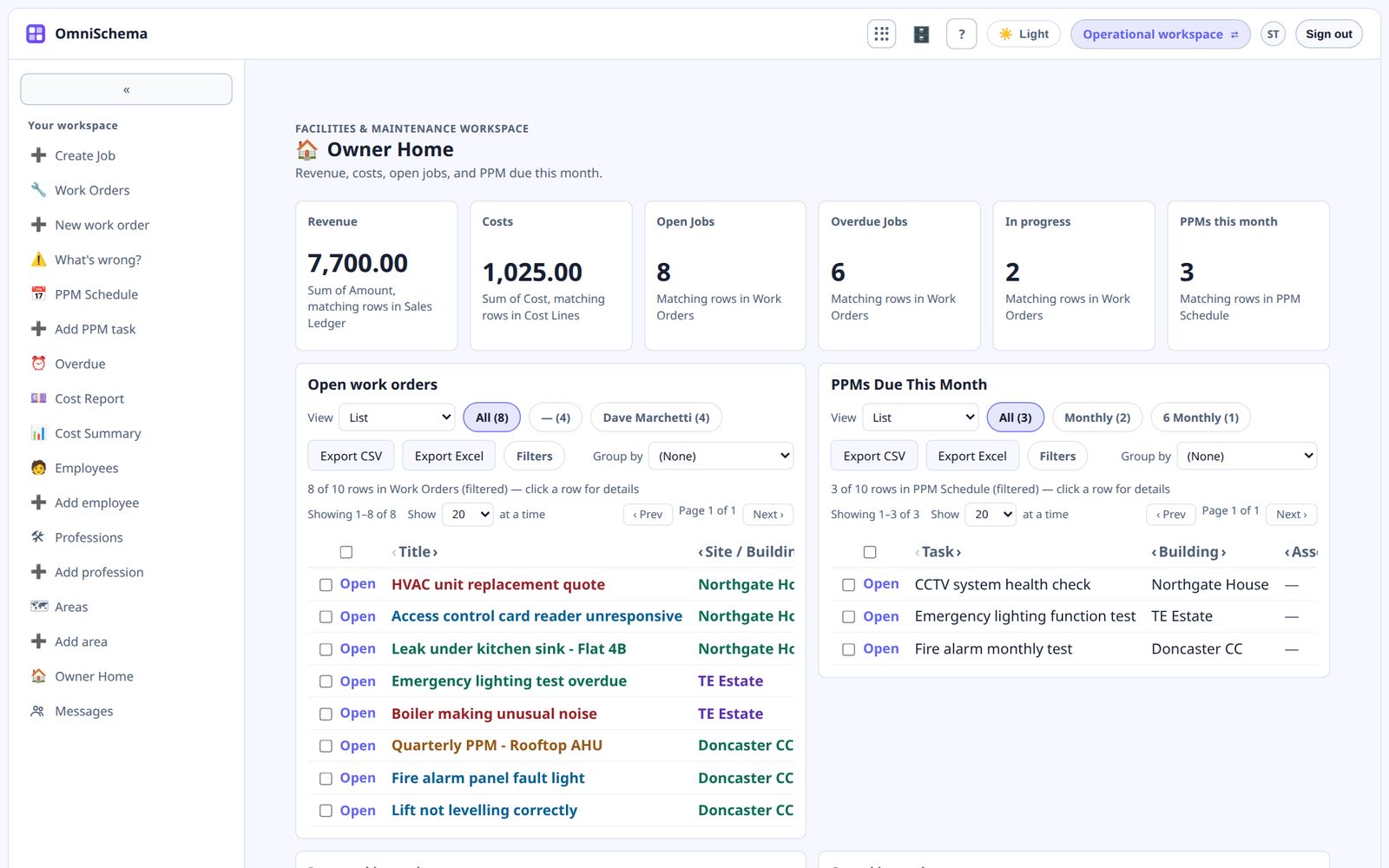
When you build a system for your team or your customers, the address it lives at matters more than you'd think. A link like jobs.yourcompany.co.uk looks like part of your business. A link on somebody else's domain looks like a third-party tool your customers have never heard of.
Why it matters
- Customers trust a fault report form on your own address more readily.
- Staff remember it more easily.
- It fits with your email, your website and your branding.
- If you ever change software, your address can stay the same.
How it works
You don't need to move your website. You add a small record, usually a CNAME, in the settings wherever your domain is managed. It points one part of your address, like jobs.yourcompany.co.uk, at your system. Your main website carries on exactly as before.
Proving you own it
Before an address is connected, the system should check that you really control it. That stops anyone connecting an address that isn't theirs.
Secure by default
Your own address should use HTTPS automatically, with the certificate issued and renewed without you lifting a finger. The padlock in the browser matters, especially when customers are submitting forms.
A simpler option first
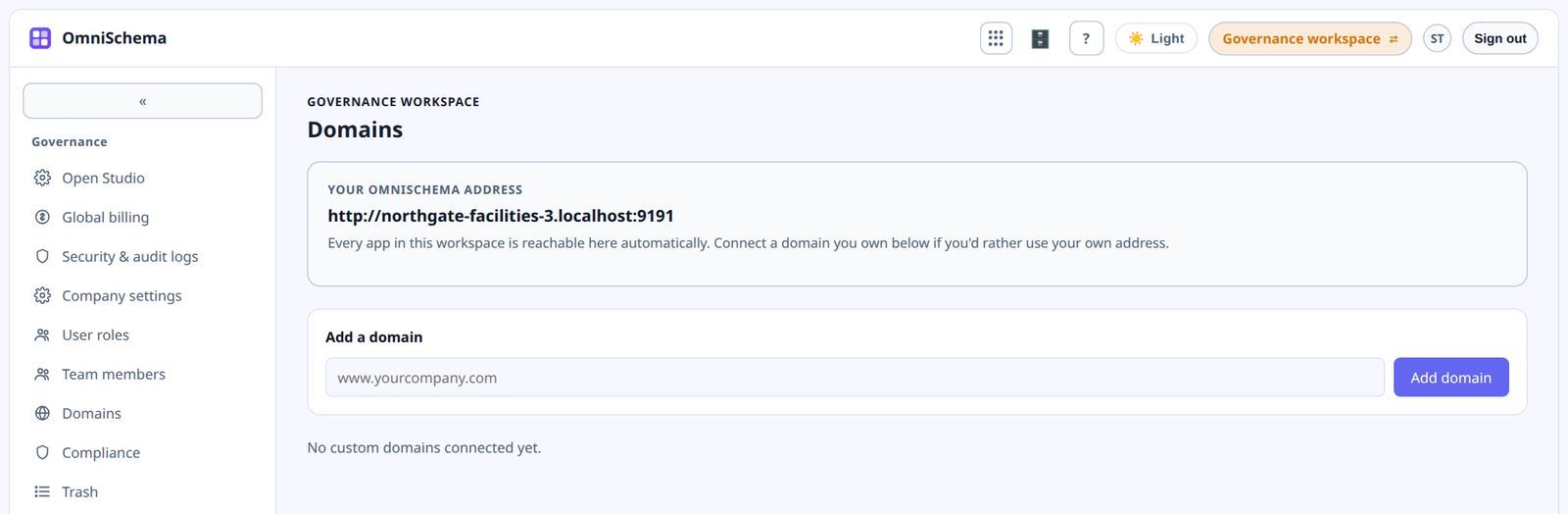
You don't have to start with your own domain. Running on a workspace address of the platform, something like yourcompany.omnischema.app, is a perfectly good way to begin, and you can switch later.
Every OmniSchema workspace gets its own address for its published systems, and on plans that include custom domains you can connect your own. OmniSchema checks the address belongs to you before connecting it and sets up HTTPS automatically. Your staff and customers see only your system, with none of the building tools.