Plenty of wasted site visits start with a vague description. "Heating not working." "Door broken." "Leak." The engineer arrives without the right parts, works out what's wrong, leaves to fetch them, and comes back another day.
A few more words at the start can save a whole visit.
Four questions
A good description answers four things:
- What is it? The thing that's wrong.
- Where exactly? The room, the floor or the piece of equipment.
- What's happening? What the person can see, hear or smell.
- Since when, and how bad? When it started and whether it's getting worse.
Before and after
"Heating not working" becomes: "Radiators on second floor east side cold since Monday morning. Rest of building warm. No noise from the boiler room."
"Leak" becomes: "Water pooling under the radiator by the front desk in reception, about a mug's worth an hour. Started this morning."
"Door broken" becomes: "Fire door to stairwell B on the first floor won't close by itself. Closer arm looks detached."
Photos help, but words explain
A photo shows what something looks like. The words explain what's wrong with it. Ideally you get both.
The form decides the quality
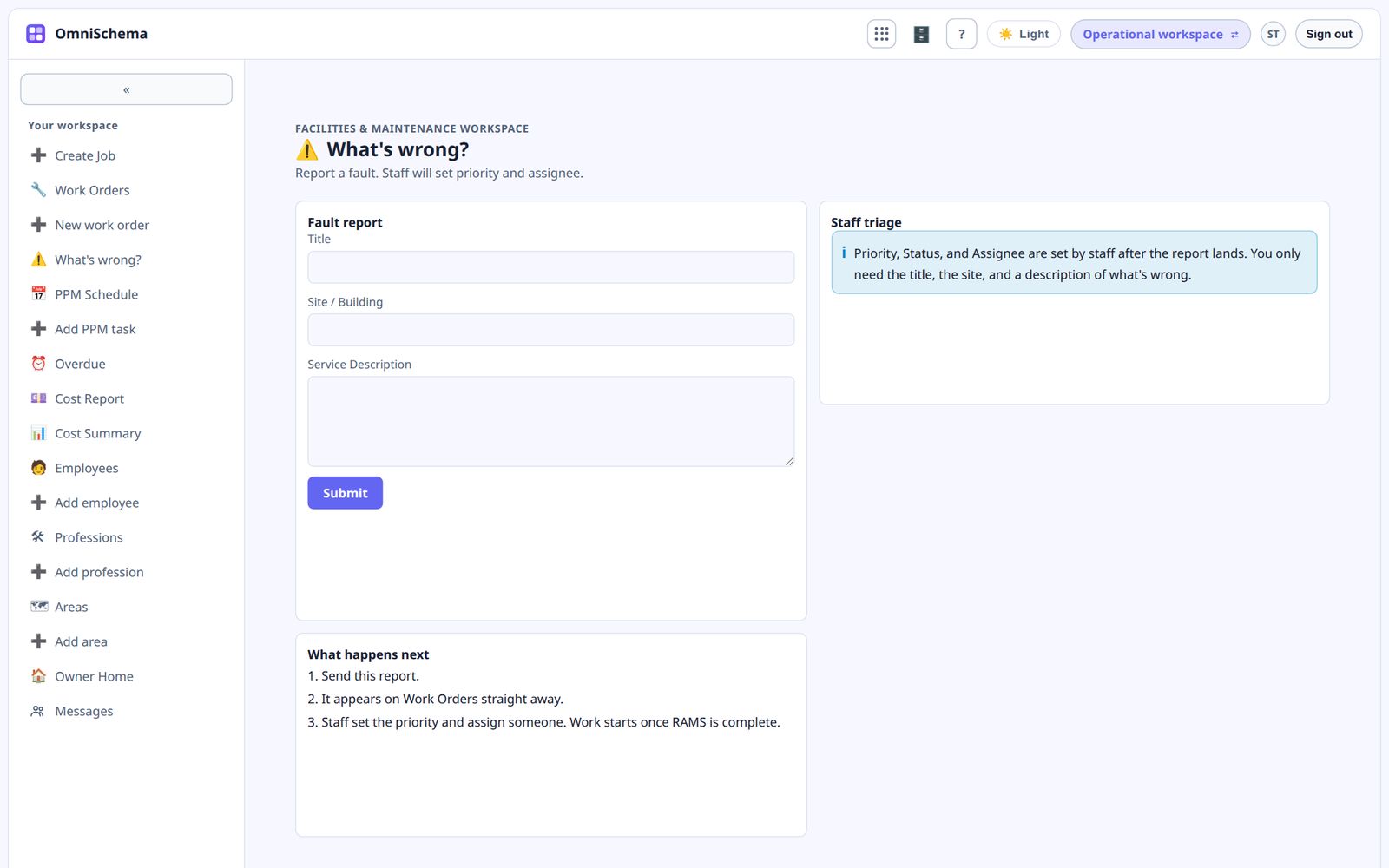
People write what they're asked for. A form with a short title, a location and a description box with a hint like "What can you see, and since when?" gets far better reports than one empty box labelled "Details".
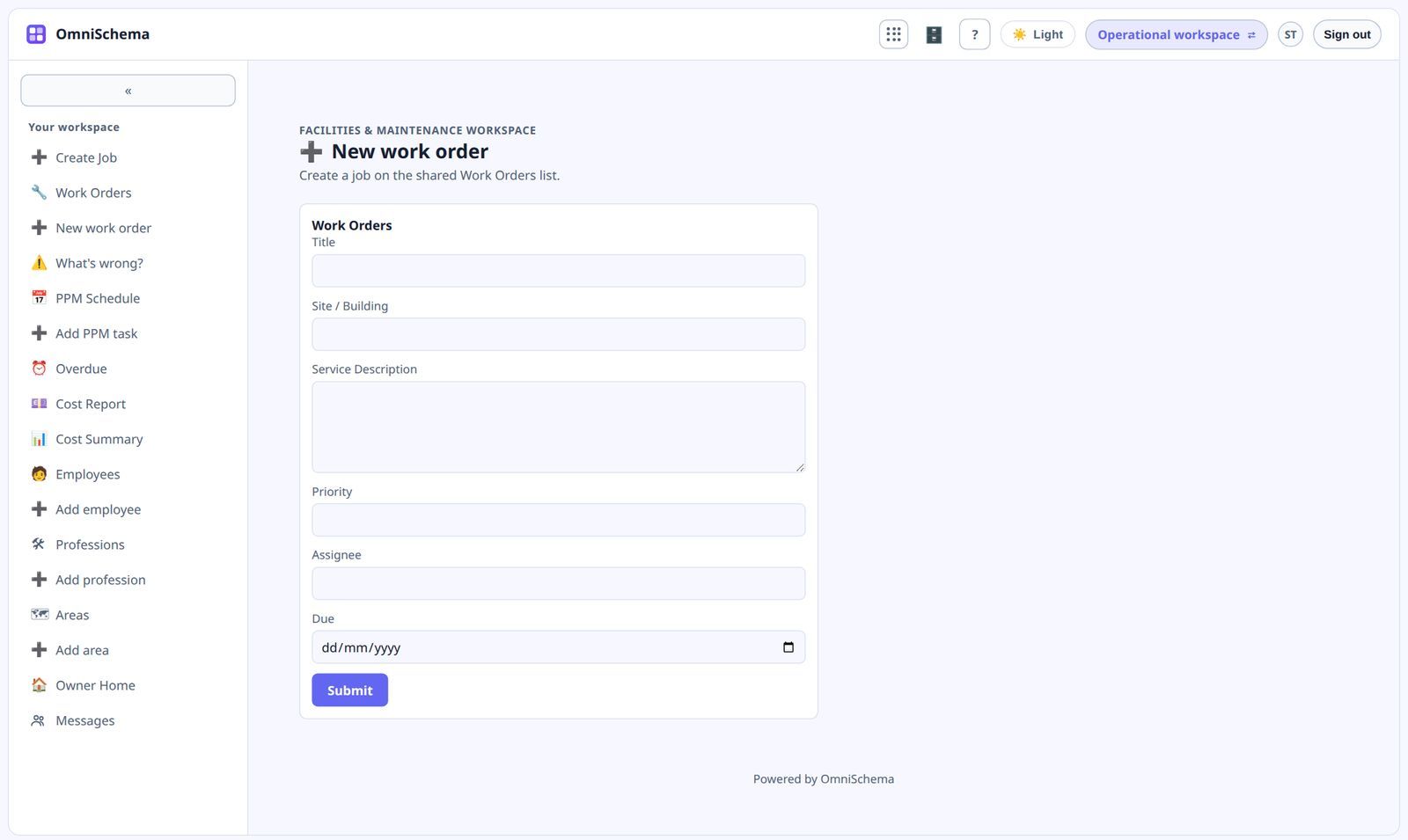
OmniSchema's fault report and new work order forms ask for a title, the site and a Service Description, so whoever reports the problem explains it properly. The description stays on the job from start to finish, so the engineer, the office and the invoice all see the same words.