Sooner or later someone in your business will delete the wrong thing. A list of sites, a page somebody spent an afternoon building, a batch of jobs. It happens to careful people too, usually when they're in a hurry.
Delete rarely means destroy
When someone clicks Delete, what they almost always mean is "I don't want to see this any more". They very rarely mean "destroy this forever with no way back". Good software treats those as two different things.
A recovery window
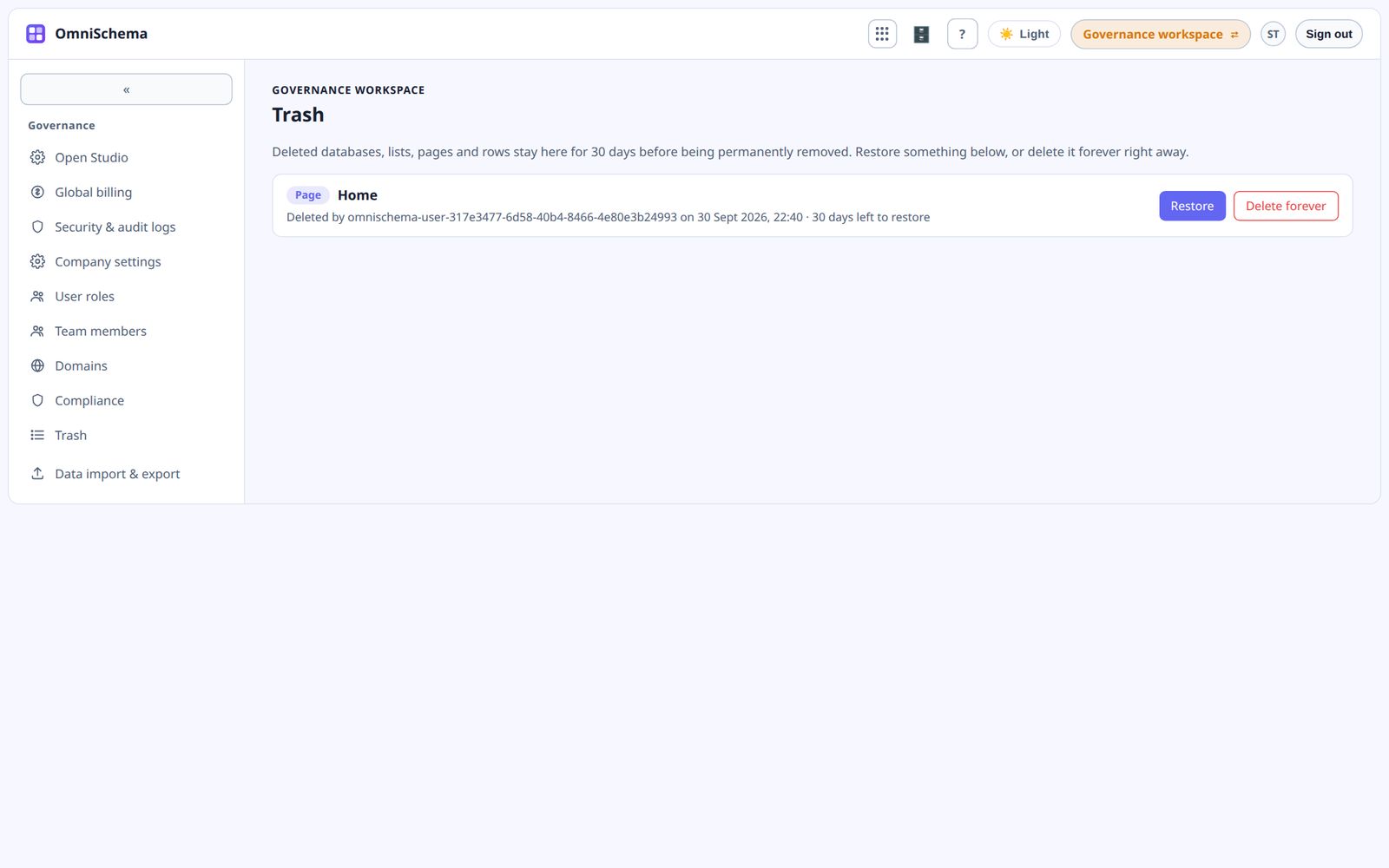
The sensible middle ground is a trash, like the recycle bin on your computer, with a fixed recovery period. Deleted items go there first. For a set time, 30 days is common, they can be put back exactly as they were. After that they're removed for good.
Who can restore
Restoring should be available to whoever manages the workspace, so a mistake can be fixed on the spot without contacting support and waiting for a reply.
Destroying should be deliberate
Emptying the trash, or deleting something permanently, should need a clear, separate confirmation. It should never happen as a side effect of something else.
Backups are a different thing
A trash handles everyday mistakes. Backups protect against bigger problems like hardware failure. You need both, and your software provider should be able to tell you how they handle each.
Export now and then
Even with a trash and backups, it's a good habit to export your important lists occasionally, especially before a big reorganisation. It gives you a snapshot of your own.
In OmniSchema, deleted pages, lists and rows go to the Trash first and can be restored for 30 days. Deleting something forever is a separate, deliberate step, and any list can be exported to a spreadsheet file whenever you like.