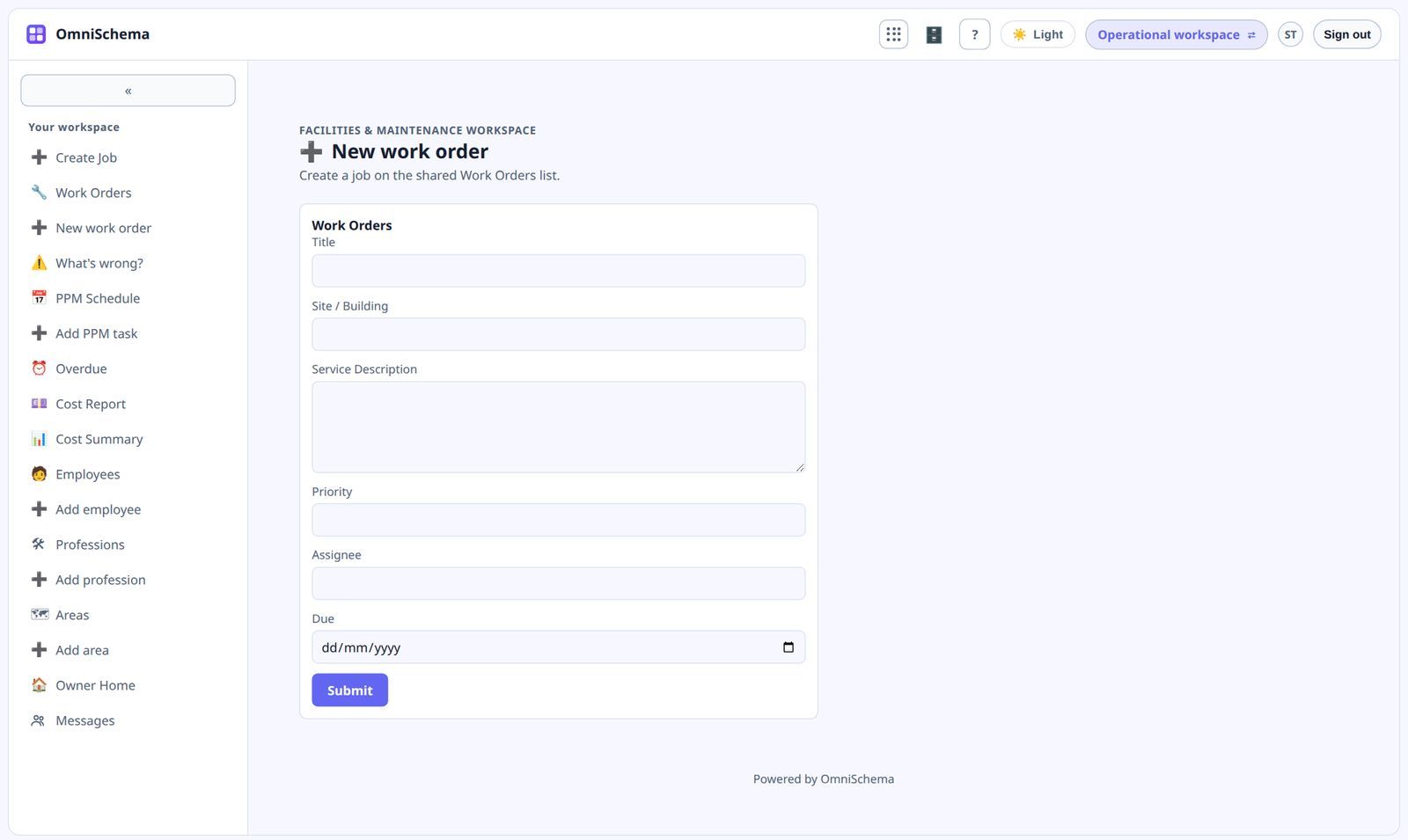
No-code has become a buzzword, and buzzwords get stretched. So here's a plain explanation of what it means, what it's good for and where to be careful.
What it means
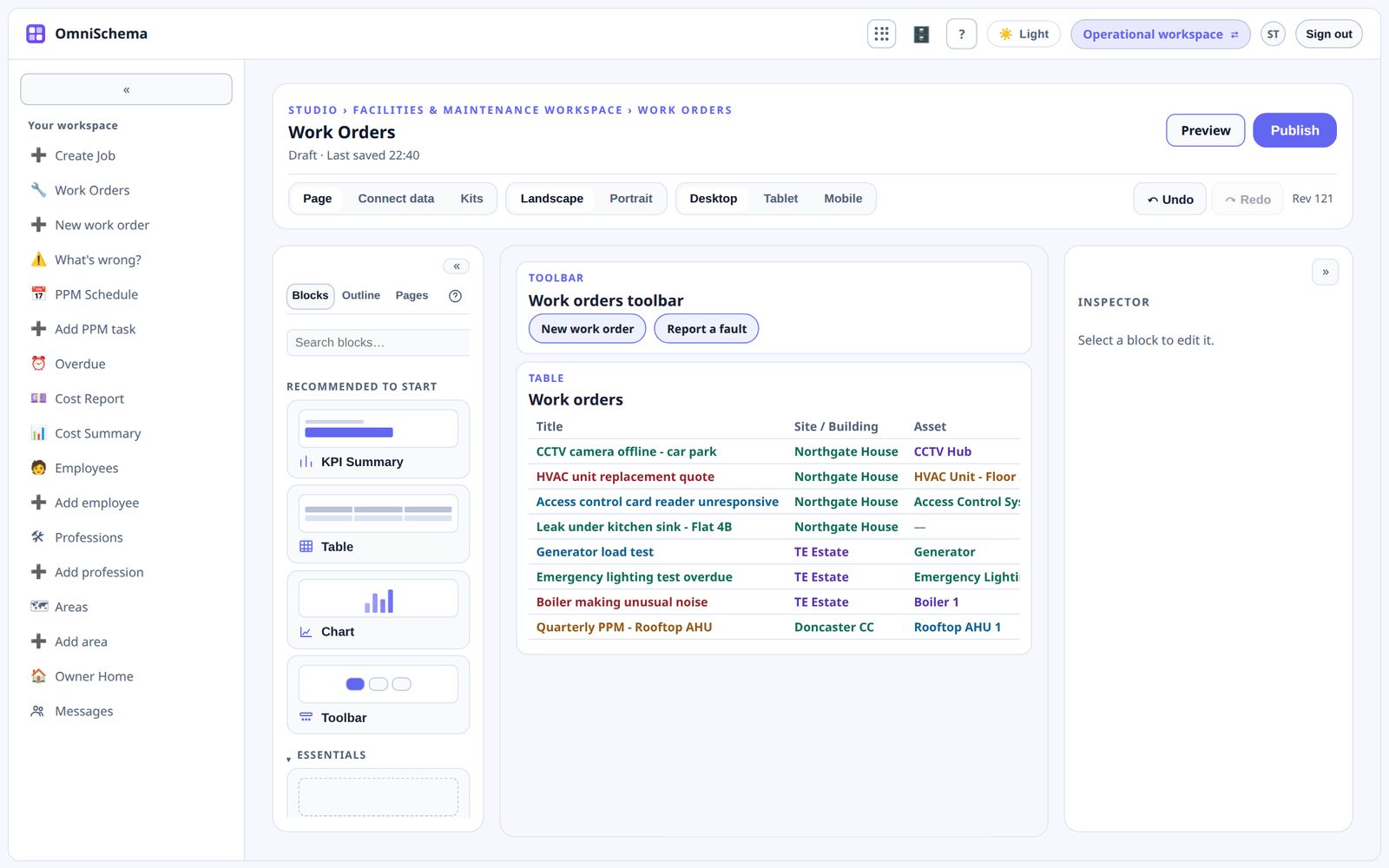
No-code tools let you build working software without writing programming code. Instead of typing instructions you arrange building blocks on a screen, things like tables, forms, charts and buttons, and connect them to your data.
Where it shines
For operations businesses, no-code is ideal for the software that's specific to how you work:
- tracking jobs the way your process actually runs
- forms that ask exactly the questions you need
- dashboards with the numbers you care about
- lists for the things you look after, like sites, assets, certificates and vehicles
Off-the-shelf packages rarely get these quite right, and custom development is usually too expensive for them.
What it doesn't mean
No-code doesn't mean no thinking. You still have to decide what your process is, what information matters and who should see what. The tool makes building quick. It can't make those decisions for you.
It doesn't mean no rules either. A good platform still needs proper security, backups and permissions underneath. The builder should be simple. The foundations shouldn't be.
Where to be careful
Some tools let anyone build anything, and you end up with a dozen half-finished apps. Some store your data in ways that make it hard to take away. Some look simple until you try to build something real.
OmniSchema's Studio is a drag-and-drop builder for pages, forms, tables and dashboards. You rarely start from a blank page, though, because kits give you working pages for jobs, rotas, safety checks and invoices from day one. Security rules are enforced by the server rather than left to whoever builds a page, and you can export your lists at any time.