Faults reach a maintenance team from all directions. A phone call. An email with a blurry photo. A text to an engineer's personal mobile. A word in the corridor. Each route captures a different amount of detail, and some capture almost none.
The cost of scattered reports
- Details are missing, so somebody has to ring back.
- The same fault gets reported three times by three people.
- A report sent to one person disappears when they're on holiday.
- Nobody can say when a fault was first reported.
One form, the same questions every time
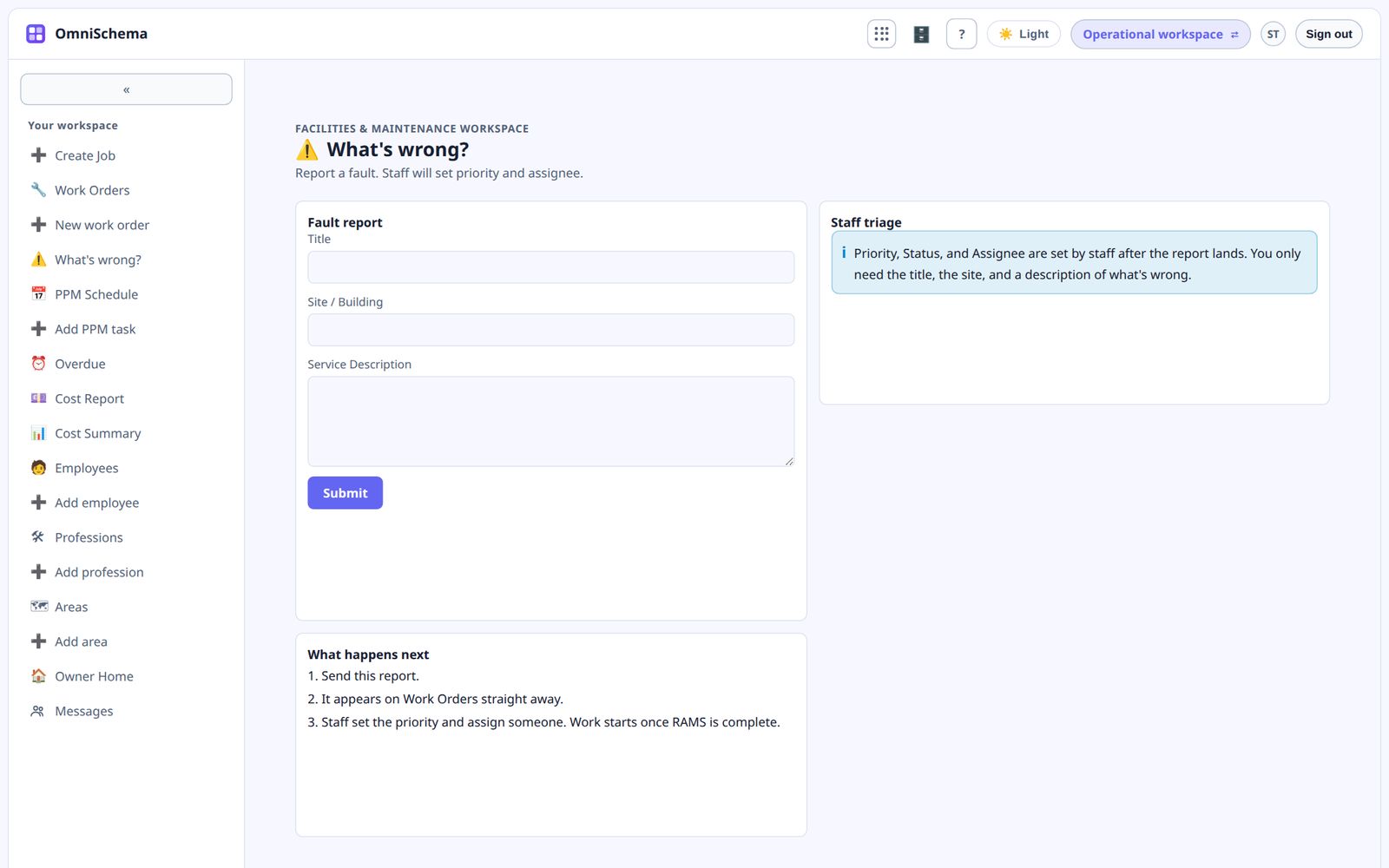
A single fault form, used by everyone, fixes most of this. It only needs four things:
- What's wrong, in a few words.
- Where it is, meaning the building and the spot within it.
- A description of what's happening.
- Who is reporting it, so you can get back to them.
Priority, assignee and cost are for the office to decide, not the person reporting.
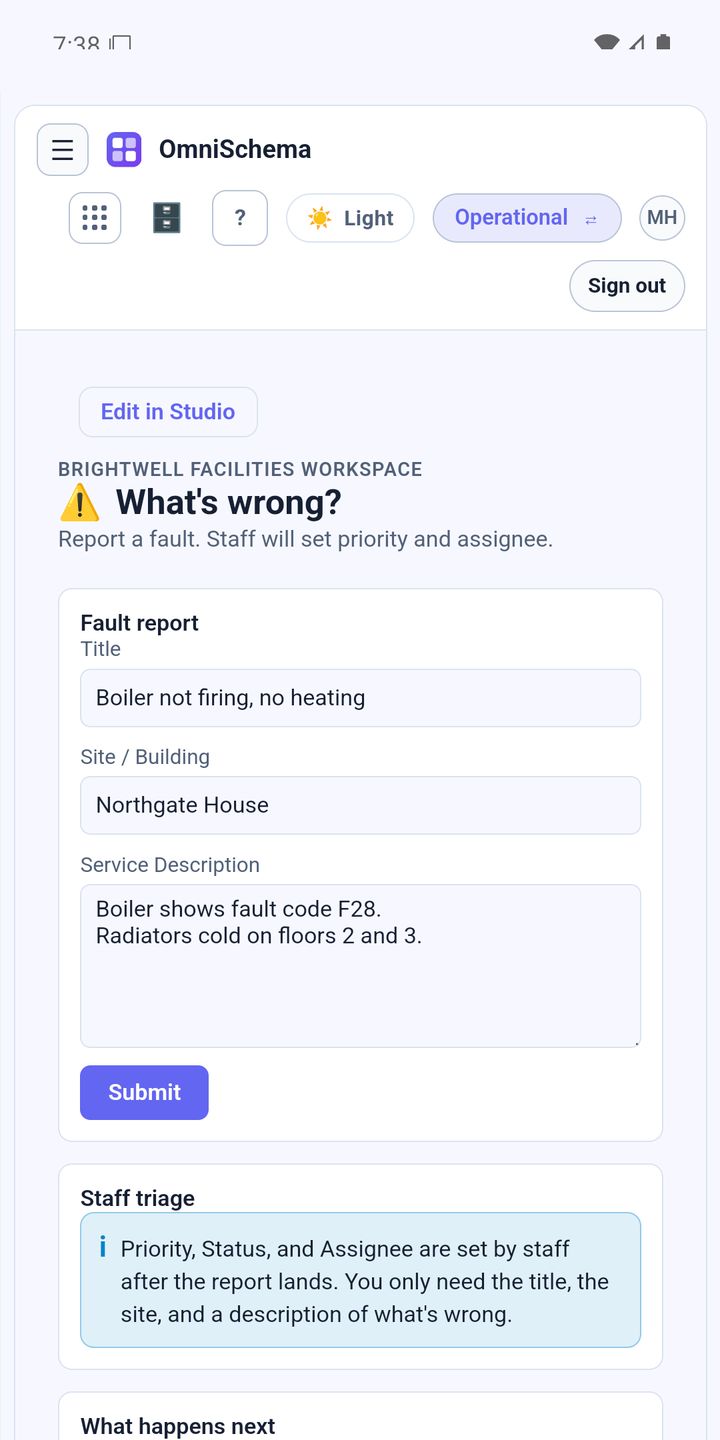
Make it easy to find
The form should work on any phone without downloading an app. Put the link on a poster in reception, in the tenant welcome pack and in email signatures. The easier it is to reach, the fewer reports arrive by other routes.
Submitted means recorded
The moment a fault is submitted it should become a real job, with the reporter and the time on it. No retyping by the office, no chance of it getting lost on a desk.
Tell people what happens next
A short confirmation, and ideally a note when the job is done, stops people chasing. Most repeat calls are just someone wondering whether their report was received.
OmniSchema's "What's wrong?" form asks exactly these questions and turns each submission straight into a work order, with the time and the reporter recorded automatically. The office sets the priority and assigns it, and the same job carries on through the safety check, start and close.