In a lot of small businesses, booking holiday means messaging the manager and hoping they remember. Sometimes they do. Sometimes the rota's already been written. Sometimes two people are off on the same day and nobody notices until Monday morning.
What goes wrong
- Requests are scattered across texts, emails and conversations in the car park.
- Approvals aren't written down anywhere.
- The rota doesn't reflect the leave that was agreed.
- Staff don't know how much holiday they've already taken.
A simple routine
Ask in one place
Every request goes in the same place, with the dates, the type of leave and a note if needed.
Only managers approve
Staff can make a request, but only someone with the authority to approve it can mark it approved or declined. A system where anyone can approve their own leave isn't really a system.
Show it on the rota
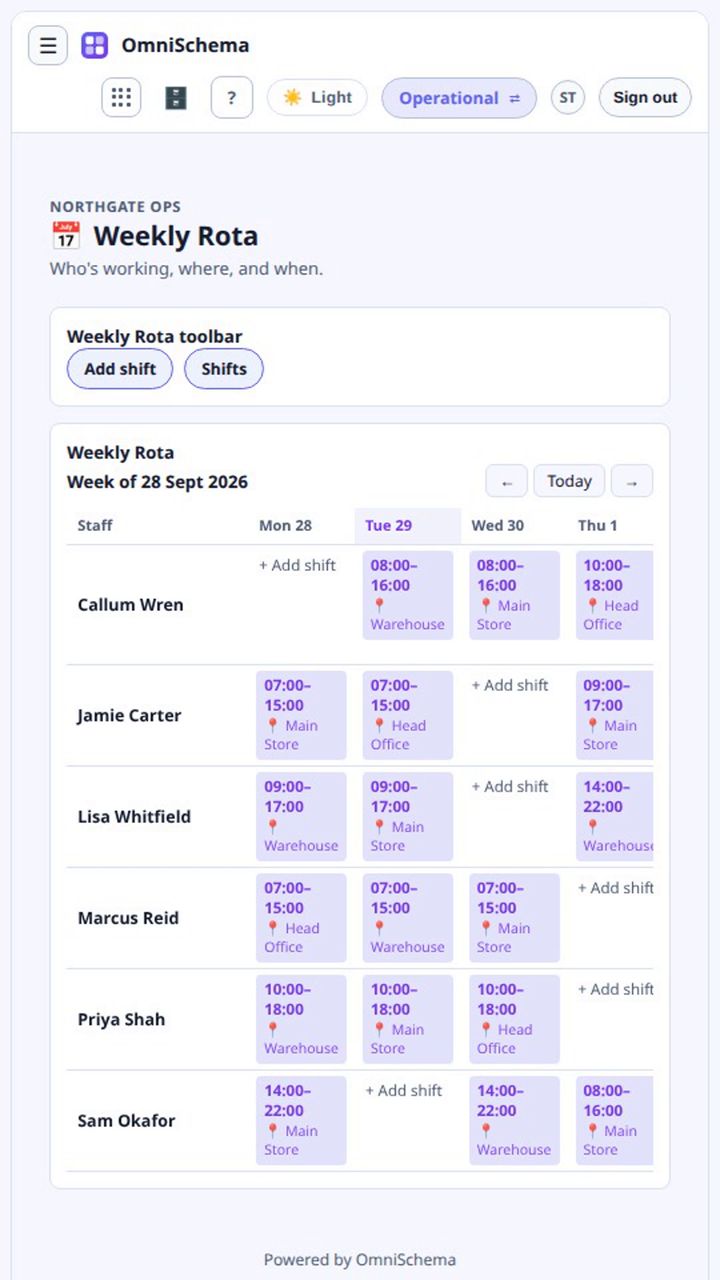
Approved leave should be visible when shifts are planned, so nobody gets booked while they're away.
Keep it private
Most staff don't need to see everyone else's leave. They need to see their own requests and whether they've been approved. Managers see the whole picture.
Holiday entitlement in brief
Most UK workers are entitled to 5.6 weeks of paid holiday a year, which is 28 days for someone working five days a week, and employers can include bank holidays within that. Part-time staff get a proportional amount. That's a summary rather than legal advice, and each contract has its own details.
OmniSchema's workforce scheduling includes a Leave list next to the Weekly Rota. Anyone can submit a request, but only a manager can set it to Approved or Declined, and that rule is enforced on the server rather than just hidden on the screen. Once staff logins are linked, each person can be set to see only their own requests.